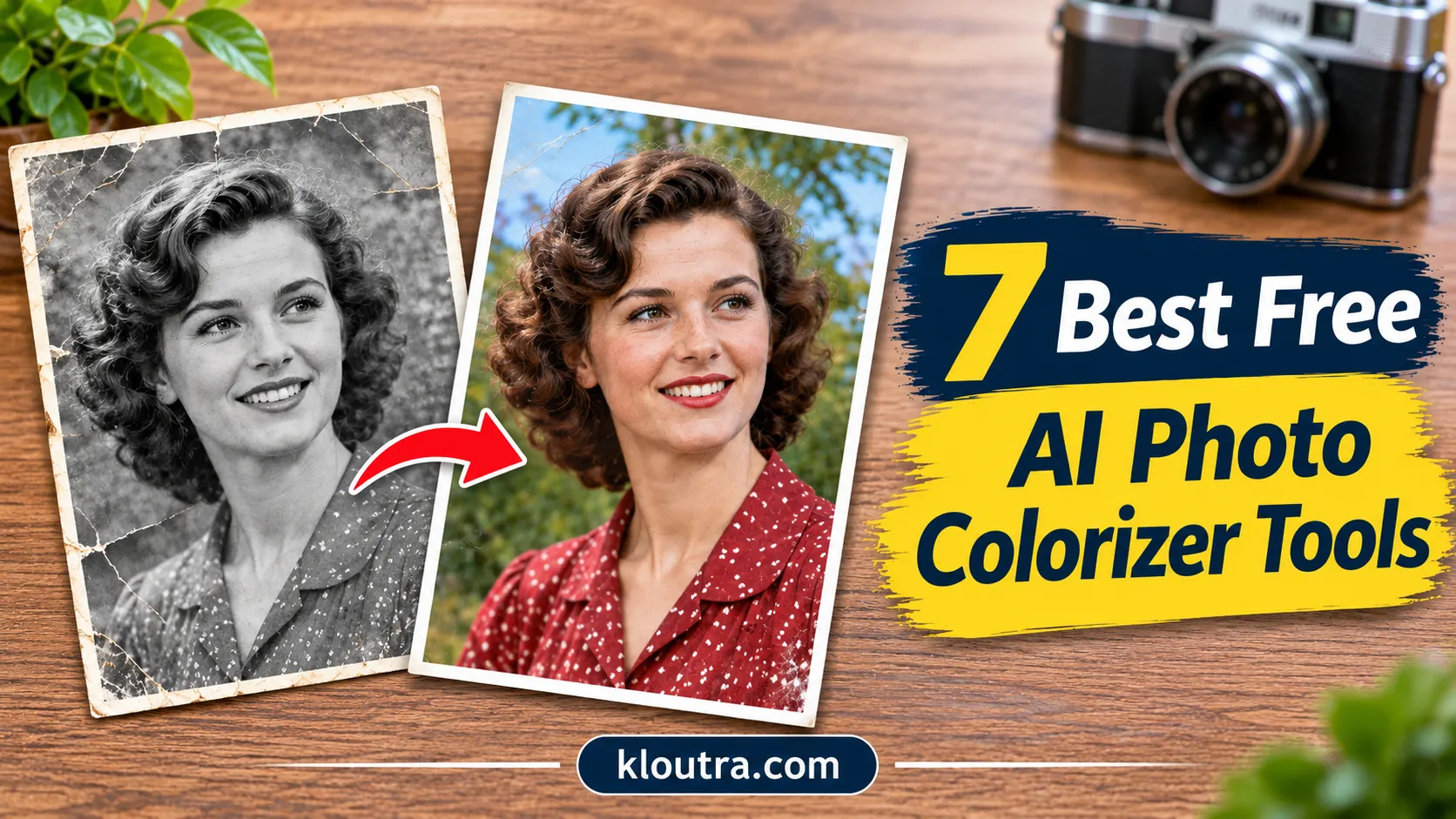
7 Best Free AI Photo Colorizer Tools to Colorize Old Photos
Most free colorizers either put a watermark on your photo or cap the download size, so the “free” part is not always what it looks like. This list covers seven tools and what each one actually gives you for free, so you can pick one before uploading anything.
1. MyHeritage In Color
MyHeritage In Color is a useful option for people who want to add color to old family photographs. It uses AI to analyze black-and-white images and create realistic-looking colors. The tool can colorize portraits and scanned photographs. It is particularly useful for people who want to see older family pictures in color.
Key Features:
- Automatically colorizes black-and-white photos.
- Offers additional photo enhancement features.
Free Access: MyHeritage offers limited free colorization. Non-subscribers may see a MyHeritage watermark on their results. Unlimited use requires a paid subscription.
Best For: People who want to colorize old family photographs without complicated editing software.
2. Palette.fm
Palette.fm is an AI photo colorizer designed to add color to black-and-white pictures. It offers different color styles, so users can compare several versions of the same image. One useful feature is its color customization option. You can use different filters and descriptions to adjust the appearance of the result. This gives you more control than a basic one-click colorizer.
Key Features:
- AI-powered black-and-white photo colorization.
- More than 21 color filters.
- Options to adjust color styles.
- Multiple color previews.
Free Access: The free plan offers unlimited previews with a watermark and a maximum preview size of 500 × 500 pixels. It also includes one free HD export credit.
Best For: Users who want to compare different color styles before choosing a final result.
3. Hotpot AI Photo Colorizer
Hotpot AI Photo Colorizer makes it easy to add color to old photographs. Users can upload an image and choose from different styles, including natural, cinematic and vintage looks. The tool can also process multiple pictures in one workflow. This can save time when you have several old photos to colorize.
Key Features:
- Automatic AI photo colorization.
- Different color styles.
- Batch photo processing.
- Optional custom color instructions.
Free Access: Hotpot gives a daily free limit for colorization. Once you hit it, you need credits to keep going. Check the exact limit on their site before you start, as it changes.
Best For: Users who want to colorize individual photos or several pictures in one session.
4. Fotor AI Photo Colorizer
Fotor offers an AI photo colorizer that can turn black-and-white pictures into colorful images. It can also help with faded photographs that have lost some of their original appearance. The tool automatically analyzes image details and lighting before applying colors. Users can upload common image formats, including JPG, PNG, HEIC and WebP.
Key Features:
- Automatic black-and-white photo colorization.
- Supports faded photographs.
- Standard and Advanced colorization modes.
- Supports several common image formats.
Free Access: Fotor provides free credits for new users. Once those credits run out, you may need a paid subscription or additional credits.
Best For: People who want to colorize old pictures using a simple AI tool.
5. ImageColorizer
ImageColorizer is an online tool for people who want to colorize and restore old photographs. It offers several AI features for improving the appearance of older pictures. Besides adding color, the platform includes tools for repairing scratches, improving blurry images and enhancing portrait details.
Key Features:
- AI-powered photo colorization.
- Old photo restoration.
- Scratch and damage repair.
- Image enhancement.
- Portrait retouching features.
Free Access: ImageColorizer offers free credits to try its tools. Some features and additional usage may require payment.
Best For: Users who want colorization and basic restoration features in one place.
6. DeepAI Colorizer
DeepAI offers an online image colorization tool based on AI technology. It is a simple option for users who want to experiment with adding color to black-and-white photographs. The DeOldify project also identifies DeepAI’s colorizer as an easy way to try its image colorization model. DeOldify is an open-source project designed to colorize and restore old images.
Key Features:
- AI-powered image colorization.
Free Access: DeepAI offers limited free usage, while additional use may require a paid plan.
Best For: People who want to try a straightforward AI colorization tool.
7. Picsart AI Photo Colorizer
Picsart offers AI-powered image editing features that can help users add color to black-and-white pictures. Its AI Playground allows users to upload an image, choose an available image model and describe the colors they want. For example, you can request natural-looking skin tones or a blue sky.
Key Features:
- AI-powered image editing.
- Text instructions for color changes.
- Online and mobile editing support.
Free Access: Colorization uses AI credits. The cost is shown before processing and some options require a subscription or additional credits.
Best For: Users who want more creative control over image editing.
Quick Comparison of the 7 AI Photo Colorizer Tools
| Tool | Best For | Free Access |
|---|---|---|
| MyHeritage | Family photographs | Limited free use |
| Palette.fm | Different color styles | Free previews and one HD credit |
| Hotpot AI | Quick colorization | Daily free limit |
| Fotor | Colorization | Free credits |
| ImageColorizer | Photo restoration | Free credits |
| DeepAI | Simple colorization | Limited free use |
| Picsart | Creative editing | Credit-based access |
Free plans and usage limits can change. Check each platform before uploading large collections of photographs.
How to Colorize Old Photos with AI
Most AI photo colorizer tools follow a similar process. You can use these simple steps to colorize an old photograph.
- Choose a photo: Find a black-and-white picture or a faded image you want to improve.
- Open an AI colorizer: Visit a tool such as MyHeritage, Palette.fm or Fotor.
- Upload your image: Select the photograph from your computer or phone.
- Start colorization: Use the colorize option to let the AI process your picture.
- Review the result: Check faces, clothing, backgrounds and other details.
- Download your image: Save the colorized version if your plan allows it.
Keep the original photograph unchanged. Save the colorized version as a separate file so you can compare both images later.
What to Consider Before Choosing a Free AI Photo Colorizer
Not every AI photo colorizer produces the same results. Before choosing a tool, consider a few important things.
Color Quality: Look for a tool that produces natural-looking colors. Check whether faces, clothing and backgrounds look balanced.
Free Usage Limits: Some platforms offer free credits, while others limit downloads or add watermarks. Check these details before spending time editing.
Image Resolution: A low-resolution result may look fine on a phone but less clear when printed. Check the download quality before choosing a tool.
Privacy: Old family photographs may contain personal information. Read the platform’s privacy policy and understand how uploaded images are stored and used.
Editing Features: Some tools only add color, while others offer scratch removal, image enhancement and restoration features.
Can AI Restore the Original Colors of Old Photos?
AI can make black-and-white photographs look colorful, but it cannot know the exact original colors. The technology studies image details, lighting, shapes and patterns to predict suitable colors. For example, it may add natural-looking skin tones, blue skies or green plants.
However, these colors are AI-generated estimates. A dark jacket could have been black, blue or another color. The software cannot confirm which color was actually present. If you are working with historically important photographs, compare the results with original documents or other reliable photographs whenever possible.
Final Thoughts
MyHeritage, Palette.fm, Hotpot and Fotor offer different ways to colorize old photographs. Each tool has its own free limits, features and results. If you only try one, start with Palette.fm, since it lets you preview several color styles for free before spending a credit. Run the same photo through two or three tools and keep whichever gets the faces right.
Disclaimer: This article is for informational purposes only. AI photo colorizers may produce different results depending on image quality and the tool used. The added colors are AI-generated estimates and may not match the original colors of the photograph. Free plans, features and usage limits may change over time. Always review each tool’s pricing and privacy policy before uploading personal photos.