AI Automation Agency Website Layout That Converts Clients
An AI automation agency website needs more than a modern design to turn visitors into clients. People visiting your website want to know what you automate, how your services help their business and why they should trust you. A clear website layout helps visitors understand your services and decide whether they want to work with you. Each section should guide them toward taking the next step, such as booking a call or requesting an automation audit.
In this guide, you will learn how to structure an AI automation agency website, which sections to include and how to make it easier for potential clients to contact your agency.
What Makes an AI Automation Agency Website Convert?
A converting website makes it easy for potential clients to understand your offer and take action. It does not rely only on attractive colors, animations or technical language.
Visitors usually want answers to a few basic questions:
- What services does this agency offer?
- Can it solve my business problem?
- Has it completed similar work?
- How does the process work?
- How can I contact the agency?
Your website should answer these questions in a logical order. Use clear headlines, short descriptions, real examples and visible calls to action. Instead of saying, “We use advanced AI technology to transform businesses,” explain what you actually do. For example, you might help businesses automate customer support, lead follow-ups, appointment scheduling or data entry.
1. Create a Clear Hero Section
The hero section is the first thing visitors see when they open your homepage. It should explain what your agency does, who it helps and what visitors can do next.
Your hero section should include:
- Clear headline: Explain the result your agency helps clients achieve.
- Short description: Mention your main services and the businesses you work with.
- Primary CTA: Use a clear button such as “Book a Free Consultation.”
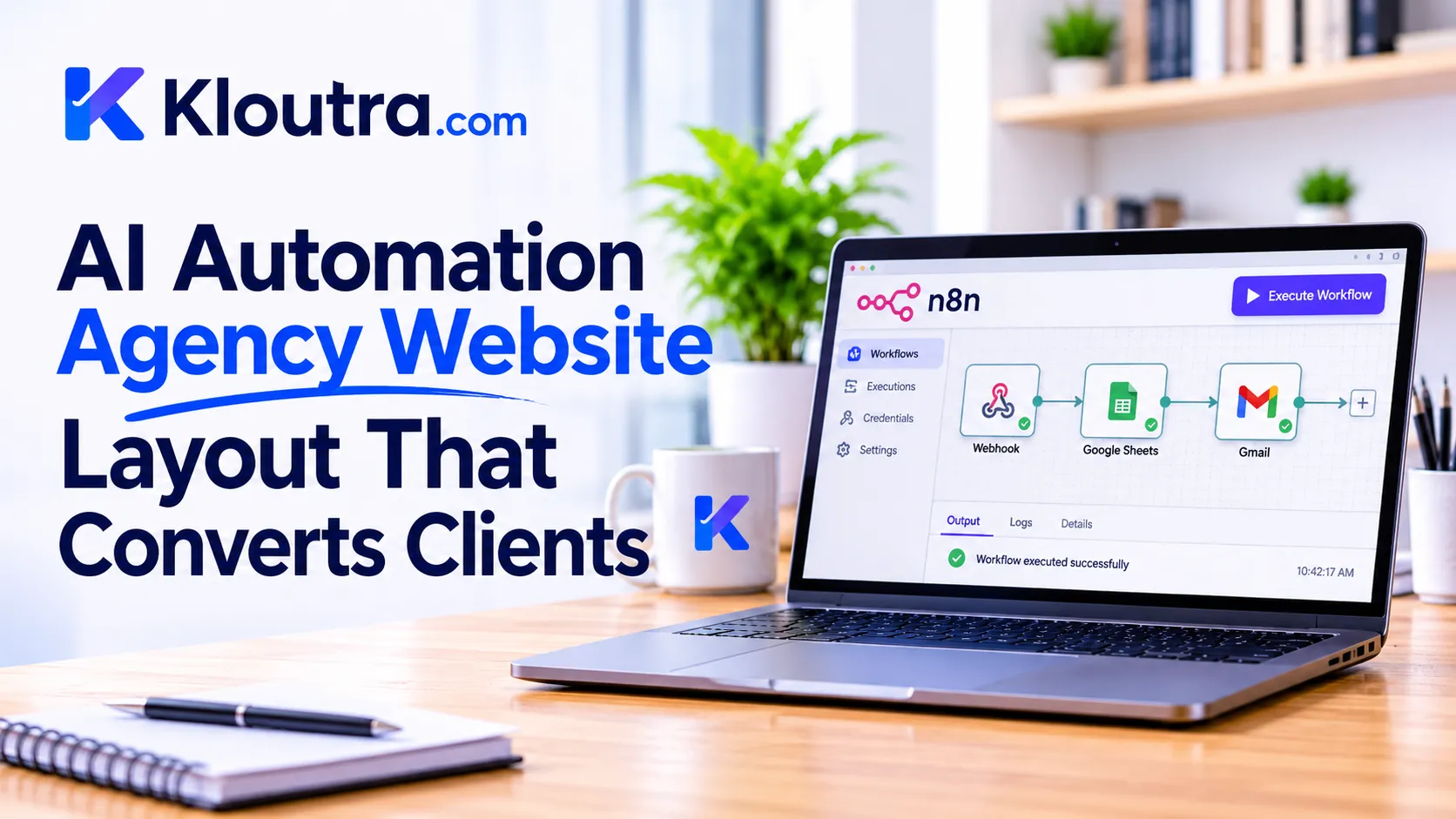
- Relevant visual: Show an automation workflow, dashboard or service-related image.
For example:
Reply to Every Lead in Under 5 Minutes, Automatically.
We build n8n and Make workflows that capture website enquiries, send instant follow-ups and update your CRM, so your team stops copying data by hand.
CTA: Book a Free Consultation
This headline gives visitors a clear idea of what the agency offers and how it can help their business.
2. Show Trust Signals Near the Top
Potential clients may be interested in AI automation but still unsure whether your agency can deliver. Showing relevant trust signals early can help reduce that concern.
You can include:
- Real client testimonials
- Client logos with permission
- Verified project results
- Industry experience
- Relevant certifications
- Real examples of completed work
If you have helped a client reduce manual work, improve response time or handle more leads, explain the result using accurate data. Do not invent testimonials, client logos or performance numbers. If your agency is new, show demo projects or sample workflows clearly labelled as demonstrations. This helps visitors understand your capabilities without misleading them.
3. Explain Your AI Automation Services
Your services section should help visitors quickly find the solution they need. Avoid listing every AI tool or technology you use without explaining how it helps a business. You can organize your services into a few clear categories.
AI Customer Support Automation
Explain how automated support systems can help answer common customer questions organize requests and route complex issues to human agents.
AI Lead Generation and Follow-Up
Describe how automated workflows can capture leads organize contact information, send follow-up messages and notify sales teams.
Business Workflow Automation
Show how businesses can automate repetitive tasks such as document processing, reporting, data transfer and internal notifications.
CRM and System Integration
Explain how you connect different business systems so information can move between tools without unnecessary manual work. You can mention tools such as n8n, Make, Zapier or AI APIs to show which technologies your agency uses.
4. Add Real Case Studies and Project Examples
Case studies help visitors understand what your agency can build and how your work solves real business problems. A service description tells people what you offer, but a project example shows how that service works in practice.
Each case study should include:
- Client problem: Explain the task or workflow that needed improvement.
- Your solution: Describe the automation you built.
- Implementation: Explain how the workflow works.
- Result: Show the measured outcome, if available.
For example: You can show how an automated lead management workflow captures website enquiries, sends notifications and updates a CRM.
Demo Project: Lead Follow-Up for a Dental Clinic
This is a demo built on a realistic scenario, not a real client result. A dental clinic receives appointment enquiries through its website form, but the front desk only checks them twice a day. This can delay replies and make potential patients wait for confirmation. In this demo, each form submission triggers a workflow in n8n. The workflow sends the patient a confirmation email, alerts the front desk through Slack and adds the enquiry to a Google Sheet that works as a simple CRM. The clinic can then review new enquiries and follow up without manually copying information between different tools.
Testing result: [Add your own test result here, for example: “In testing, the first reply went out within one minute of submission.”]
Clearly label demo projects and only publish results after testing the workflow yourself.
5. Explain Your Process in Simple Steps
Clients want to know what happens after they contact your agency. A simple process section can reduce uncertainty and make your services easier to understand.
You can explain your process in four steps.
Step 1: Understand the Business
Review the client’s current workflow, identify repetitive tasks and understand the main problem.
Step 2: Plan the Automation
Choose a suitable solution, tools, integrations and workflow based on the client’s needs.
Step 3: Build and Test
Develop the automation, test it with realistic scenarios and fix issues before deployment.
Step 4: Launch and Support
Deploy the workflow, explain how it works and provide support or maintenance based on the agreed service.
6. Make Your Pricing or Project Scope Clear
Pricing is one of the questions potential clients may have before contacting an AI automation agency. You do not have to publish a complete price list, especially when every project requires different integrations and development work.
You can use these example price ranges as a starting point and adjust them to match your actual services and rates.
- Simple automations: $300–$800. These can include form-to-CRM connections and lead notifications.
- Multi-step workflows: $1,000–$3,000. These can include several integrations and more complex workflow rules.
- Ongoing support and maintenance: From $100 per month. This can include workflow monitoring, updates and fixing automation issues.
These are example prices, not fixed market rates. Your actual prices should depend on the work involved.
Every project can start with a short audit to understand the client’s needs. After reviewing the requirements, provide a clear quote before starting the work. If you do not want to display prices, explain what affects the project cost. This gives potential clients a better idea of what to expect.
7. Use One Main Call to Action
A call to action (CTA) tells visitors what to do next. If your website has too many different buttons, visitors may struggle to decide which one to click.
Choose one main action for your homepage, such as:
- Book a Free Consultation
- Request an Automation Audit
- Discuss Your Project
Repeat the same primary CTA in the hero, after your services, near your case studies and at the bottom of the page. You can also add a secondary CTA, such as “View Our Work,” when it helps visitors explore your projects before contacting you. Make sure the CTA leads to a working booking page, contact form or scheduling tool. A button that does not work can cost you a potential enquiry.
8. Design a Simple Contact Form
Your contact form should be easy to complete. A long form can discourage visitors who want to ask a simple question or discuss a project.
Ask for only the information you need to start the conversation:
- Name
- Business email
- Company name
- What they want to automate
You can add an optional message field for visitors who want to explain their requirements. Use clear labels and tell visitors what happens after they submit the form. For example, explain that your agency will review their request and contact them to discuss the project. Keep the form mobile-friendly, test the submission process and make sure the confirmation message appears after a successful submission.
9. Make the Website Mobile-Friendly
Many potential clients browse service websites from their phones. If your website is difficult to read or navigate on mobile, they may leave before learning about your services.
Focus on these mobile design elements:
- Use readable text sizes.
- Keep buttons easy to tap.
- Avoid horizontal scrolling.
- Make contact forms simple.
- Use images that fit smaller screens.
- Keep navigation clear and easy to access.
Check your homepage, service pages, case studies and contact form on different screen sizes.
10. Add SEO and Website Performance Basics
A well-designed website should also be easy for search engines to understand and for visitors to use. SEO and performance improvements can help your agency attract organic traffic and create a better experience.
Focus on these basics:
- Page titles: Write descriptive titles for your homepage and service pages.
- Heading structure: Use one clear H1 and organize the content with relevant H2 and H3 headings.
- Relevant keywords: Use terms related to your services naturally, without repeating them unnecessarily.
- Image optimization: Compress images and use descriptive alt text where appropriate.
- Page speed: Avoid heavy animations, unnecessary scripts and oversized images.
- Internal links: Link to relevant service pages, case studies and helpful articles.
- Analytics: Track website visits, form submissions and booking actions.
Use tools such as Google Search Console and Google Analytics to monitor search visibility and website activity. You can also use PageSpeed Insights to identify performance issues.
11. Add a Helpful FAQ Section
An FAQ section can answer common questions before visitors contact you. It also helps people understand how your agency works.
What should an AI automation agency website include?
It should include a clear homepage, service descriptions, project examples, a simple process, trust signals and an easy way to contact the agency. Pricing and FAQs can also help visitors make decisions.
Should I display pricing on my AI automation agency website?
Displaying pricing can help visitors understand your budget range. You can show fixed packages, starting prices or explain that pricing depends on the project scope.
How long does an automation project take?
Simple workflows usually take a few days to a week. Larger projects with multiple integrations can take several weeks, mainly because they need more development and testing.
How do I know which task to automate first?
Start with a task that happens often, takes time and follows clear steps. Examples include lead follow-ups, data entry and appointment notifications. Tasks that need a lot of human judgment are usually better to automate later.
Conclusion
A converting AI automation website is mostly about clarity: a specific offer, one useful project example and an easy way to get in touch. Start with the hero section and one case study, publish them and then add the remaining sections as you get real enquiries. Focus on showing how your automation services solve business problems instead of making broad promises about AI.
Disclaimer: This article is for informational purposes only. AI automation tools, pricing and results may vary depending on your business needs and project requirements. The examples shared in this article are for educational purposes and should not be treated as guaranteed results. Always test automation workflows before using them in your business.