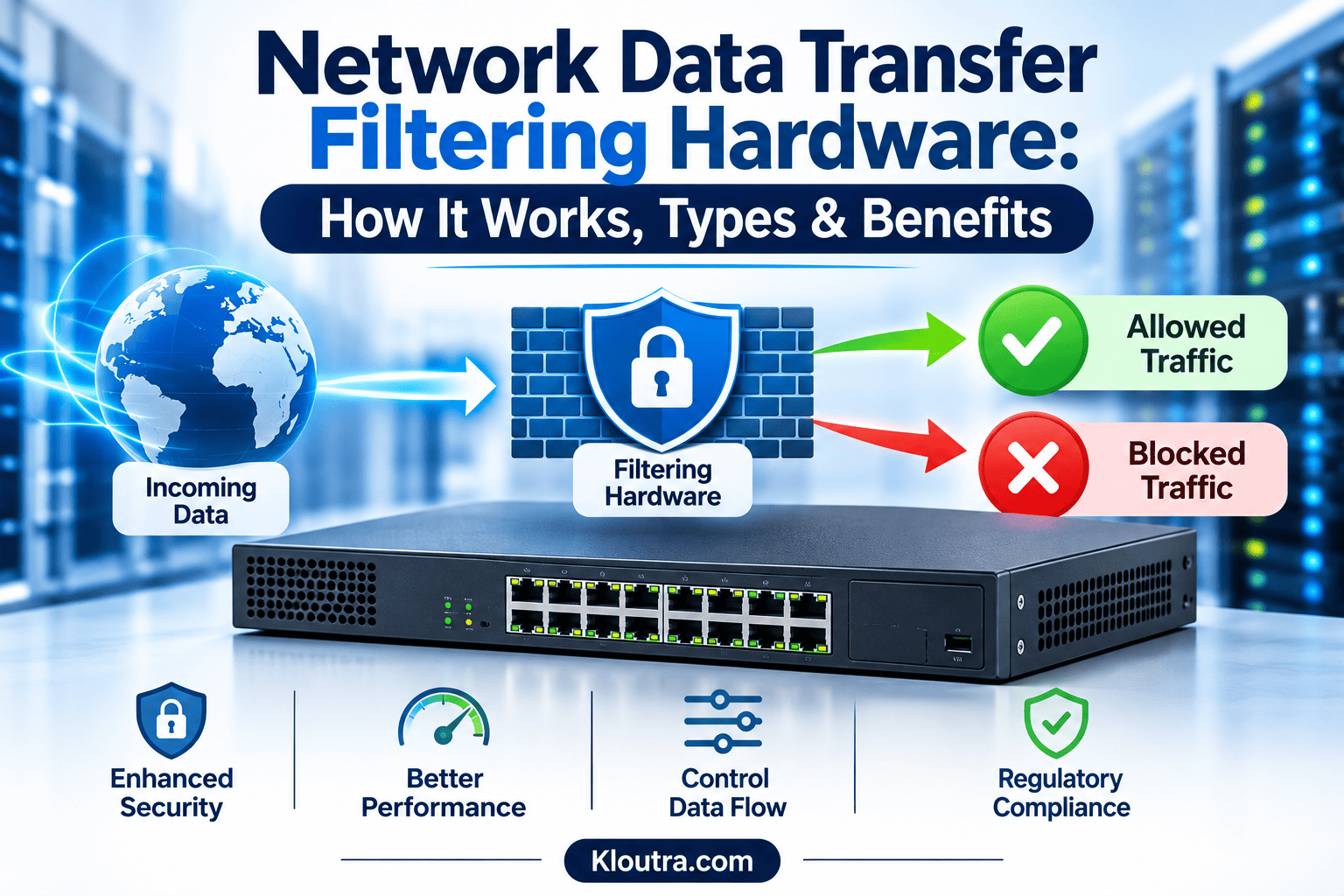
Network Data Transfer Filtering Hardware: How It Works, Types & Benefits
Introduction
Network security is important for businesses that handle data every day. They need to control how information moves across their networks. Network Data Transfer Filtering Hardware helps manage this process. It checks network traffic and blocks unwanted or unauthorized connections.
Businesses use different devices to filter and monitor network traffic. These include hardware firewalls, network filtering appliances, and secure web gateways. Each device offers different features and levels of protection.
This guide explains Network Data Transfer Filtering Hardware, how it works, and its main types. It also covers its key features, benefits, limitations, and selection factors. You will also learn how hardware filtering compares with software filtering.
What Is Network Data Transfer Filtering Hardware?
Network Data Transfer Filtering Hardware refers to physical devices that control network traffic. These devices check data moving through a network. They decide which data can pass and which must stop.
A hardware firewall is a common example of this technology. It checks incoming and outgoing traffic using security rules. These rules help block unauthorized connections and unwanted traffic.
Businesses use these devices to protect their networks and data. They can also control access between different network areas. This helps reduce security risks and unwanted network activity.
How Does Network Data Transfer Filtering Hardware Work?
Network Data Transfer Filtering Hardware checks data as it moves across a network. It follows security rules set by network administrators. The device then allows or blocks traffic based on those rules.
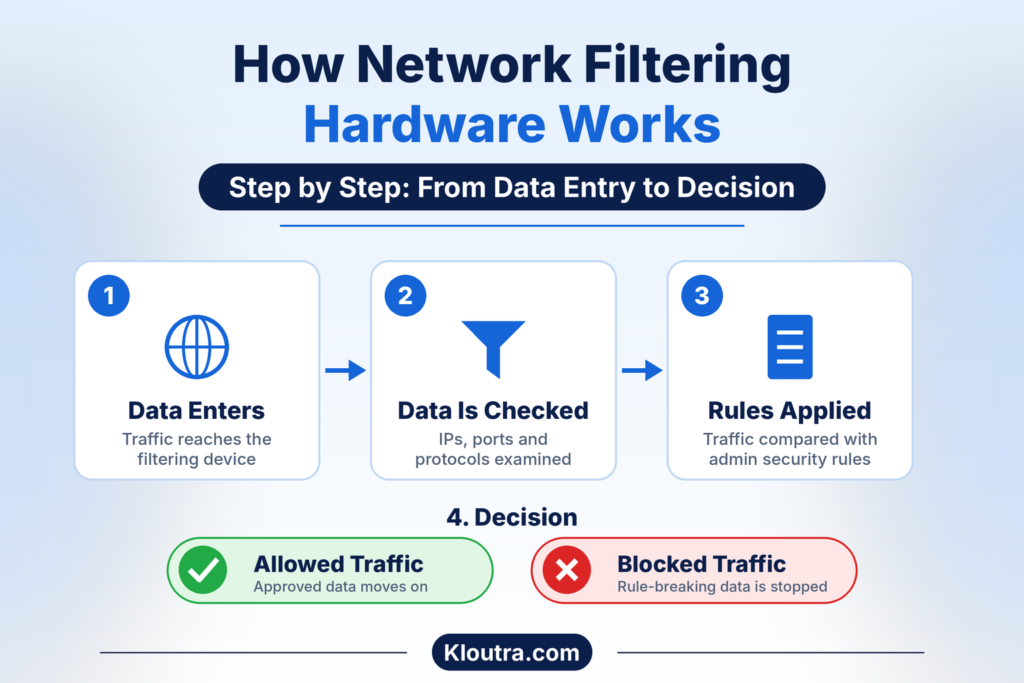
Here is how the process works:
- Data enters the device: Network traffic passes through the filtering hardware.
- The device checks the data: It examines details like IP addresses, ports, and protocols.
- Security rules are applied: The device compares traffic against its configured rules.
- Allowed traffic passes: Approved data continues toward its intended destination.
- Blocked traffic stops: The device rejects traffic that breaks its security rules.
Some advanced devices also inspect packet contents and track network connections. This helps them detect certain threats and suspicious activity. Their exact features depend on the device and its configuration. This process helps businesses control network access and protect important data.
Main Types of Network Data Transfer Filtering Hardware
Different devices filter network traffic in different ways. Each type protects data and controls access. Here are four common types used in network security.
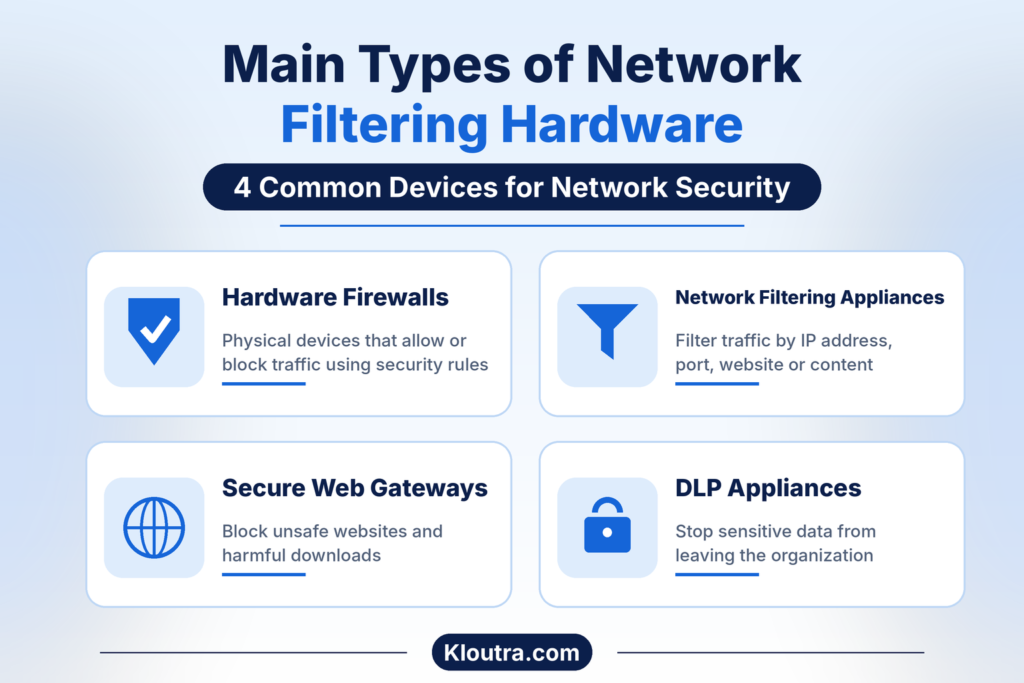
Hardware Firewalls
Hardware firewalls are physical devices that protect computer networks. They monitor incoming and outgoing network traffic. They follow security rules to allow or block data.
These devices help prevent unauthorized access to private networks. Many also support features like intrusion prevention and traffic monitoring. Businesses use them to protect multiple connected devices.
Network Filtering Appliances
Network filtering appliances control which traffic can pass through networks. They check network activity against rules set by administrators. These rules help block unwanted or unauthorized traffic.
Some appliances filter traffic based on IP addresses and ports. Others also inspect websites, applications, or data contents. Their features depend on the appliance and its purpose.
Businesses use these devices to manage network access. They also help reduce unwanted traffic and security risks.
Secure Web Gateways
Secure Web Gateways (SWGs) protect users from web-based threats. They check web traffic against company security policies. They can block access to unsafe websites and harmful downloads.
These gateways also help control employee internet access. Some inspect web traffic for malware and other threats. This helps protect users when they browse online.
Data Loss Prevention (DLP) Appliances
Data Loss Prevention (DLP) appliances help protect sensitive business information. They monitor data to identify possible security risks. They can detect information that should not leave the organization.
For example, they may identify exposed customer records or financial details. Administrators can set rules for handling sensitive information. These rules can block transfers or trigger alerts.
Businesses use DLP solutions to reduce accidental data leaks. They also help protect confidential files and customer information.
Key Features of Network Data Transfer Filtering Hardware
Network filtering hardware offers different features for managing network traffic. These features help businesses control access and protect information.
The following table explains some common features and their uses.
| Key Feature | Purpose | Example |
|---|---|---|
| Traffic Filtering | Controls which network traffic can pass | Blocking unwanted connections |
| Access Control | Limits access to network resources | Allowing approved IP addresses |
| Packet Inspection | Checks network packets for specific details | Checking ports and protocols |
| Threat Detection | Identifies certain harmful network activity | Detecting suspicious traffic |
| Web Filtering | Controls access to websites | Blocking unsafe websites |
| Data Loss Prevention | Helps prevent sensitive data leaks | Blocking unauthorized file transfers |
| Traffic Monitoring | Tracks network activity | Monitoring incoming and outgoing traffic |
Not every device includes all these features. Available features depend on the device and its security software.
Benefits of Using Network Data Transfer Filtering Hardware
Network filtering hardware helps businesses manage and protect their networks. It offers several useful benefits.
- Better Network Security: It blocks traffic that violates configured security rules. This helps reduce unauthorized access and certain network threats.
- Data Protection: Some devices help prevent sensitive information from leaving the network. This reduces the risk of accidental data leaks.
- Access Control: Businesses can decide who accesses specific network resources. This helps keep private information more secure.
- Traffic Management: These devices help control incoming and outgoing network traffic. This makes network management easier.
- Website Protection: Some devices block access to unsafe websites. This helps protect users from certain online threats.
- Centralized Monitoring: Administrators can monitor network activity from one place. This helps them identify unusual traffic patterns.
- Better Business Control: Companies can apply consistent security rules across their networks. This helps manage access and reduce security risks.
The actual benefits depend on device features and proper configuration.
How to Choose the Right Network Filtering Hardware
Choosing the right hardware depends on your network requirements. Businesses should compare different options before making a decision.
Here are some important factors to consider:
| Selection Factor | What to Check |
|---|---|
| Network Size | Choose hardware that supports your connected devices and users. |
| Security Needs | Check firewall, threat detection, and filtering features. |
| Performance | Look at throughput and performance during security inspection. |
| Scalability | Choose a device that supports future network growth. |
| Budget | Compare purchase costs, subscriptions, and maintenance expenses. |
| Management | Check whether the device offers simple monitoring and configuration. |
| Compatibility | Make sure it works with your existing network equipment. |
Businesses should also consider their daily network traffic. A device must handle expected traffic without creating unnecessary delays. Small businesses may need fewer features than larger organizations. Large networks may require advanced security and higher processing capacity. Always check the manufacturer’s specifications before purchasing hardware. This helps ensure the device meets your actual requirements.
Common Challenges and Limitations
Network filtering hardware offers useful protection, but it has some limitations. Businesses should understand these challenges before installing new devices.
- High Costs: Some devices require significant upfront investment. Subscriptions and maintenance can increase total costs.
- Complex Setup: Advanced devices may require experienced network administrators. Incorrect settings can create security gaps.
- Network Delays: Deep packet inspection can increase processing time. Poorly sized hardware may also slow network traffic.
- False Alerts: Some devices may flag safe traffic as suspicious. Administrators must review these alerts carefully.
- Encrypted Traffic: Some filtering features cannot inspect encrypted content directly. Inspection may require approved decryption and additional configuration.
- Regular Maintenance: Devices need firmware updates and security rule reviews. Ignoring updates can leave known weaknesses unaddressed.
- Limited Capacity: Older hardware may struggle with growing traffic levels. Businesses may eventually need more powerful equipment.
Proper planning and regular maintenance can reduce many of these problems.
Network Data Transfer Filtering Hardware vs. Software Filtering
Network filtering can use physical devices or software-based solutions. Both methods help control traffic and improve security. However, they work in different ways. The following table explains their main differences.
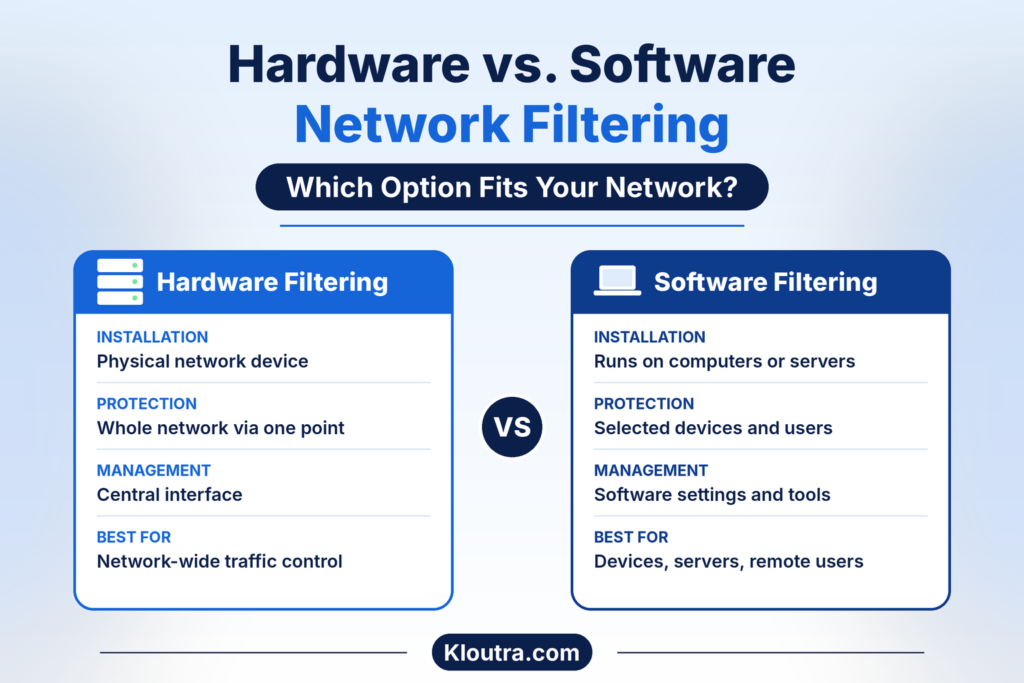
| Comparison Factor | Hardware Filtering | Software Filtering |
|---|---|---|
| Installation | Uses a physical network device | Uses software on computers, servers, or virtual systems |
| Protection | Can protect multiple devices through network connections | Can protect selected devices or network environments |
| Performance | Depends on dedicated hardware capacity | Depends on available system resources |
| Management | Often managed through a central interface | Managed through software settings or management tools |
| Flexibility | Requires physical equipment changes for upgrades | Often easier to update or change |
| Cost | Includes hardware and possible subscription costs | Depends on software licensing and service costs |
| Best For | Network-wide traffic control | Individual devices, servers, and virtual networks |
Which Option Should You Choose?
Hardware filtering works well for businesses needing centralized network protection. It can control traffic entering and leaving a network. Software filtering offers more flexibility across different devices. It can also protect remote users and individual computers.
Some businesses use both methods together. This approach provides network-level and device-level protection. The best choice depends on your security needs and network setup.
Frequently Asked Questions
What Is the Main Purpose of Network Data Transfer Filtering Hardware?
Its main purpose is to control network traffic and protect connected systems. It allows approved traffic and blocks traffic that breaks security rules.
Does Network Filtering Hardware Improve Network Security?
Yes, network filtering hardware can improve network security. It helps block unauthorized connections and certain harmful traffic. Its protection depends on proper setup and regular updates.
Is Hardware Filtering Better Than Software Filtering?
Neither option is always better. Hardware filtering can protect an entire network, while software filtering protects selected devices. Businesses can use both for wider protection.
Which Businesses Need Network Filtering Hardware?
Businesses handling sensitive data often benefit from network filtering hardware. Banks, hospitals, offices, and online businesses may use it. The right solution depends on network size and security needs.
Conclusion
Network Data Transfer Filtering Hardware helps businesses control their network traffic. It allows approved connections and blocks unwanted or unauthorized traffic.
Different devices offer features like firewalls, web filtering, and data protection. Each device serves different network security needs. Explore more technology and security guides on Kloutra.
Businesses should consider their network size, budget, and security requirements. Choosing suitable hardware helps protect data and manage network access.
Disclaimer: This article is for informational purposes only. Network filtering hardware features and performance may vary by device and manufacturer. Always check product specifications and consult a qualified IT professional before choosing a solution for your network.