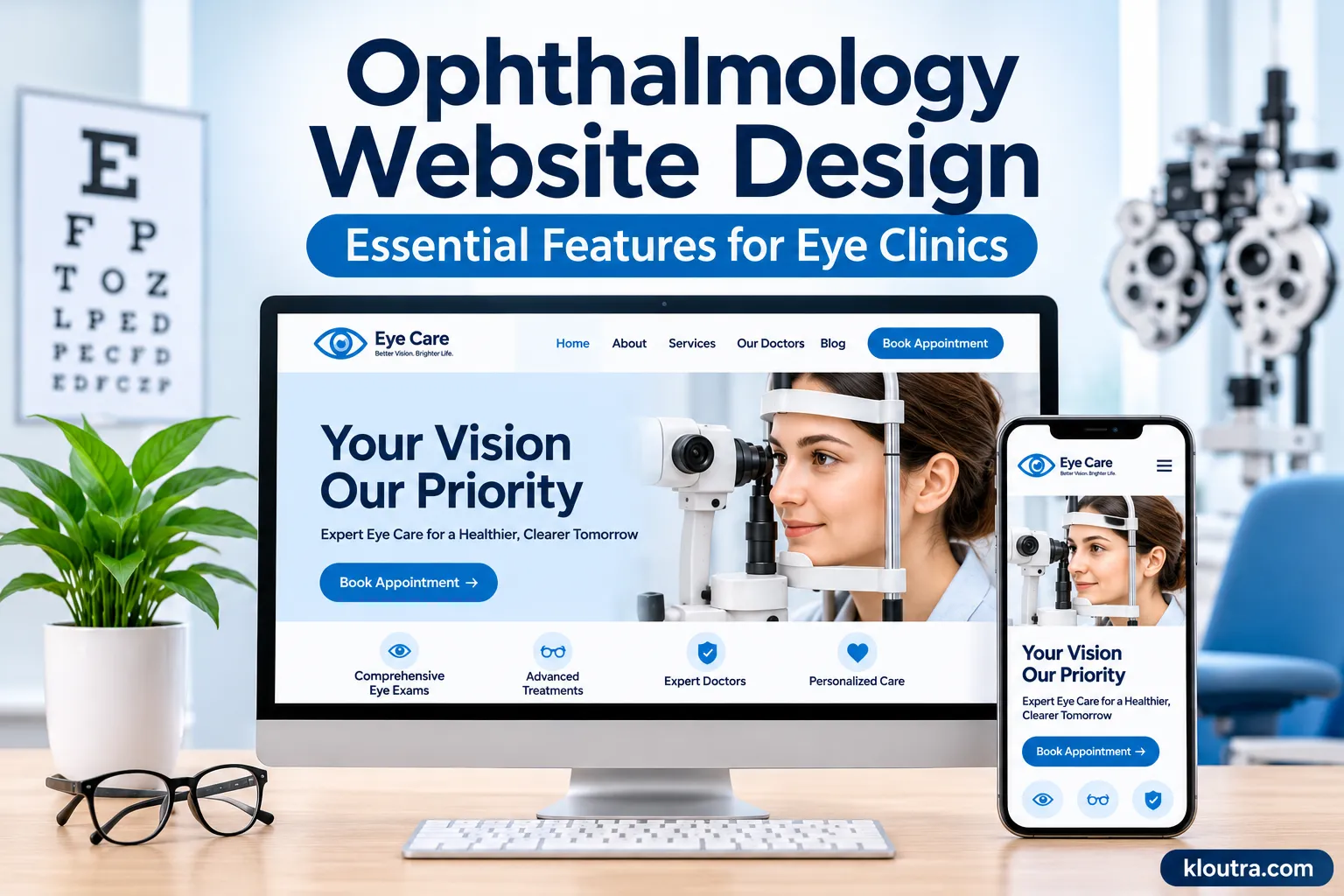
Ophthalmology Website Design: Essential Features for Eye Clinics
1. A Clear and Professional Homepage
The homepage creates the first impression of an eye care practice. Visitors should understand what the clinic offers without searching through several pages. Start with a clear headline that explains the practices services. Add a short introduction, a professional clinic image and an easy way to contact the office.
- Clinic name and main location.
- A short introduction to the practice.
- Main eye care services.
- A visible appointment button.
- Phone number and office hours.
- Links to doctor profiles and patient resources.
2. Mobile-Friendly Website Design
Many patients search for eye doctors using smartphones. They may check clinic hours, compare services or request appointments while away from home. A mobile-friendly website adjusts its layout to different screen sizes. Text remains readable, images fit the screen, and buttons are easy to tap.
Focus on these mobile design features:
- Responsive layouts for phones and tablets.
- Readable font sizes without unnecessary zooming.
- Simple navigation menus.
- Buttons with enough space between them.
3. Easy Online Appointment Scheduling
Appointment scheduling is one of the most useful features of an ophthalmology website. Patients should not have to search through several pages to find out how to book a visit. Add a visible Book an Appointment or Request an Appointment button to the homepage. Keep the same option available on important service and doctor pages.
A good scheduling system should offer:
- Available appointment dates and times.
- Clear appointment instructions.
- New and returning patient options.
- Confirmation after a booking request.
- Simple access to rescheduling or cancellation instructions.
For example:
A patient interested in a routine eye examination should be able to find the scheduling option directly from the eye exam service page.
4. Dedicated Pages for Eye Care Services
A single services page rarely gives patients enough information about every treatment. Separate service pages help visitors understand what a clinic offers.
- Cataract evaluation and surgery.
- LASIK and other refractive procedures.
- Glaucoma diagnosis and management.
- Diabetic eye examinations.
- Retina care.
- Dry eye treatment.
- Pediatric eye care.
Each page should explain the service in simple language. Include who may need it, what patients can generally expect, and how to schedule an evaluation.
For example:
A cataract surgery page can explain common symptoms, the evaluation process, and what patients should discuss with their ophthalmologist. Avoid making promises about treatment results.
5. Doctor Profiles and Professional Credentials
Patients often want to know who will provide their eye care before booking an appointment. Doctor profiles help them learn about the medical team and its experience. Create a separate profile for each ophthalmologist and other relevant eye care professionals.
Include details such as:
- Doctor’s full name and professional photo.
- Medical education and qualifications.
- Board certification, where applicable.
- Areas of specialization.
- Professional experience.
- Languages spoken.
- Clinic locations and appointment options.
For example:
A patient looking for a glaucoma specialist should be able to identify which doctor provides that service. Use real professional photographs instead of generic stock images whenever possible.
6. Accessible Design for Patients With Vision Problems
Accessibility deserves special attention on an ophthalmology website. Some visitors may have low vision, color blindness or difficulty reading small text. A website should make information easy to access for people with different visual and physical abilities.
Follow these practical design guidelines:
- Use readable fonts and comfortable text sizes.
- Maintain strong contrast between text and backgrounds.
- Add descriptive alt text to meaningful images.
- Make menus and buttons keyboard accessible.
- Use clear labels for forms and navigation.
- Avoid placing important information inside images.
For example:
Dark text on a light background is generally easier to read than pale gray text on white. Users should also be able to increase text size without losing access to important content. Use WCAG 2.1 Level AA as a practical accessibility target. The ADA also provides guidance on making business websites accessible to people with disabilities.
7. Secure Patient Forms and Privacy Features
Healthcare websites may collect sensitive patient information. Therefore, privacy and security should be part of the design from the beginning. A basic contact form can collect general inquiries. However, forms that request medical history, symptoms, or other protected health information need appropriate safeguards.
Important features include:
- HTTPS encryption across the website.
- Secure patient information submission.
- Appropriate access controls.
- Trusted appointment and patient portal integrations.
- Clear privacy notices.
- Regular software and security updates.
For example:
A patient may want to request a consultation for cataract evaluation. The website should direct them to an appropriate secure scheduling process rather than an ordinary email form that collects detailed medical information.
Also review third-party analytics and advertising tools. Avoid sending protected health information to platforms that are not authorized to receive it. HIPAA compliance depends on how the website, vendors, and patient information systems operate together.
8. Patient Resources and Educational Content
Patients often have questions before visiting an eye care clinic. A dedicated resource section can answer common questions and help visitors prepare for appointments.
Useful resources include:
- New patient instructions.
- Eye examination preparation.
- Cataract surgery information.
- LASIK consultation details.
- Contact lens care instructions.
- Frequently asked questions.
- Post-appointment care instructions.
Medical content should use simple language and receive review from qualified professionals. Include a review date when appropriate, especially for information about treatments and procedures.
9. Clear Insurance, Location, and Contact Information
Patients should not have to call a clinic just to find its address, office hours, or basic insurance information. Place important contact details in easy-to-find locations. A website header or footer works well for essential information.
Include:
- Complete clinic address.
- Main phone number.
- Office hours.
- Directions and parking details.
- Accepted insurance plans.
- Payment and financing information, if offered.
Insurance information also needs regular updates. Encourage patients to contact the office to confirm their specific coverage before scheduling treatment.
10. Fast Loading Speed and Reliable Performance
A slow website can frustrate visitors and make important information harder to access.
Focus on these performance improvements:
- Compress large images without reducing useful quality.
- Use reliable website hosting.
- Remove unnecessary plugins and scripts.
- Enable browser caching.
- Use modern image formats such as WebP.
- Limit heavy animations and autoplay videos.
- Keep the website software updated.
Google’s Core Web Vitals provide useful performance targets:
| Metric | Recommended target |
|---|---|
| Largest Contentful Paint (LCP) | 2.5 seconds or less |
| Interaction to Next Paint (INP) | 200 milliseconds or less |
| Cumulative Layout Shift (CLS) | 0.1 or less |
These targets help website owners measure loading speed, responsiveness, and visual stability.
For example:
A clinic homepage with several large treatment images can become slow. Compressing those images and removing unnecessary scripts can improve loading performance.
11. SEO-Friendly Website Structure
A well-designed ophthalmology website should also help patients discover the practice through Google Search. Search engine optimization makes important service and location pages easier to understand and find.
Focus on these basic SEO practices:
- Use descriptive page titles and headings.
- Create separate pages for major eye care services.
- Include accurate clinic location information.
- Write helpful content around patient questions.
- Add descriptive image alt text.
- Use internal links between related pages.
- Keep business contact information consistent.
- Add relevant structured data where appropriate.
For example, an ophthalmology clinic in Dallas can create a dedicated page about cataract services in its Dallas location. The page should provide useful information rather than simply repeating the city and service keywords.
Local SEO also matters for practices serving specific communities. Keep the clinic’s Google Business Profile accurate and consistent with its website details. Avoid creating multiple pages with nearly identical content just to target nearby cities. Each location page should offer genuinely useful local information.
Final Thoughts
Ophthalmology website design should focus on patient needs, clear information, and easy navigation. A professional appearance matters, but useful features make the website more effective. A well-planned website makes it easier for patients to explore eye care services and contact the right practice.
Frequently Asked Questions
What should an ophthalmology website include?
An ophthalmology website should include doctor profiles, eye care service pages, online appointment scheduling, contact information, patient resources, and insurance details. Mobile-friendly design and accessibility are also important.
How can an eye clinic website attract more patients?
An eye clinic can improve its website with local SEO, helpful service pages, clear appointment options, professional doctor profiles, and accurate business information. A fast and mobile-friendly experience also helps visitors take the next step.
Does an ophthalmology website need HIPAA compliance?
A website that handles protected health information must follow applicable HIPAA privacy and security requirements. Clinics should review their forms, scheduling tools, patient portals, and third-party services carefully.
How often should an ophthalmology website be updated?
Review the website regularly, ideally every few months. Update doctor information, office hours, insurance details, service pages, security software, and outdated medical content whenever necessary.
Disclaimer: This article is for informational purposes only. It does not provide medical, legal, or professional advice. Healthcare practices should consult qualified professionals regarding medical content, HIPAA compliance, and website accessibility requirements.