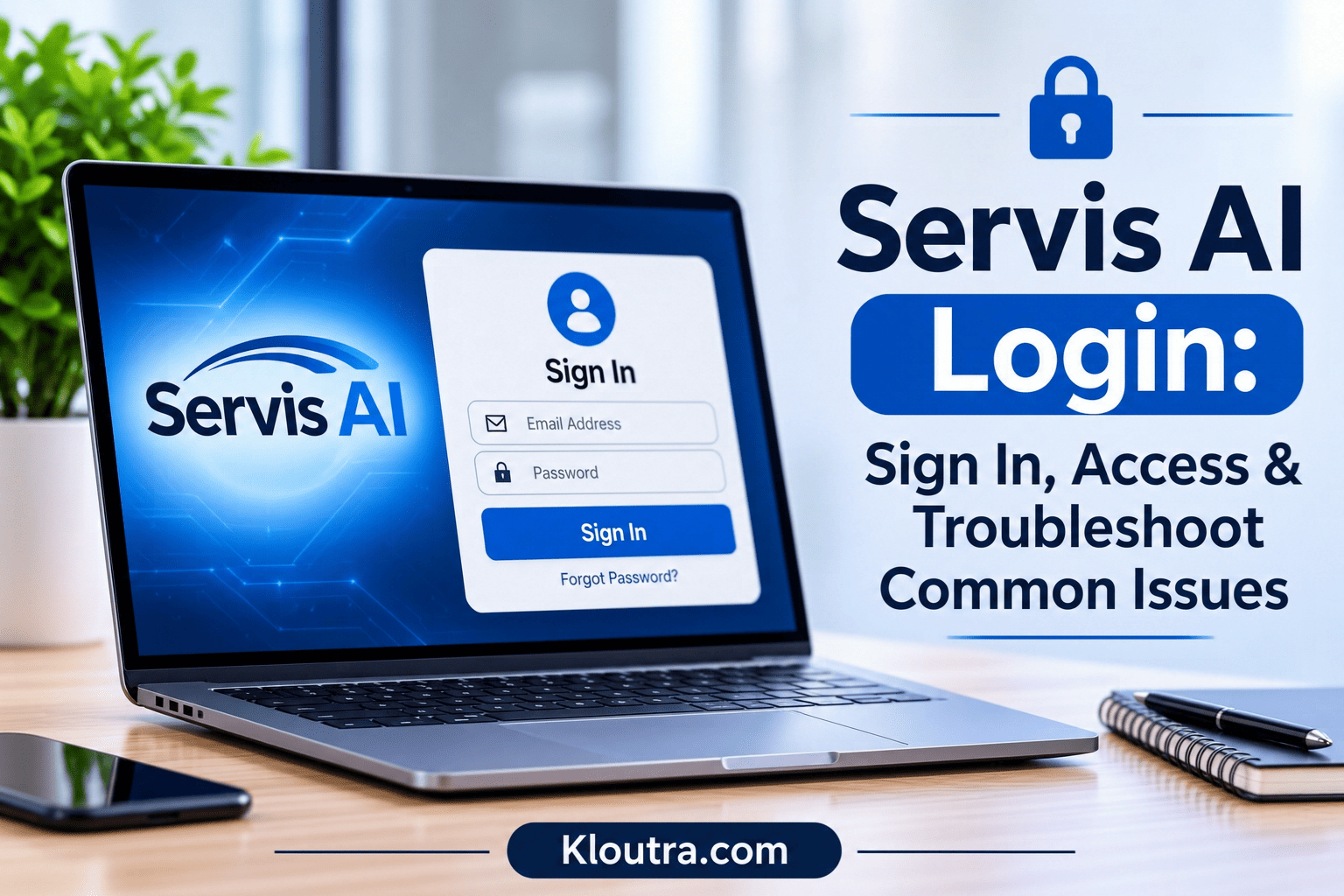
Servis AI Login: Sign In, Access & Troubleshoot Common Issues
Trying to access your Servis.ai account but not sure where to start? The Servis AI Login process is simple once you know the steps. However, you may sometimes face login issues or need help creating an account.
In this guide, you’ll learn how to sign in, set up a new account, and explore Servis.ai’s main features. We’ll also cover common Servis AI Login problems and simple ways to fix them.
What Is Servis AI?
Servis.ai, formerly known as FreeAgent CRM, is a business operations platform that uses artificial intelligence. It helps companies manage their daily work in one place. The platform combines customer management, service tasks, and internal workflows.
Businesses can use Servis.ai to organize customer information and manage team activities. It also offers AI tools for reports, automation, and business insights. These tools help teams save time and manage work more easily.
Main uses of Servis.ai include:
- Managing customer relationships and service requests.
- Organizing daily business tasks and workflows.
- Automating repetitive work with AI.
- Creating reports and reviewing business data.
- Helping teams manage sales and customer support.
How to Access Servis AI Login
To access Servis.ai, visit its official login page. You need an active account and valid login details. Make sure the page belongs to servis.ai, as some other platforms have similar names.
Official Website: Servis.ai Login Page
Steps to Sign In to Servis.ai
Follow these steps to access your account:
- Open the official Servis.ai login page.
- Enter your registered email address.
- Type your account password.
- Click the sign-in button.
- Wait for the platform to open your account dashboard.
You can also sign in using Google or Microsoft 365. These options depend on your organization’s login settings. If your organization uses two-factor authentication, you will also need to enter a verification code sent to your email inbox.
Servis.ai also offers a mobile app for iOS. You can use the same account details to sign in.
What You Need Before Signing In
Prepare these details before accessing your account:
- A registered email address.
- Your account password.
- Access to your Google or Microsoft account, if applicable.
- An internet connection.
- An invitation from your administrator, if you’re a new user.
How to Create a Servis AI Account
Servis.ai uses an invitation-based account setup for new users. An administrator usually needs to add you first. Companies new to Servis.ai can check the official website for trial or demo options. The first admin sets up the account and then invites the team.
Registration Requirements
Before creating your account, you need:
- A valid and unique email address.
- An invitation from your company administrator.
- Access to your email inbox.
Basic Account Setup Steps
Follow these steps to set up your Servis.ai account:
- Ask your administrator to add you as a new user.
- Your administrator enters your email address into Servis.ai.
- The administrator sends you an account invitation.
- Open the invitation email and follow its link.
- Create a password for your new account.
- Return to the login page and sign in.
Once setup finishes, you can access your Servis.ai account. Your available features depend on your assigned role and permissions.
Note: If your invitation expires, ask your administrator to send another one.
Servis AI Features for Businesses
Servis.ai offers tools that help businesses manage customers and daily operations. Its features support sales, customer service, and team workflows.
| Feature | Purpose |
|---|---|
| AI Automation | Helps automate repetitive business tasks. |
| Customer Management | Keeps customer information organized. |
| Workflow Management | Helps teams manage business processes. |
| Reporting and Insights | Helps teams review business data and reports. |
These tools help teams organize their work and manage customer interactions. Available features may depend on your account and subscription.
Common Servis AI Login Problems and Solutions
Sometimes, users face problems when accessing their Servis.ai accounts. Here are common login issues and how to fix them.
| Login Problem | Possible Solution |
|---|---|
| Incorrect Password | Check your password and try again. |
| Login Page Not Loading | Check your internet connection and refresh the page. |
| Account Access Denied | Contact your administrator to check your account permissions. |
| Browser Issues | Clear your browser cache or try another browser. |
| Forgot Password | Click “Forgot your password?” on the sign-in page, enter your email, and follow the instructions in the email. |
Tips to Avoid Login Problems
- Always enter your registered email address.
- Keep your browser updated.
- Contact your administrator if access problems continue.
Note: If you sign in with Google or Microsoft 365, reset your password through that account instead.
Pros and Cons of Servis AI
Pros
- Supports business automation.
- Helps organize daily business activities.
- Can reduce repetitive manual tasks.
Cons
- Some features may require a paid plan.
- New users may need time to learn the platform.
- New users depend on an administrator’s invitation to get started.
Tips for Keeping Your Servis AI Account Secure
Follow these tips to protect your Servis.ai account:
- Use a strong password: Choose a password that others cannot easily guess.
- Turn on two-factor authentication: Ask your administrator to enable it, so a code is sent to your email inbox at login.
- Keep your password private: Never share your login details with others.
- Avoid public computers: Do not access your account on shared devices.
- Use secure internet: Avoid logging in through unknown public Wi-Fi networks.
- Log out after use: Always sign out on shared or public devices.
- Check suspicious emails: Avoid clicking unknown links asking for login details.
These steps can help protect your account from unauthorized access.
Conclusion
Servis.ai helps businesses manage customer information, daily tasks, and workflows. Its AI tools can also support business automation. To log in, use your email and password, or sign in with Google or Microsoft 365. New users start with an invitation from their administrator. If you face login problems, reset your password or contact your administrator. Always keep your account information safe.
Frequently Asked Questions
What is Servis AI used for?
Servis.ai helps businesses manage customers, workflows, and daily operations. It also offers tools for business automation.
How do I log in to Servis AI?
Visit the official Servis.ai login page. Enter your registered email and password. Then follow the sign-in instructions.
Is Servis AI free to use?
Servis.ai may offer different pricing options for businesses. Third-party review sites list plans starting at around $75 per user per month, along with a free trial. Check its official website for current plans and pricing.
Can I reset my Servis AI password?
Yes. Click “Forgot your password?” on the sign-in page, enter your email, and follow the instructions sent to you. Your administrator can also reset it for you.
Why is Servis AI login not working?
Incorrect passwords, internet problems, browser issues, or account restrictions may cause login issues. See the table above for fixes.
Is Servis AI suitable for small businesses?
Servis.ai may suit small businesses needing customer and workflow management. Check its features and pricing before choosing it.
Disclaimer: This article is for informational purposes only. Login steps, account features, and access options may vary depending on your organization’s settings. Always use the official Servis.ai website for account access. We are not affiliated with or endorsed by Servis.ai.