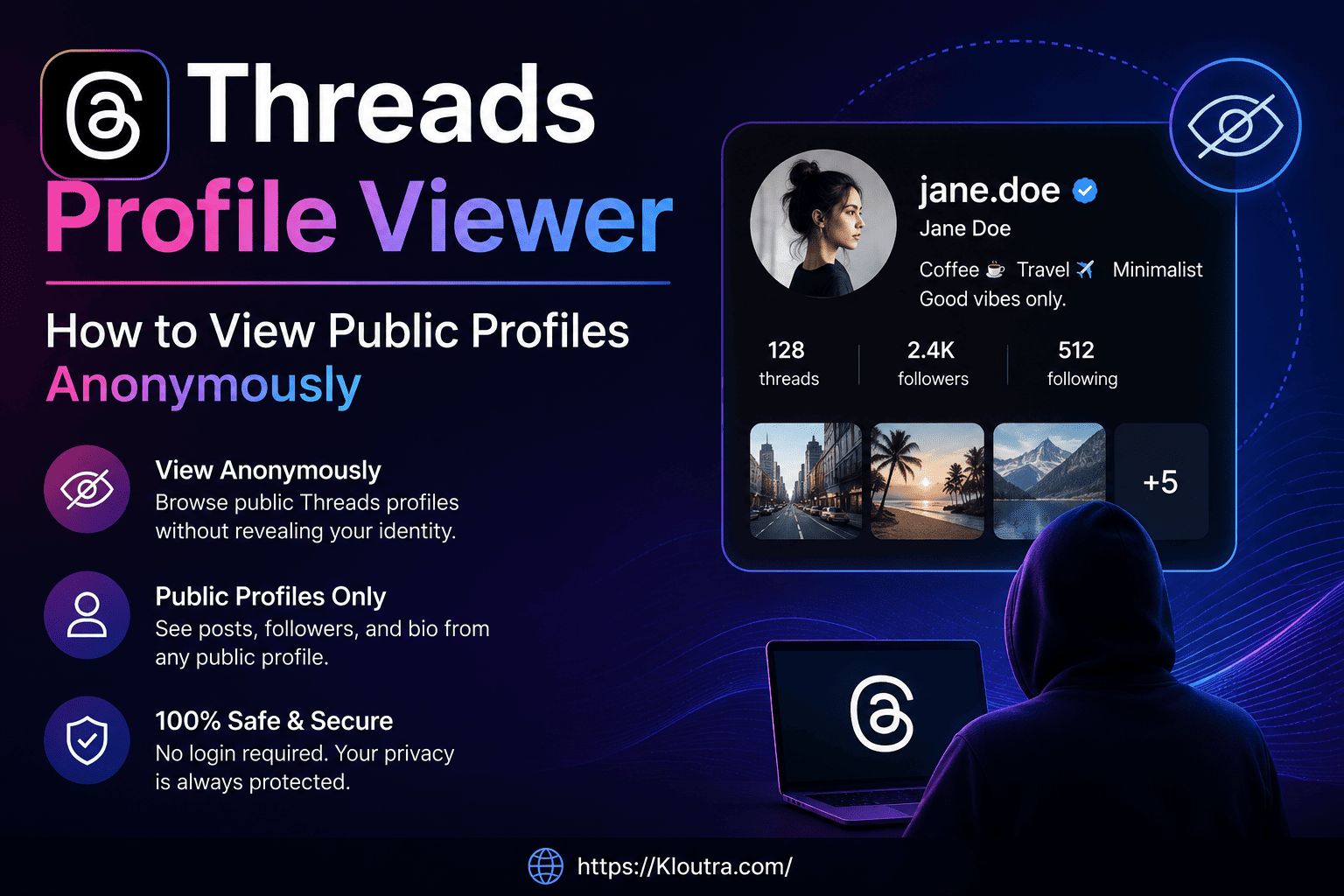
Threads Profile Viewer – View Public Profiles Anonymously
Ever wanted to check someone’s Threads posts without logging in yourself? You are not alone. Thousands of people search for a Threads viewer every month, mostly because they don’t want to create an account just to peek at one profile.
The good news is, it’s possible. A Threads profile viewer lets you browse public Threads accounts, read their posts, and check their follower count without signing up. However, there are real limits to what these tools can actually do, and it helps to know them before you start.
In this guide, we’ll cover how to view Threads profiles anonymously, what a Threads viewer without an account can and cannot show you, the real advantages and disadvantages of using one, and how to stay safe while doing it.
What Is a Threads Profile Viewer?
A Threads profile viewer is simply a tool, or a method, that lets you look at a public Threads account without opening the Threads app or logging in yourself.
Think of it like looking through a shop window. You can see what’s on display, but you can’t walk in, touch anything, or talk to the shopkeeper. That’s exactly how a public Threads profile viewer works. You see the posts, the bio, and the follower count. But you can’t like, reply, or follow.
Some people use a Threads viewer just out of curiosity. Others use it for research, checking out a brand’s account, or looking at a creator’s content before deciding to follow them. Whatever the reason, the process is quick and doesn’t need any technical skill.
Why People Look for a Threads Viewer Without Login
There are a few common reasons someone searches for a Threads viewer without login:
- They don’t have a Threads account and don’t want to make one just to check a profile
- They want to browse anonymously, without the profile owner knowing
- They’re comparing multiple public accounts for research or work
- They simply prefer not to log in every time they want to check something
None of these reasons are unusual. Threads, like most social apps, puts a login wall in front of a lot of its features, and a viewer tool is a simple workaround for basic browsing.
Can You View Threads Without an Account?
Yes, you can view Threads without an account, but only for public profiles. This is the most important thing to understand before you go further.
Meta, the company behind Threads, allows anyone to see public posts through a direct profile link. You don’t need to sign up, and you don’t need the app installed. Private profiles, on the other hand, stay completely hidden. No workaround, tool, or trick changes that — this is confirmed directly in Meta’s own Threads Help Center article on public vs. private profiles.
The Direct URL Method
The simplest way to view Threads without an account is through the official website itself.
- Open any web browser, on your phone or computer
- Type in threads.net/@username, replacing “username” with the handle you want to check
- Press enter, and the public profile loads instantly
For example, if you wanted to check a public account called “traveldiaries,” you’d visit threads.net/@traveldiaries. That’s it. No app, no sign-up form, nothing else needed.
This method works because Meta wants public Threads content to be discoverable, even by people who aren’t yet users. It’s similar to how you can read a public blog post without subscribing to the blog.
What This Method Shows You
Through the direct URL, you can see:
- The person’s posts, in order
- Their bio and display name
- Their follower and following count
- Photos and videos they’ve shared
- Full reply chains under their posts
You will not see anything from a private account. If the profile is private, you’ll just get a lock icon and no content at all.
How Does a Threads Viewer Actually Work?
Most third-party Threads viewer tools work in a fairly simple way. They pull publicly available information from Threads and display it in their own interface, usually with a cleaner or more anonymous-feeling layout than the direct URL method.
They Only Read Public Data
This part matters a lot. A legitimate public Threads profile viewer does not have any special access that bypasses Threads’ privacy settings. It simply reformats data that’s already open to anyone — public posts, public bios, and public follower counts.
If a tool ever claims it can show you a private profile’s content, or reveal who secretly viewed your profile, treat that claim with real suspicion. It’s not something Meta’s system allows, no matter how a website words its promise.
No Login Required, But No Interaction Either
Because these tools work off public data, they don’t ask you to log in. But this also means you can’t do anything beyond viewing. No liking, no commenting, no following. It’s purely a read-only experience, similar to browsing a public Instagram profile from a web browser without an account.
Advantages and Disadvantages of Using a Threads Viewer
Before you rely on one of these tools regularly, it’s worth weighing the real trade-offs side by side.
Advantages
- No account needed — browse public profiles instantly, without creating a Threads or Instagram login
- Genuinely anonymous browsing — the profile owner has no way of knowing you visited, since Threads has no “seen by” or visitor-tracking feature for anyone
- Fast for one-off checks — quicker than downloading an app just to look at a single account
- Useful for research — handy for comparing brand accounts, creators, or competitors without cluttering your own following list
- Works across devices — accessible from any browser, on mobile or desktop
Disadvantages
- Public profiles only — private accounts are, and always will be, completely inaccessible; no viewer can bypass this
- Read-only experience — you can’t like, reply, follow, or message from most viewer tools
- Reliability varies — since these tools depend on scraping public data, a Threads update can break them without warning
- Unverifiable privacy claims — statements like “we don’t store any data” come from the tool itself, not an independent audit
- Security risk with bad actors — some third-party sites use the “viewer” concept to lure people into entering real login credentials
- No customer support — if a third-party tool misbehaves or disappears, there’s usually no one to contact
Weighing these points against your actual need — a quick, occasional look versus regular monitoring — is the fastest way to decide whether a viewer tool is worth using at all.
Using a Public Threads Profile Viewer Online
If typing URLs manually feels like too much work, several websites now offer a search-box style Threads viewer online. You type in a username, hit search, and the tool fetches the public profile for you.
How to Use One, Step by Step
- Go to a Threads viewer website
- Enter the exact username you’re looking for (spelling matters here)
- Wait a few seconds while it loads the public data
- Browse the profile, posts, and follower count that appear
This is a good option if you plan to check several profiles in a row, since most of these tools also show related accounts, follower rankings, or comparison features.
What These Tools Can’t Do
To set expectations correctly, here’s what a Threads username viewer generally cannot do:
- It can’t unlock private accounts
- It can’t show who viewed your own profile
- It can’t let you send messages or interact with posts
- It can’t search Threads the way the built-in app search does, since search itself needs a logged-in account on Threads
Keeping these limits in mind helps you avoid frustration and, more importantly, helps you spot tools that are overpromising.
Is a Threads Profile Viewer Safe to Use?
This is probably the most important question in this whole guide, and it deserves an honest answer.
Using a Threads viewer to browse public information is generally safe, as long as the tool only reads public data and doesn’t ask for your Threads or Instagram login. The moment a website asks you to “log in to view more,” that’s your cue to leave.
Red Flags to Watch For
Be cautious of any Threads viewer that:
- Asks for your Instagram or Threads username and password
- Claims it can show private profiles
- Promises to reveal “who viewed your profile,” since this data doesn’t exist anywhere for Threads
- Asks you to download an app or browser extension just to view one profile
- Has excessive pop-ups or redirects you to unrelated pages
Since Threads accounts are directly tied to Instagram, handing over your login details to a shady site risks both accounts at once. It’s simply not worth it for something as small as viewing a public profile.
For a closer look at how these “anonymous viewer” tools work more broadly, and the same safety checklist applied to a similar Instagram-focused tool, see our related breakdown of what Iganony is and how it works.
What a Trustworthy Viewer Looks Like
A reasonable, safe Threads profile viewer usually:
- Works without asking for your credentials
- Clearly states it only shows public information
- Doesn’t make claims about private profiles or hidden viewer stats
- Loads quickly and shows information that matches what you’d see on the official Threads site
If a tool checks these boxes, it’s probably just a convenient wrapper around public data, nothing more, nothing less.
Does Threads Notify People When You View Their Profile?
No. Threads does not send any notification when someone views a public profile. There’s no “seen by” list, no view counter, and no alert of any kind.
This applies whether you’re logged into your own Threads account, browsing through a direct URL, or using a third-party viewer. The person whose profile you’re checking has no way of knowing you were there.
Can People See Who Viewed Their Threads Profile?
No, and this isn’t something Threads plans to add either, at least not based on anything Meta has announced so far. Unlike LinkedIn, which shows some visitor details, Threads follows the same approach as Instagram: profile views stay completely private, for everyone.
So if you were worried about being “caught” browsing, you can relax. Viewing a public Threads profile, with or without an account, leaves no trace for the profile owner to see.
Frequently Asked Questions
Can you view Threads without an account? Yes. Public Threads profiles are visible to anyone through a direct link like threads.net/@username, no account or login required. Private profiles, however, stay hidden no matter what method you use.
Is a Threads Profile Viewer safe? It’s generally safe if the tool only displays public information and never asks for your login details. Avoid any site that requests your Instagram or Threads password, or claims to unlock private profiles.
How does a Threads Viewer work? A Threads viewer works by pulling publicly available data — posts, bios, and follower counts — directly from Threads and displaying it in a simpler, login-free interface. It doesn’t bypass any privacy settings.
Does Threads notify profile views? No. Threads doesn’t tell anyone when their profile has been viewed, and there’s no view counter or visitor list for any account type, personal or business.
Can I use a Threads viewer without login on my phone? Yes. Since these tools work through a web browser, you can use them on any smartphone, tablet, or computer without installing the Threads app or logging into an account.
Conclusion
Checking out a public Threads profile without signing up is easier than most people expect. Whether you use the direct threads.net/@username link or a dedicated Threads profile viewer online, you can browse posts, bios, and follower counts in just a few seconds.
Just remember the two things that matter most: a Threads viewer only works on public accounts, and you should never hand over your login details to a tool promising something extra, like private profile access or viewer stats. Stick to that, and browsing Threads anonymously stays simple, quick, and safe.
Ready to try it out? Pick a public Threads username you’re curious about and see what a Threads viewer shows you.
Disclaimer: For informational purposes only. Not affiliated with Threads or Meta. Use third-party viewer tools at your own risk.