How to Design a Medical Device Website That Builds Trust
Introduction
A medical device website needs to do more than look professional. It must help visitors understand products, find accurate technical information and feel confident about the company behind them. Healthcare professionals, hospital buyers and distributors often visit these websites to compare devices, review specifications and check product documentation before making decisions.
We explain your audience, product pages, trust, FDA rules and the key technical steps for building a good website. This is why medical device website design requires careful planning, clear communication and attention to regulatory requirements.
1. Understand Your Medical Device Audience
Before designing the website, identify who will use it and what information they need. Medical device companies often serve several audiences. A single website must support their different needs without making navigation confusing.
| Audience | Information They Need |
|---|---|
| Healthcare professionals | Intended use, clinical evidence, specifications and instructions |
| Hospital procurement teams | Product options, technical documents, purchasing information, and support |
| Medical device distributors | Product catalogs, training resources and sales information |
| Patients and caregivers | Simple product explanations, instructions and support |
| Researchers and technical teams | Detailed specifications, compatibility and supporting documentation |
For example, a surgeon researching a surgical instrument may need technical details and clinical information. A hospital purchasing manager may need product specifications and documentation for an internal review. Your website should make both journeys straightforward.
2. Create a Homepage That Explains Your Business Clearly
Your homepage should quickly explain what your company makes, who your products serve and what visitors can do next. Avoid vague headlines such as “Transforming Healthcare Through Innovation.” They sound impressive but do not explain what the company actually offers.
A clearer headline could be:
“Medical Devices Designed for Reliable Clinical Performance”. Use a headline that accurately reflects your company’s products and approved claims.
Essential Homepage Elements
A medical device homepage should include:
- A clear headline describing the company’s main products.
- A short introduction explaining what the company does.
- Links to important product categories.
- Featured products or key solutions.
- Relevant quality and regulatory information.
- Access to technical resources.
- A clear contact or product inquiry option.
3. Design Product Pages With Complete and Accurate Information
Product pages are often the most important pages on a medical device website. Visitors should be able to understand a product’s purpose, features, specifications and relevant documentation without contacting the company for basic information.
What Every Product Page Should Include
| Page Element | Purpose |
|---|---|
| Product name and model | Identifies the exact device |
| Intended use | Explains what the device is designed to do |
| Product overview | Provides a simple explanation |
| Key features | Describes relevant product capabilities |
| Technical specifications | Supports product evaluation |
| Product images | Helps visitors understand the device |
| Supporting documents | Provides access to relevant resources |
| Safety information | Presents applicable warnings and precautions |
| Contact option | Helps interested buyers take the next step |
Make Technical Specifications Easy to Compare
Medical device buyers may need to compare different models before making a decision. Present specifications in organized tables rather than long paragraphs.
For example:
Depending on the device, specifications may include dimensions, weight, materials, power requirements, operating conditions, compatible accessories or supported configurations. Use consistent terminology across product pages. This makes it easier for visitors to compare products and reduces confusion.
4. Use Product Images That Show the Actual Device
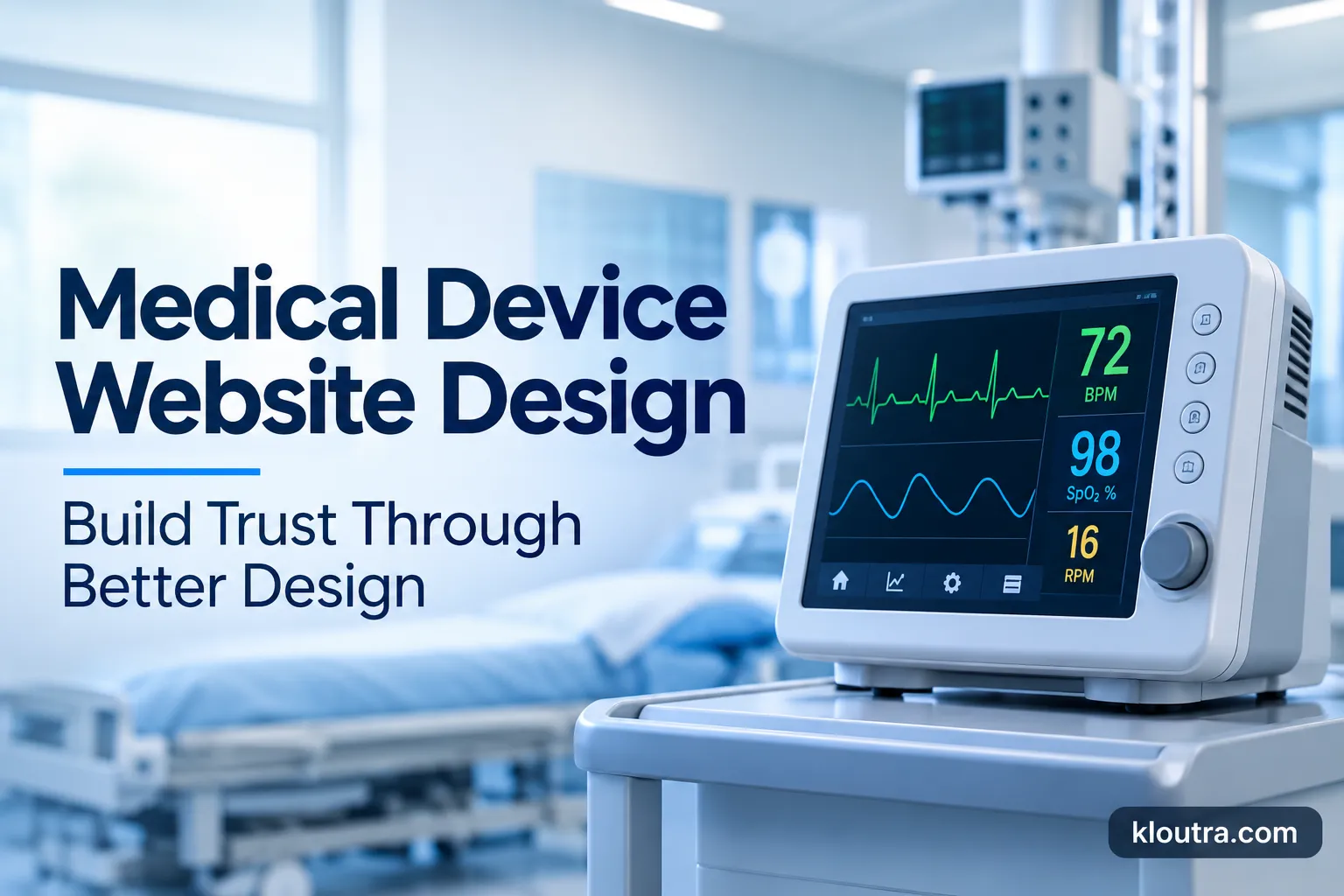
Medical devices can be difficult to understand through text alone. High-quality product images help visitors see the device’s design, components and relevant features. Use genuine product photography whenever possible.
Useful visuals include:
- Product images from multiple angles.
- Close-up images of important components.
- Diagrams explaining how a device works.
- Images showing compatible accessories.
- Product demonstration videos.
- Setup or operating demonstrations, where appropriate.
For complex devices, a short demonstration video may help visitors understand the product more quickly than a long description. However, videos should not replace important written instructions or safety information.
5. Build Trust With Verifiable Company and Product Information
Show Relevant Quality and Regulatory Information
Include applicable quality certifications, regulatory status and manufacturing information when appropriate.
For example:
A manufacturer may explain its quality management system or provide information about relevant product clearances.
Present Clinical Evidence Carefully
If your company has relevant clinical studies, published research, or supporting evidence, provide access to that information.
For example:
A product page should not claim that a device is “the safest option available” without suitable evidence and regulatory review.
Introduce Your Company and Team
Visitors should know who develops, manufactures, or supports the product.
Your About page can explain:
- Your company’s background.
- Your product development experience.
- Your manufacturing capabilities.
- Your quality processes.
- Your technical or clinical expertise.
- Your customer support approach.
6. Organize Navigation and Technical Resources
Medical device websites often contain large product catalogs, technical documents and support information. A confusing navigation system makes it harder for visitors to find these resources. Use clear navigation labels that describe where each link leads.
Recommended Website Structure
A medical device manufacturer may use this structure:
- Products
- Solutions
- Clinical Resources
- Quality and Regulatory Information
- About Us
- Support
- Contact
If your company offers several device categories, organize products by device type, application or intended user. Choose the structure that matches how your audience searches for products.
Create a Useful Resource Center
A resource center helps visitors access documents without searching through multiple product pages.
Depending on your products, include:
- Product brochures.
- Instructions for use.
- Technical specifications.
- Product manuals.
- Safety information.
- Clinical resources.
- Training materials.
Use clear document names and organize files by product, document type and language. Keep public documents current and follow your company’s document control process.
7. Follow FDA Requirements for Medical Device Website Content
Medical device website content requires more careful review than ordinary marketing content. In the United States, the FDA regulates medical devices and their labeling. FDA labeling rules can also apply to certain promotional materials and advertising.
Use the Correct Regulatory Terminology
Do not use “FDA approved,” “FDA cleared,” and “FDA registered” as if they mean the same thing. These terms describe different regulatory situations.
For example:
FDA establishment registration and device listing do not mean that a device has been approved, cleared, or authorized for marketing. Use the correct terminology for the specific device and its regulatory status.
Review Product Claims Before Publishing
Product claims should match the device’s intended use and supporting evidence.
Avoid unsupported statements about:
- Clinical effectiveness.
- Patient outcomes.
- Product safety.
- Disease prevention.
- Treatment benefits.
Make sure important warnings, precautions and relevant safety information are presented clearly where applicable. Have qualified regulatory professionals review product pages, promotional content and relevant documents before publication.
8. Make the Website Mobile-Friendly and Accessible
Medical device websites should work well on desktop computers, tablets and smartphones. Healthcare professionals may need to access product information while working in clinical settings. Distributors may browse catalogs while traveling. Patients may search for product instructions from home. A mobile-friendly design makes these tasks easier.
Important Mobile Design Features
- Readable text without zooming.
- Simple navigation.
- Product images that fit the screen.
- Easy-to-use product tables.
- Buttons with enough space to tap.
- Forms with clear labels.
Follow Accessibility Best Practices
Accessibility helps people with disabilities use your website.
Important practices include:
- Use sufficient text and background contrast.
- Add meaningful alt text to informative images.
- Make navigation usable with a keyboard.
- Use clear headings and page structure.
- Add captions to videos.
- Provide accessible form labels.
- Avoid relying only on color to communicate information.
9. Use SEO to Attract Relevant Medical Device Buyers
Medical device SEO should focus on the searches your actual audience uses when researching products. Broad traffic is not always valuable. A manufacturer needs visitors who are relevant to its products, services, or distribution opportunities.
Target Relevant Keywords
Depending on your device category, useful keyword groups may include:
- Medical device product names.
- Medical equipment categories.
- Product specifications.
- Device applications.
- Product comparisons.
- Instructions for use.
- Medical device manufacturer searches.
- Technical resource searches.
Create Helpful Supporting Content
Useful content can answer questions visitors have before contacting your company.
Examples include:
- How a particular device works.
- What features to consider when selecting a device.
- Differences between product models.
- Common technical questions.
- Product maintenance information, where appropriate.
- Relevant product documentation.
10. Create Clear Calls to Action and Contact Forms
A medical device website should make it easy for interested visitors to take the next step. However, different visitors may need different actions. A healthcare professional may want technical documentation. A distributor may want product information. A hospital buyer may want to contact the sales team.
Match Calls to Action With Visitor Needs
| Visitor Need | Suggested CTA |
|---|---|
| Product research | View Product Details |
| Technical information | Download Specifications |
| Sales inquiry | Contact Sales |
| Product availability | Find a Distributor |
| Product demonstration | Request a Demo |
| Technical assistance | Contact Support |
Keep Contact Forms Simple
Ask for only the information your team needs to respond. A general inquiry form may include name, business email, company, country, product of interest and message. Explain why additional information is needed.
11. Improve Website Speed and Security
Medical device websites may contain large images, videos, product catalogs and downloadable documents. These resources should load efficiently without reducing their usefulness.
Improve Website Performance
- Compress product images.
- Use modern image formats where suitable.
- Reduce unnecessary scripts.
- Avoid excessive animations.
- Use reliable hosting.
- Monitor page performance.
- Test important forms and downloads.
Protect Website and Customer Information
Website security matters when your company collects business inquiries or provides customer resources. Use HTTPS, keep website software updated, restrict administrative access and maintain reliable backups. If your website includes customer portals or connected product services, review their security requirements separately. A professional website should protect the information visitors share with your company.
Common Medical Device Website Design Mistakes
Avoid these mistakes when designing or improving your website:
| Mistake | Why It Matters |
|---|---|
| Vague product descriptions | Visitors cannot understand the device |
| Unsupported product claims | Can damage trust and create regulatory concerns |
| Hidden specifications | Makes product evaluation harder |
| Outdated documents | Creates confusion and may affect product use |
| Complicated navigation | Visitors struggle to find information |
| Incorrect regulatory terminology | May mislead visitors |
| Poor mobile experience | Important information becomes difficult to access |
| Long contact forms | Can discourage qualified inquiries |
| Low-quality product images | Makes products harder to understand |
Final Thoughts
A successful medical device website should do more than display products in an attractive layout. It should help visitors understand your devices, find reliable information and evaluate your company with confidence. The most effective medical device website design combines accurate product pages, clear technical documentation, simple navigation, accessible content and careful regulatory review.
Frequently Asked Questions
1. How Long Does It Take to Build a Medical Device Website?
The timeline depends on the website’s size, design requirements and approval process. A small website may take a few weeks, while a larger platform with multiple product categories and custom features can take several months.
2. Should Medical Device Companies Use a Custom Website Design?
Custom design can be useful for companies with complex product catalogs, specialized user requirements, or unique business workflows. It allows manufacturers to build features around their products instead of relying entirely on standard website templates.
3. Can a Medical Device Website Support International Customers?
Yes. Companies serving international markets can provide multiple language options, regional contact details, country-specific product information and relevant local documentation. They should also review regulatory requirements in each target market.
4. What Should Companies Consider When Choosing a Medical Device Website Designer?
Look for a designer or agency with experience in technical B2B websites, product catalog design, accessibility and secure website development. They should also understand the importance of accurate medical device content and working with regulatory professionals.
Disclaimer: This article is for general informational and educational purposes only. It does not provide medical, legal, or regulatory advice. Medical device manufacturers should consult qualified regulatory professionals to ensure their website content, product claims and documentation meet applicable FDA requirements and other relevant regulations.