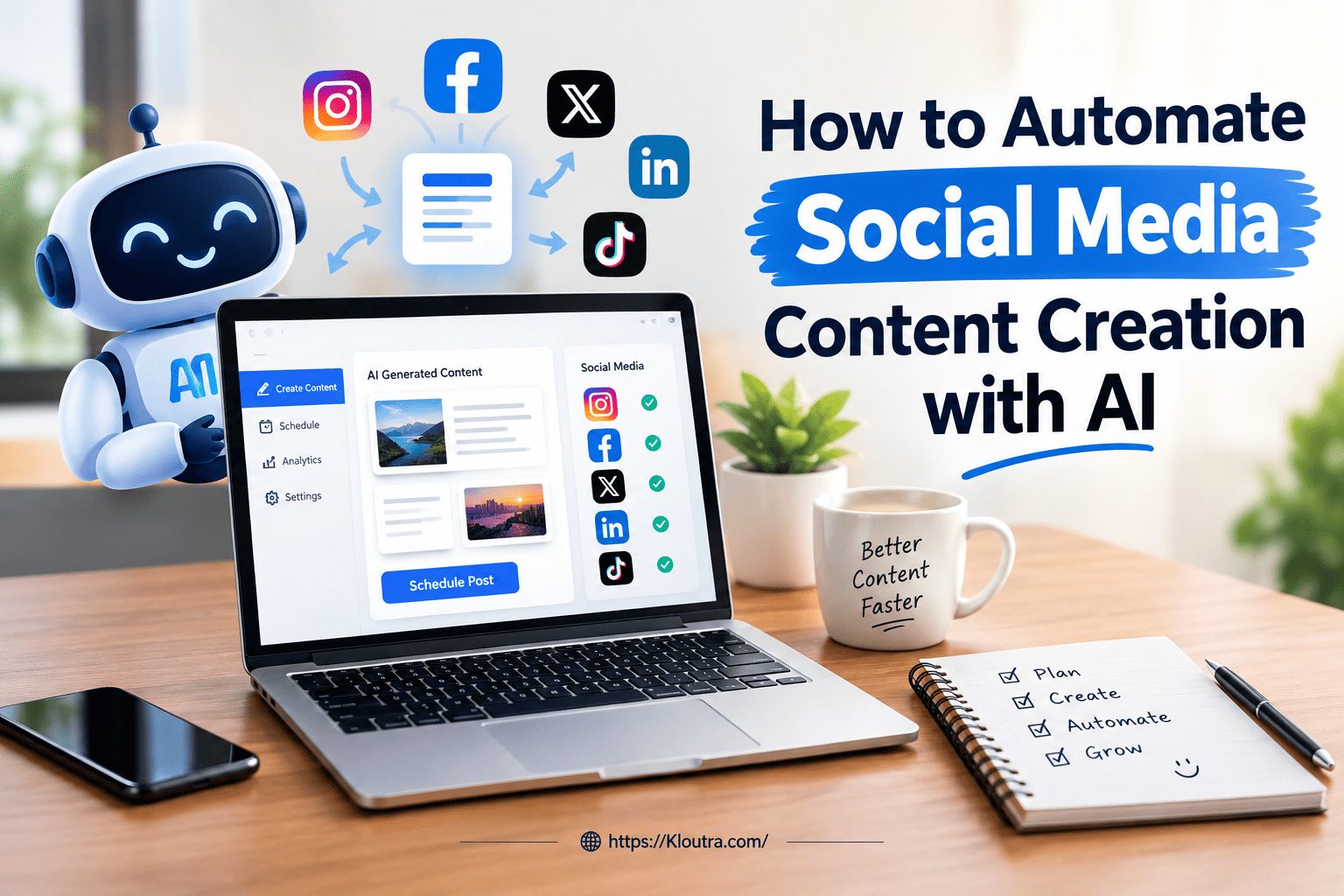
How to Automate Social Media Content Creation with AI
Introduction
Social media content takes time, especially when you manage multiple platforms. AI tools can help businesses create posts, captions, images, and content ideas faster. Learning how to automate social media content with AI can save time and keep your posting schedule consistent. This guide explains how AI content automation works and how to use it effectively.
What Does It Mean to Automate Social Media Content with AI?
Automating social media content with AI means using AI tools for repetitive content tasks. These tools can help create captions, posts, ideas, and content variations. They can also help prepare content for different social media platforms. Scheduling tools can then publish approved posts automatically.
AI automation does not always mean removing humans from the process. A practical workflow often includes human review before publishing. This helps keep content accurate, useful, and aligned with your brand voice.
Why Should You Automate Social Media Content with AI?
AI can reduce repetitive work in your social media workflow. It can help with content ideas, writing, formatting, and scheduling. This gives you more time for strategy and audience engagement. A clear AI marketing strategy can also help organize these tasks and connect them with broader marketing goals.
Save Time on Content Creation
Creating social media posts manually can take a lot of time. AI can quickly generate ideas, captions, and content variations. You can then edit these drafts before publishing them. This makes the content process faster without removing human control.
Keep a Consistent Posting Schedule
Consistent posting becomes easier when you use content scheduling tools. You can prepare several posts and schedule them ahead of time. AI can also help create platform-specific versions of your content. This keeps your social media workflow organized and easier to manage.
How to Automate Social Media Content with AI
AI can simplify several steps in your social media workflow. Start with planning, then create drafts and schedule approved content. A clear workflow helps you stay organized and consistent.
Plan Your Content
Start by deciding your goals, audience, and social media platforms. Choose a few content topics that match your brand. You can use AI to suggest content ideas and topics. Create a simple content calendar for upcoming posts. Planning ahead also helps reduce last-minute content work.
Generate Posts and Captions
Give the AI clear information about your brand and audience. Ask it to create captions, post ideas, or content variations. You can also adapt one idea for different platforms. AI copywriting can help you create and improve social media drafts. Always review AI-generated content before publishing it. Check facts, links, tone, and brand details carefully.
Schedule and Publish Content
Use a social media scheduling tool to plan approved posts. Add your content to a calendar and choose publishing times. Some tools can suggest times using audience activity data. Review every post before it goes live. This keeps automation useful while keeping humans in control.
What Social Media Content Can AI Create?
AI can help create different types of social media content. These include captions, visuals, videos, and content ideas.
Captions and Text Posts
AI can create captions and short text posts from your instructions. You can provide the topic, audience, tone, and platform. AI can then create different versions for each platform. You should review the content before sharing it publicly.
Images and Short Videos
AI tools can help create visual concepts and video content. They can also help turn existing content into new formats. For example, you can turn a long video into shorter clips. You can then adjust each version for different platforms.
Content Ideas and Repurposing
You can use AI to find topics, hooks, and social media content ideas. It can also support generative AI for content marketing when creating and repurposing content. AI can repurpose blogs, videos, and reports into social posts. This helps you get more value from existing content. Each version should still match the platform and audience.
Best AI Tools for Social Media Content Automation
Several AI tools can support different parts of social media work. Some focus on writing, while others handle design or scheduling. Your choice should depend on your content needs and workflow.
Hootsuite combines AI content creation with scheduling and social management. Its AI features can help create posts and content ideas.
Buffer offers an AI assistant for creating and adapting social posts. It also supports scheduling across multiple social channels.
Canva helps create social graphics using AI-powered design features. It works well for posts that need strong visual content.
Sprout Social combines AI content support with publishing and social analytics. Its tools can suggest captions and help optimize publishing times.
Choose tools based on the tasks you want to automate. Always check current features and pricing before choosing a tool.
How to Keep AI Content Natural and On-Brand
AI content can sound generic without clear brand instructions. Give AI your tone, style, and writing guidelines. Real examples can also help AI understand your preferred voice.
Review every AI-generated post before publishing it. Check the facts, tone, wording, links, and brand details. Add your own ideas or examples to make posts feel natural.
Avoid publishing AI drafts without making any changes. Human editing helps keep your content accurate and authentic. It also helps maintain a consistent voice across your social channels.
Common Mistakes to Avoid When Using AI for Social Media
AI can save time, but poor use can reduce content quality. Avoid relying on AI without a clear content strategy.
Do not publish AI content without checking it first. Review facts, links, tone, and brand details carefully. AI-generated content can contain errors or miss important context.
Avoid using vague prompts with little information about your brand. Give AI clear details about your audience, goals, and writing style. Better instructions usually produce more useful and relevant content.
Do not automate every social media interaction. Sensitive replies and important conversations need human judgment. Keep human approval for higher-risk or public-facing content.
Also, avoid posting the same content everywhere. Different platforms have different audiences, formats, and content expectations. Adapt each post before publishing it.
How to Measure Your AI Social Media Results
Track your results regularly to understand whether AI content is working. Focus on metrics that match your social media goals.
Track Engagement and Reach
Track likes, comments, shares, saves, and engagement rates. These metrics show how people respond to your content.
Also check your reach and impressions for each post. Reach shows how many people saw your content. Impressions show how often content appeared on screens.
Compare AI-generated posts with your previous content. Look for changes in engagement and audience reach. This helps you understand which content performs better.
Monitor Clicks and Conversions
Track link clicks when your goal involves website traffic. Click-through rate shows how often people click your social links.
For business goals, track sign-ups, leads, downloads, or sales. Conversion rate shows how often clicks lead to desired actions.
Use tracking links, such as UTM parameters, for better campaign reporting. They help connect social posts with website actions.
Review these numbers regularly and adjust your content strategy. Focus more on content that supports your specific business goals.
Conclusion
AI can make social media content creation faster and easier. It can help with ideas, captions, visuals, and scheduling.
However, AI should support your social media strategy, not replace it. Always review content before publishing it.
Give AI clear instructions about your audience, goals, and brand voice. Track your results and improve your content based on real performance.
With the right workflow, you can automate social media content with AI efficiently. Keep human input involved to maintain quality, accuracy, and authenticity.
Disclaimer: This article provides general information about using AI for social media. AI tools and features can change over time. Always check official websites for the latest details, features, and pricing. Review AI-generated content before publishing it on your social media channels.