Top 5 Free AI Coding Assistants to Build Apps Without Writing Code
Introduction
Building an app no longer requires advanced coding skills or a large development team. Free AI coding assistants can turn simple prompts into working websites, tools, and applications. However, each platform has different features, usage limits, and deployment options.
In this guide, we compare five free AI coding assistants that can help you build apps without writing code.
What Are AI Coding Assistants and App Builders?
AI coding assistants help people create software with natural-language instructions. Instead of writing every line, you describe what you need.
The AI can generate code, explain features, and help fix errors. AI app builders take this idea further for people with little coding experience.
They can create interfaces, app logic, databases, and other parts of an application.
How AI Turns Plain-English Prompts Into Apps
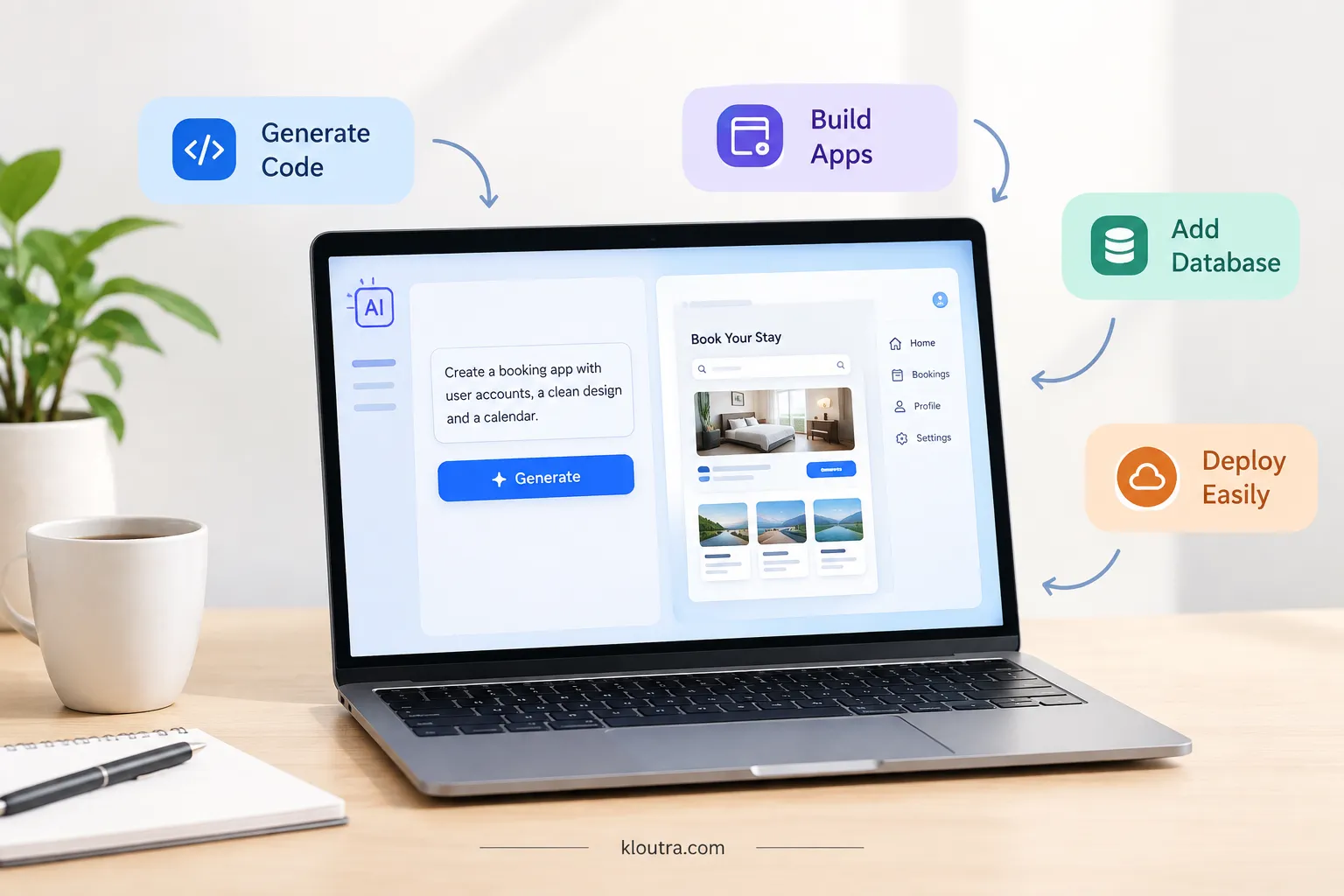
You start by explaining your app idea in simple language. For example, you could request a booking app with user accounts. The AI then creates the needed screens and application logic.
You can review the result and request changes through more prompts. Some platforms can also add databases, authentication, integrations, and hosting.
AI Coding Assistant vs No-Code AI App Builder
An AI coding assistant usually focuses on generating and editing code. It can help developers write features, understand code, and fix problems. A no-code AI app builder hides more technical work behind simple prompts.
It lets non-developers create working applications without manually writing code. Some modern tools combine both approaches in one platform.
What You Can Build Without Writing Code
You can build many useful apps without manually writing code. These include dashboards, booking tools, websites, forms, and internal business tools.
Some platforms also support e-commerce apps, chatbots, and mobile applications. However, complex projects may still need technical knowledge and careful testing.
What to Look for in a Free AI Coding Assistant
Free AI coding tools can help you build apps without paying upfront. However, each tool offers different features and limits. Check these areas before choosing one for your project.
Free Usage and AI Credit Limits
Check how much free AI usage the tool provides. Some platforms use credits, while others use tokens. These limits control how much you can build each month. Also, check whether unused credits expire or roll over. A tool with generous limits can help you build more before upgrading.
App Building and Full-Stack Support
Choose a tool that supports the type of app you want. Some tools can create both the interface and backend. Others focus more on frontend code or specific frameworks. Full-stack support can help you build complete apps from one platform. This is useful when you want fewer separate tools.
Databases, APIs, and Integrations
Check whether the tool supports databases and external APIs. These features help your app store data and connect with other services. You may also need login systems, payments, or third-party integrations. Make sure the free plan supports the features your project needs.
Hosting, Deployment, and Code Export
Look for tools that let you preview or deploy your app easily. Some platforms include hosting with their free plans. Others may limit hosting features or add platform branding. Code export also matters if you want more control later. Check whether you can download, edit, or move your generated code.
Top 5 Free AI Coding Assistants for Building Apps
1. Lovable
Lovable is an AI app builder that creates web apps from simple prompts. You describe your idea, and the platform builds the app for you.
It can handle the interface, database, app logic, and authentication. In addition, you can review and edit the generated code when needed.
What You Can Build With Lovable
Lovable can create websites, dashboards, SaaS apps, and business tools. It also supports databases, authentication, integrations, and payments.
Lovable’s Free Plan and Main Features
Lovable has a free plan with no credit card required. You get five build credits daily, up to 30 monthly. The plan also includes 20 Cloud credits and four AI-feature credits each month. Free users can create private projects and use five lovable.app domains.
Where Lovable Works Best
Lovable works well for beginners building web apps with simple prompts. It also suits developers who want to speed up app development. However, larger projects may require more credits or technical work.
2. Bolt.new
Bolt.new is an AI app builder that creates apps from simple text prompts. You describe your idea, and Bolt generates the application for you.
What You Can Build With Bolt.new
Bolt.new can build websites, dashboards, SaaS apps, and business tools. It also supports databases, user authentication, and API connections. You can preview your app and change it using more prompts.
Bolt.new’s Free Usage and Features
Bolt.new has a free plan with no credit card required. The plan includes 300,000 AI tokens each day. It also provides one million tokens per month. Free users get website hosting and unlimited databases. However, free websites include Bolt branding.
Where Bolt.new Works Best
Bolt.new works well for beginners building websites and web apps. It also suits users who want to create working prototypes quickly. Developers can use its browser editor to review and change generated code. For larger projects, the free token limits may become restrictive.
3. Replit Agent
Replit Agent builds apps from simple instructions without requiring coding skills. You describe your idea, and Agent creates the application for you.
What You Can Build With Replit Agent
Replit Agent can build websites, web apps, tools, and business applications. It supports databases, authentication, hosting, and third-party integrations. You can also ask Agent to test and fix parts of your app.
Replit’s Free Plan and AI Features
Replit offers a free Starter plan for exploring its AI tools. Free users get daily usage for building apps and other projects. The plan includes a built-in database and one published live project. You can start without entering a credit card.
Where Replit Agent Works Best
Replit Agent works well for beginners building simple apps quickly. It also helps developers create and improve projects faster. However, larger projects may need more usage or paid features.
4. v0 by Vercel
v0 is Vercel’s AI app builder for creating websites and web applications. You describe your idea, and v0 builds the app from your prompt.
What You Can Build With v0
v0 can create websites, dashboards, SaaS apps, and business tools. It can also connect databases, APIs, and other services. You can preview your app and make changes through prompts.
v0’s Free Usage and Features
v0 offers free access so users can start building without paying. Free usage includes $5 in monthly credits and up to seven messages per day. You can also connect GitHub and deploy projects to Vercel. Free limits can change, so check the current plan before starting.
Where v0 Works Best
v0 works well for websites, dashboards, and modern web applications. It suits beginners who want to build through simple prompts. Developers can also use it to create and refine production apps.
5. Dyad
Dyad is a free, open-source AI app builder that runs on your computer. You can build apps without writing code yourself.
What You Can Build With Dyad
Dyad helps you build websites, web apps, dashboards, and business tools. It can also work with databases, authentication, and APIs. You can preview your app while making changes. Dyad also lets you keep and export the generated code.
How Dyad’s Local AI App Builder Works
First, describe your app idea using a simple text prompt. Dyad then generates the code for your project. You review the changes before approving them. The app runs locally on your computer for testing and development. You can connect AI models from providers like OpenAI, Google, Anthropic, or Ollama.
Where Dyad Works Best
Dyad works well for people who want local control over their apps. It suits beginners who want AI help without using cloud-based builders. Developers can also edit the generated code directly. However, you still need some technical knowledge for complex projects.
How to Build Your First App With AI
Building an app with AI becomes easier when you follow a clear process. Start small, then improve the app step by step.
Start With a Clear App Idea
First, decide what problem your app should solve. Define the main users and features before building. A clear idea helps the AI create a more useful first version.
Write a Detailed Prompt
Describe the app, users, features, pages, and design you want. Include important rules and explain what each feature should do. Avoid putting too many unrelated features into one prompt.
Review the First Version
After the AI builds your app, check each main screen carefully. Make sure the layout, navigation, and features match your plan. Then give specific instructions for changes you want.
Test Features and Fix Problems
Test forms, buttons, logins, payments, and other important features. Check how the app behaves with different inputs. When something fails, explain the problem clearly and ask the AI to fix it.
Publish and Improve Your App
Once the main features work, publish the app using your platform’s deployment options. Ask users for feedback after launch. Keep improving the app based on real problems and useful feedback.
Common Mistakes to Avoid When Building Apps With AI
AI can speed up app development, but mistakes can still affect your final app. Avoid these common problems during the building process.
Giving AI Vague Instructions
Tell the AI exactly what you want the app to do. Include its users, features, pages, and important requirements. Clear prompts usually produce more useful results.
Building Too Many Features at Once
Start with the main features instead of building everything immediately. Large requests can create confusing results and more errors. Add extra features after the basic app works properly.
Skipping Testing and Security Checks
Always test important features before publishing your app. Check forms, logins, permissions, payments, and user inputs carefully. Security checks can also find unsafe code and vulnerable dependencies.
Assuming AI-Generated Code Is Always Correct
AI-generated code can contain bugs, unsafe settings, or incorrect dependencies. Review the code before using it in your app. Human review remains important for correctness and security.
Final Thoughts
Free AI app builders make software development easier for beginners. You can describe an idea and get working code quickly. However, each tool has different features, limits, and development options.
Start with a small project and test each feature carefully. Review AI-generated code before using your app with real users. With clear prompts and regular testing, these tools can help turn ideas into working apps.
Disclaimer:
AI tools and their free plans can change over time. Features, usage limits, pricing, and availability may vary. Always check each tool’s official website before making a decision.

Related Posts

Chosenly Company Type: Services, Features & Business Model

Mobile App Development Tips for Beginners