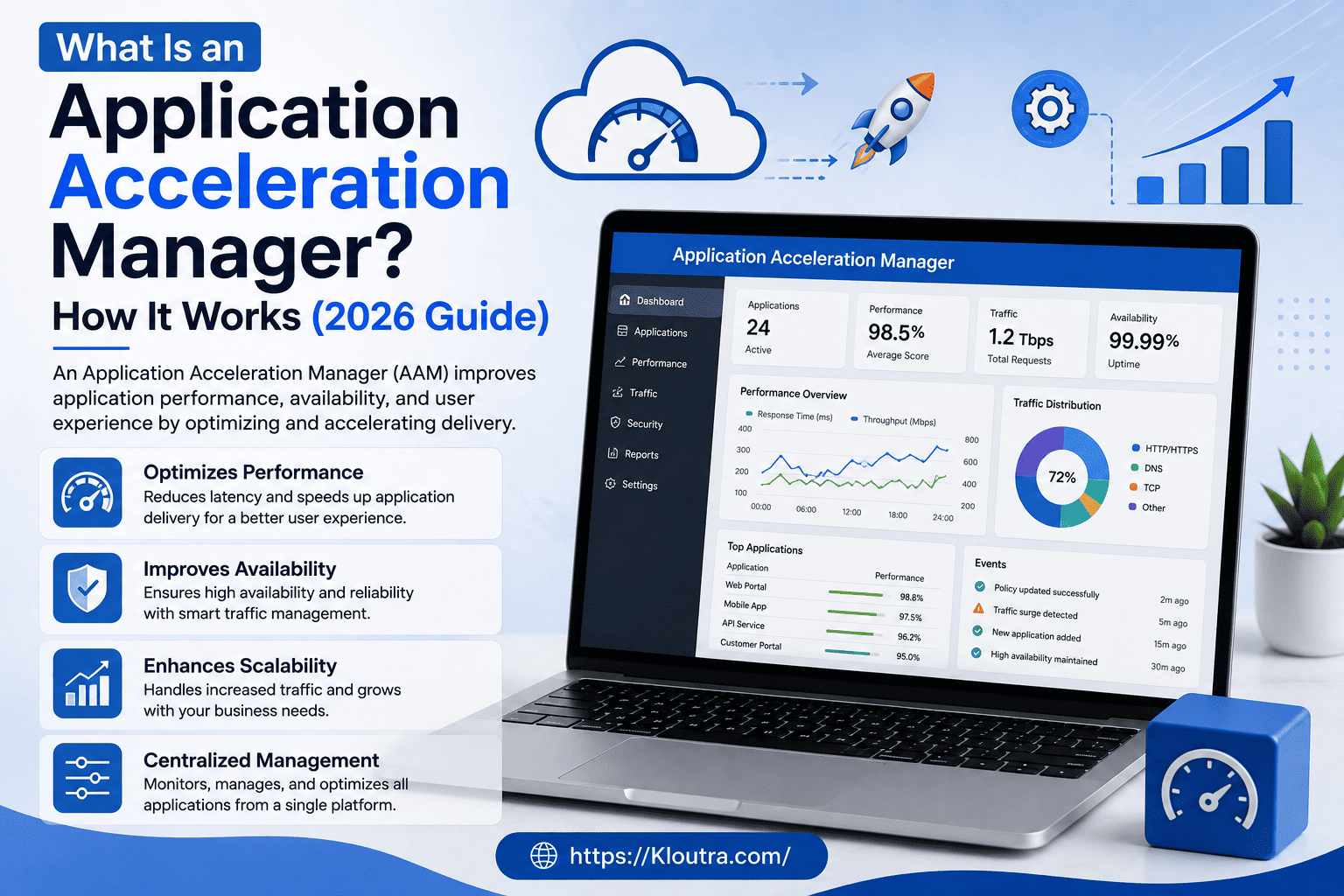
What Is an Application Acceleration Manager? A Simple 2026 Guide
Have you ever clicked a button on an app and just… waited? A few seconds of loading can feel like forever, and that small delay can cost a business real customers. This is exactly the problem an application acceleration manager solves.
An application acceleration manager is a tool (or in some companies, a role) that keeps applications fast, stable, and responsive, even when thousands of people use them at once.
In this guide, you’ll learn what application acceleration is, how an application acceleration manager works, its advantages and disadvantages, and how it’s different from a load balancer.
What Is Application Acceleration?
Application acceleration is the practice of making software applications load faster and run smoother. It focuses on reducing delays between a user’s request and the app’s response.
Think of it like a highway system. When traffic flows smoothly, cars (data) reach their destination fast. When there’s congestion, everything slows down. Application acceleration technology works like a traffic controller, clearing the way so data moves quickly.
This matters more today than ever. According to Cloudflare’s guide on managing application performance, slow or unreliable applications drive customers away and hurt brand reputation, so speed is now treated as a business priority, not just a technical one.
What Is an Application Acceleration Manager?
An application acceleration manager is a system, platform, or dedicated professional responsible for improving how fast and reliably applications perform. It monitors traffic, manages server load, compresses data, and fixes bottlenecks before they affect users.
In smaller companies, this might be a software tool running in the background. In larger enterprises, it could also be a job title held by someone who oversees application performance across many systems, a discipline closely related to what Wikipedia describes as application performance management (APM).
What Does an Application Acceleration Manager Do?
At a basic level, an application acceleration manager does four things:
- Watches how applications perform in real time
- Finds slowdowns or errors before users notice them
- Adjusts traffic and resources automatically
- Reports on performance trends over time
In short, it acts like a mechanic constantly checking an engine while it’s running, instead of waiting for it to break down.
Application Acceleration Manager Explained With an Analogy
Imagine a busy restaurant kitchen. The head chef doesn’t cook every dish personally. Instead, they manage the flow: who cooks what, which orders come first, and where the bottlenecks are.
An application acceleration manager works the same way. It doesn’t handle every single request itself. It manages the flow of data so the busiest parts of an app don’t slow everything else down.
How Does an Application Acceleration Manager Work?
Now let’s look at how application acceleration works step by step. Most systems rely on a mix of the following techniques.
1. Traffic Monitoring
The system constantly tracks how many users are active, which pages or features are used most, and where slowdowns happen. This is similar to how a GPS app tracks traffic in real time.
2. Load Balancing and Traffic Management
Application traffic management spreads user requests across multiple servers. Instead of overloading one server, the load is shared evenly. This keeps the app stable even during busy hours, like a big sale event or product launch.
3. Caching
Caching stores frequently used data closer to the user, so the app doesn’t have to fetch it from scratch every time. For example, a shopping app might cache product images so they load instantly on repeat visits.
4. Compression
Data compression shrinks the size of files being sent between the server and the user’s device. Smaller files travel faster, especially on slower internet connections.
5. Content Delivery Optimization
Application delivery optimization ensures data travels the shortest, fastest path possible. This often involves content delivery networks (CDNs), which store copies of data in multiple locations worldwide.
6. Automatic Scaling
When traffic spikes, the system can automatically add more computing resources. When traffic drops, it scales back down. This keeps performance strong without wasting money on unused capacity.
Application Acceleration Manager vs Load Balancer
People often confuse these two, but they’re not the same thing.
A load balancer is one specific tool. Its only job is to distribute incoming traffic across multiple servers.
An application acceleration manager is broader. It may use load balancing as one feature, but it also handles caching, compression, monitoring, and scaling. In other words, a load balancer is one tool in the acceleration manager’s toolbox, not a replacement for it.
This distinction matters when choosing application acceleration solutions, since some products only balance traffic while others offer full performance optimization.
Advantages and Disadvantages of an Application Acceleration Manager
Like any technology, application acceleration comes with clear upsides and a few trade-offs worth knowing before you invest in it.
Advantages
- Faster load times. Pages and features load quicker, which keeps users engaged instead of frustrated.
- Better user experience. Speed directly affects how people feel about an app, and a smooth experience builds trust.
- Improved uptime and reliability. Spotting problems early helps prevent small issues from turning into full outages.
- Lower server costs over time. Smart resource management means businesses don’t overpay for extra servers “just in case.”
- Better handling of traffic spikes. Sudden traffic increases, like a viral post or holiday sale, are less likely to crash the system.
Disadvantages
- Setup and configuration cost. Advanced acceleration tools can be expensive to license and take time to configure correctly.
- Added system complexity. More moving parts (caching layers, CDNs, scaling rules) mean more things that can go wrong or need maintenance.
- Requires ongoing monitoring. These systems aren’t “set and forget.” Someone still needs to review reports and tune settings as traffic patterns change.
- Possible caching issues. If caching isn’t configured properly, users can sometimes see outdated content instead of the latest version.
- Not a fix for bad code. Acceleration tools manage traffic and delivery, but they can’t repair a poorly written application. Underlying code issues still need real fixes.
Application Acceleration Features to Look For
If you’re comparing application acceleration tools or software, here are common application acceleration features worth checking:
- Real-time performance monitoring
- Automatic traffic distribution
- Built-in caching support
- Data compression
- CDN integration
- Auto-scaling capabilities
- Detailed analytics and reporting
- Security features like traffic filtering
Not every tool offers all of these, so it helps to match features to your specific needs, whether that’s a small app or a large enterprise system.
How to Improve Application Performance (Practical Tips)
Even without advanced software, there are simple ways to improve application performance and speed up applications:
- Optimize images and files. Large files slow everything down. Compress them where possible.
- Reduce unnecessary requests. Fewer calls between the app and server mean faster responses.
- Use caching wherever it makes sense. Don’t reload the same data repeatedly.
- Monitor performance regularly. You can’t fix what you don’t measure.
- Test under real traffic conditions. A slow app usually shows its weaknesses under pressure, not when it’s quiet.
These best practices for application acceleration apply whether you’re running a small app or an enterprise application acceleration setup. If your business also relies on SaaS platforms like Salesforce, it’s worth understanding related reliability risks, such as the one covered in Kloutra’s guide on the platform event trap, since integration failures can hurt performance just as much as slow servers.
Why Use an Application Acceleration Manager? Common Use Cases
Application acceleration manager use cases include:
- E-commerce sites during high-traffic sales events
- Streaming platforms that need consistent speed for video or audio
- SaaS companies managing thousands of active users
- Enterprise systems running multiple internal applications
- Mobile apps where users expect instant responses
Basically, any business where speed and reliability affect revenue or user trust can benefit from application performance management. Faster apps also tend to rank and perform better in search, a connection explained further in Kloutra’s guide on AI-driven SEO strategy.
FAQ: Application Acceleration Manager
What is an application acceleration manager in simple terms?
It’s a system or role that keeps applications running fast and smoothly by managing traffic, monitoring performance, and fixing slowdowns before users notice them.
Is an application acceleration manager the same as an application delivery controller?
Not exactly. An application delivery controller is a type of hardware or software tool used for traffic management and load balancing. An application acceleration manager often uses tools like this, but its role is broader, covering monitoring, caching, and scaling too.
Do small businesses need application acceleration?
It depends on traffic and growth plans. A small website with steady, low traffic may not need advanced tools yet. However, growing apps or e-commerce stores benefit from it early, especially before a big traffic spike.
How does application acceleration improve performance exactly?
It reduces the distance data has to travel, spreads traffic across resources, and stores frequently used data closer to users. Together, these steps cut down loading time significantly.
Can application acceleration software prevent website crashes?
It can reduce the risk. By managing traffic spikes and catching issues early, application acceleration tools help prevent overloads that often cause crashes, although no system can guarantee 100% uptime.
Conclusion
An application acceleration manager plays a quiet but important role in keeping apps fast and dependable. It monitors performance, balances traffic, and fixes issues before users ever notice a problem, though it does add some setup effort and complexity along the way.
Whether you’re running a small app or managing enterprise application acceleration across dozens of systems, the goal stays the same: speed, reliability, and a better experience for the people using it.
If your app has been feeling slow or unreliable, it might be time to look into application acceleration solutions that fit your specific needs.
Disclaimer: This article is for general information only, not professional or technical advice. Verify current tools and pricing before making decisions.