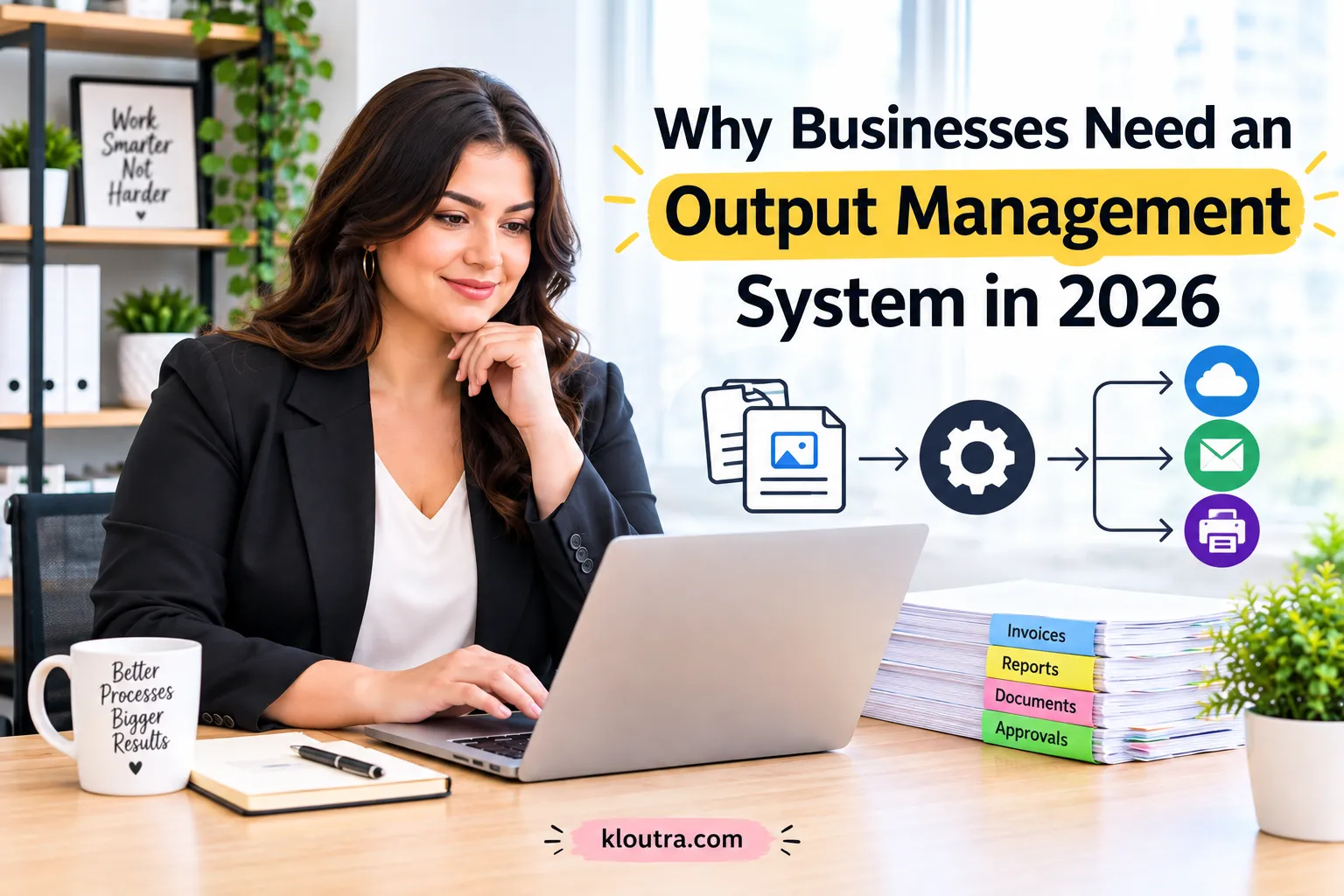
Why Businesses Need an Output Management System in 2026
What Is an Output Management System?
An output management system helps businesses create, process, and deliver documents. It manages business output from different applications and sends it to the right destinations. These destinations can include email, printers, digital channels, or storage systems. The system can also manage different types of business documents and information.
An output management system can automate document routing and distribution across business workflows. For example, it can handle reports, invoices, statements, and customer communications. This reduces the need for employees to manage each document manually. It can also help businesses handle large amounts of output more consistently.
Output management can connect with existing business applications and workflows. This helps organizations control how documents move through their operations. It can also improve document delivery, security, and overall document handling. Modern systems can support both printed and digital forms of business output.
How Does an Output Management System Work?
An output management system receives data from business applications. It uses rules to create and format the required documents. The system then chooses the right recipient and delivery channel. It can send documents through email, print, or digital channels. After delivery, the system can track and archive the output.
What Types of Business Outputs Can It Manage?
An output management system can manage many types of business documents. These include invoices, statements, reports, orders, and customer communications. It can also handle contracts, notifications, letters, and digital files. Businesses can deliver these outputs through email, print, portals, or other channels.
Why Do Businesses Need Output Management in 2026?
Businesses need output management to handle documents across different business processes. It helps automate how documents are created, routed, and delivered. Businesses can use rules to choose the right channel and recipient. These channels can include email, printing, EDI, and other digital formats.
Output management also reduces manual handling during routine document processes. It can determine output types, recipients, channels, and document templates automatically. This helps businesses deliver information consistently across different workflows.
Modern output management can also track document status and delivery problems. Businesses can monitor whether documents were processed successfully or encountered errors. This gives businesses better control over important documents and communications while supporting the use of AI technology in modern business workflows.
Growing Volume of Business Documents
Businesses create many documents through daily sales and business processes. These can include invoices, statements, reports, contracts, and customer communications. Managing large volumes manually can increase workload and slow document delivery. Output management helps automate document creation, routing, delivery, and archiving.
Increasing Demand for Automation
Businesses increasingly use automation to reduce manual work and improve daily processes. Automation can handle repetitive document tasks and connect different workflow steps. This helps employees spend less time on routine document processing. The growing use of automation is also increasing demand for efficient document systems
Faster Document Delivery
Output management helps businesses send documents through the right channels automatically. It can route documents by email, print, or electronic data exchange. Rules can select the correct recipient and delivery method automatically. This reduces delays caused by manual document handling and routing.
Managing Multiple Output Channels
Businesses may send documents through email, print, or electronic channels. Output management lets businesses choose the right channel for each document. Rules can also send the same output through multiple channels. This helps businesses manage document delivery more efficiently.
Key Benefits of an Output Management System
An output management system helps businesses handle documents more efficiently. It automates many tasks involved in creating and delivering business documents. This can reduce manual work and help employees save valuable time. It can also reduce errors caused by repetitive document handling.
Output management can improve document delivery across different communication channels. Businesses can send documents through email, print, or electronic delivery methods. It also helps protect sensitive documents through security and access controls. Tracking features can provide better visibility into document processing and delivery.
These benefits can help businesses reduce operating costs and improve efficiency. Automation can also support growing document volumes without adding more manual work. This makes output management useful for businesses with regular document-heavy processes and organized content planning.
Reduce Manual Document Processing
An output management system automates many repetitive document tasks for businesses. It can create, format, route, and deliver documents automatically. This reduces the need for employees to handle each document manually. It also helps reduce errors caused by repeated manual work.
Improve Document Delivery
An output management system helps businesses deliver documents through suitable channels. It can send documents by email, print, or electronic data exchange. Rules can select the right recipient and delivery channel automatically. This helps reduce delays and makes document delivery more consistent.
Reduce Operational Costs
An output management system can reduce costs by automating repetitive document tasks. It reduces manual work and saves employees time during daily processes. It can also reduce errors, rework, printing, and document delivery costs.
Improve Document Accuracy
An output management system can reduce errors in document processing. It automates repetitive tasks that often cause manual mistakes. Rules can also help keep document content consistent across workflows. This can reduce rework and improve the accuracy of business documents.
Strengthen Document Security
An output management system can help control access to business documents. Access rules can limit documents to authorized users and recipients. Audit logs can also record document access and other security events. These controls help businesses protect sensitive information during document handling.
How Output Management Improves Business Efficiency
Output management helps businesses handle documents with less manual work. It can automate document creation, routing, formatting, and delivery. This allows employees to spend less time on routine document tasks. It also helps businesses process large document volumes more consistently.
Businesses can use rules to route documents to the right channels. These channels can include email, print, EDI, and other digital options. The system can also determine recipients and document templates automatically. This helps reduce delays and keeps document workflows organized.
Output management can also connect with existing business systems and workflows. This helps businesses manage documents from different applications in one process. Tracking features can show whether documents were processed successfully or had errors. These features give businesses better control over daily document operations.
Automating Document Workflows
Output management can automate many steps in a document workflow. It can determine the document type, recipient, channel, and template. Business rules help decide when and how documents should be sent. This reduces manual handling and keeps document processes more consistent.
Centralizing Business Output
Output management brings document output into one organized process. It can manage documents from different business applications and workflows. Rules help control where each document goes and when. This gives businesses better control over their document output.
Connecting Business Systems
Output management can connect document workflows with business applications. It can work with systems that create business documents and data. Rules can determine recipients, channels, and templates automatically. This helps businesses manage document output across connected systems.
Tracking Document Delivery
Output management lets businesses check the status of their documents. It can show whether documents are processing, completed, or facing errors. Businesses can also review delivery details, recipients, channels, and processing logs. This helps teams find problems and resend documents when needed.
What Can an Output Management System Manage?
An output management system can handle many types of business documents. These include invoices, sales orders, delivery notes, contracts, and reports. It can also manage customer communications and other business documents. Businesses can send these documents through email, print, or electronic channels.
The system can also manage document templates and output rules. These rules can select recipients, channels, and delivery settings automatically. This helps businesses manage different document types through organized workflows.
Output management can support both physical and digital document delivery. The exact features and channels depend on the system and business needs.
Invoices and Statements
Output management can create and deliver invoices as part of business processes. It can send invoices by email or print them when needed. Businesses can also use templates to keep invoice layouts consistent. The system can track invoice output and show its processing status.
Customer Communications
An output management system can manage many customer communications. It can send order confirmations, delivery documents, invoices, and other messages. Businesses can send these documents by email or print them when needed. Templates help keep customer communications clear and consistent.
Business Reports
An output management system can create and distribute different business reports. These reports can support sales, operations, finance, and other business processes. Businesses can send reports by email or print them when needed. Templates can also keep report layouts clear and consistent.
Digital and Printed Documents
An output management system can handle both digital and printed documents. It can create documents as PDFs for email or electronic delivery. It can also send documents to printers for physical copies. Businesses can choose the delivery method based on their needs.
Important Output Management Features in 2026
Modern output management systems include features for automation, delivery, and document control. They can route documents through different channels based on business rules. These channels can include email, printing, and electronic data exchange. Businesses can also use templates to keep documents consistent and organized.
Tracking features can show the status of processed business documents. Businesses can check completed outputs, pending items, and processing errors. Security controls can also help manage access to important business documents. Integration features allow output systems to work with existing business applications.
Workflow Automation
Workflow automation helps businesses handle document tasks with less manual work. Business rules can decide when and how documents are processed. They can also select recipients, channels, and document templates automatically. This helps keep document workflows consistent and organized.
Multi-Channel Delivery
Multi-channel delivery lets businesses send documents through different output channels. These channels can include email, printing, and electronic data exchange. Rules can select the right channel for each document automatically. Businesses can also send one output through multiple channels when needed.
Security and Access Controls
Access controls can limit documents to authorized users and recipients. Audit logs can record document access and security events. These controls help businesses protect sensitive information and track access.
System Integration
Output management can connect with business applications and document workflows. It helps these systems create and distribute documents through defined channels. This can support email, printing, and electronic document exchange.
Reporting and Tracking
Reporting and tracking help businesses monitor their document output. They can view output status, recipients, channels, and processing details. Businesses can also identify errors and retry failed outputs when needed.
Scalability
A scalable output system can handle growing document volumes as businesses expand. It can support more outputs, users, and delivery needs over time. Cloud-based systems can also support high-volume output scenarios when configured properly.
How to Choose an Output Management System
Start by identifying the documents and workflows your business needs to manage. Check which output channels the system supports, such as email, print, or EDI. Make sure it works with your existing business applications and workflows.
Next, review its automation, security, tracking, and reporting features. Check whether the system can handle your current document volume. Also consider future growth and the system’s available integration options.
Before choosing, confirm that the available features match your business requirements. Some output solutions only support specific applications or document processes. Testing the system can help confirm that it fits your needs.
Identify Your Business Requirements
Start by listing the documents your business needs to create and deliver. Identify which channels you need, such as email, print, or EDI. Also check which recipients, templates, and workflows your business requires.
Think about your current document volume and daily processing needs. Choose a system that matches your existing business processes and applications. Clear requirements make it easier to compare different output management systems.
Check Integration Options
Make sure the system works with your existing business applications and workflows. Check whether it supports the output channels your business needs.
Evaluate Security Features
Choose a system with strong access controls to protect sensitive business documents. Check for security logs that track document access and important activities. These features help businesses control access and monitor document security.
Compare Automation Capabilities
Compare how well each system automates document creation, routing, and delivery. Check if it can apply rules to choose channels and recipients automatically. A good system should reduce repetitive manual work across document workflows.
Consider Scalability and Cost
Choose a system that can handle growing document volumes and business needs. Compare setup, maintenance, subscription, and future scaling costs before choosing.
Is an Output Management System Worth It in 2026?
An output management system can be worth it for document-heavy businesses. It can automate document creation, routing, and delivery across different channels. This can reduce manual work and improve control over business output.
However, smaller businesses may not need advanced output management features. The right choice depends on document volume, workflows, channels, and business needs. Businesses should compare costs and features before making a final decision.
Frequently Asked Questions About Output Management
Output management helps businesses create, manage, and deliver important documents. It can support channels such as email, printing, and electronic data exchange. The following questions explain how output management works for businesses.
What is an output management system used for?
An output management system helps businesses create, organize, and deliver documents. It can manage invoices, orders, delivery notes, and customer communications. Businesses can send these documents through email, printing, or electronic channels.
What are the benefits of output management?
Output management reduces manual work when businesses handle documents. It can automate document creation, routing, and delivery through different channels. This helps businesses save time and manage document workflows more consistently.
How does output management improve business efficiency?
Output management automates many document tasks across different business processes. It can select recipients, channels, and templates using predefined business rules. This reduces manual work and helps businesses deliver documents more efficiently.
What documents can an output management system handle?
An output management system can handle many common business documents. These include invoices, sales orders, delivery notes, and order confirmations. It can also manage reports, quotations, contracts, and customer communications. Businesses can send these documents through email, printing, or electronic channels.
Is output management suitable for small businesses?
Output management can suit small businesses with regular document workflows. It can automate invoices, reports, orders, and other business documents. Small businesses should choose features that match their needs and budget.
Conclusion
Output management helps businesses manage documents more efficiently in 2026. It can automate document creation, routing, formatting, and delivery across different channels. This can reduce manual work and make document workflows easier to manage.
Businesses can use output management for invoices, orders, reports, and customer communications. It can also support email, printing, EDI, and other digital delivery methods. The right solution depends on business needs, document volume, and available budget.
For businesses handling many documents, output management can be a useful investment. It can improve control, consistency, and efficiency across everyday document processes.
Disclaimer
The information in this article is provided for general informational purposes only. Output management features, integrations, pricing, and capabilities can vary between software providers and business requirements. Always review the latest product documentation and evaluate your specific needs before choosing or implementing an output management system.