What Is Active System Console? Complete Guide for 2026
If your server dashboard suddenly flashed a message about an “Active System Console,” you probably had one question: what is this thing? You are not alone. Many IT beginners, and even some experienced admins, run into this term for the first time while troubleshooting a server problem.
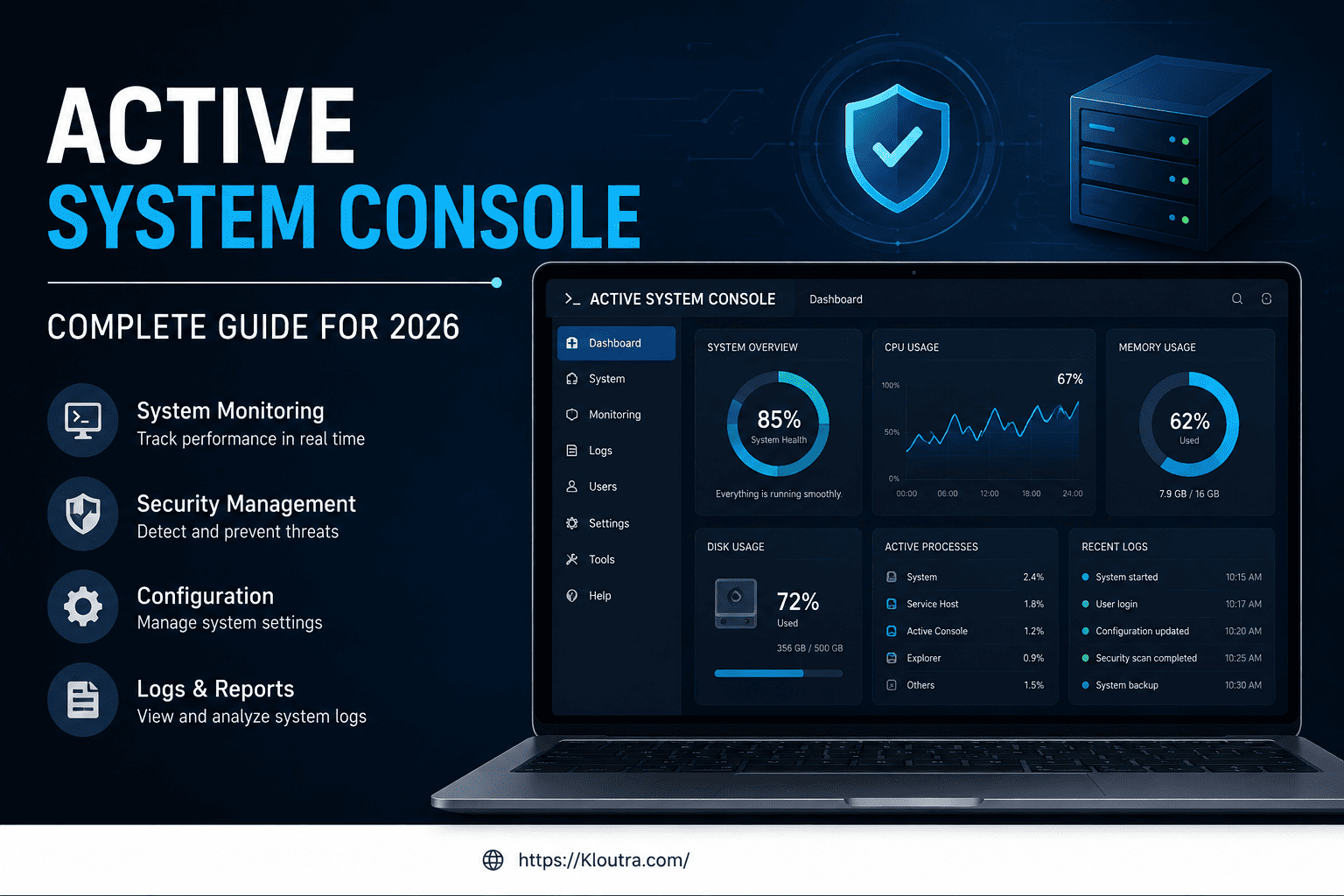
In short, an active system console is a management tool. It gives you a live, dashboard-style view of a computer or server’s hardware. It shows things like temperature, fan speed, memory status, and system logs, all in one place. Think of it as a car’s dashboard, but for a server. This guide covers what it is, how it works, its pros and cons, and whether you still need it in 2026.
We compiled and fact-checked this guide against current vendor documentation, including Intel’s official Active System Console user guide and Skyhigh Security’s hardware administration documentation.
What Is an Active System Console?
An active system console is a software interface. It lets an administrator monitor and manage a server’s hardware in real time. Instead of digging through log files line by line, you get a visual dashboard that shows the health of the machine at a glance.
The term is generic. Different companies have built their own versions of it. The most well-known example is Intel’s Active System Console, often shortened to ASC or IASC. Intel built it for its own server boards and server systems.
Where the Term Comes From
Intel released its Active System Console as a “walk-up” tool. An administrator standing in front of the server, or connecting remotely, could open a web browser and instantly see the system’s status. The viewing device needed no special software, just a browser and a network connection.
Other Tools That Use the Same Name
Intel is not the only company to use this term. For example, Skyhigh Security (formerly part of McAfee) also has an Active System Console. Their version pulls debugging information from appliance hardware, mainly for support and troubleshooting, not everyday monitoring.
So when someone mentions “active system console,” ask which product or hardware they mean. The concept is similar across vendors. The features and setup steps are not identical. If you manage a broader mix of hardware and networked systems, it’s also worth brushing up on general cybersecurity fundamentals. Any remote management tool widens what you need to secure.
How Does It Work?
At a basic level, an active system console connects to a server’s built-in management hardware. Admins call this a Baseboard Management Controller, or BMC. The BMC keeps working even if the main operating system crashes. That’s exactly why it’s so useful for troubleshooting. For a deeper technical primer, see Supermicro’s glossary explainer on BMCs.
Accessing the Console
For Intel’s version, you typically enter the server’s IP address along with a specific port number into a web browser. For example, the login page often looks like this: https://system_IP:9393/asc/. Once you log in, you see a dashboard of the server’s current condition.
What You Can See on the Dashboard
A typical active system console shows:
- Hardware temperature and fan speeds
- Power supply status
- Memory and processor health
- System event logs
- Alerts for hardware failures or warnings
This information helps you catch small problems, like a failing fan, before they turn into bigger issues, like an overheating server.
Active System Console for Beginners
If you are new to server management, the idea of a “console” can sound intimidating. It’s really just a monitoring screen, similar to a fitness tracker app that shows your heart rate and steps.
Why Beginners Run Into This Term
New IT staff often discover the active system console while following a troubleshooting guide. A forum post or a colleague might say, “Check the active system console.” That sends people searching for what it even means.
A Simple Way to Think About It
Picture a hospital patient monitor. It doesn’t perform surgery, but it shows the doctor exactly what’s happening with the patient’s vital signs. An active system console does the same job for a server. It watches and reports, so you can act quickly if something looks wrong.
Active System Console Features
Features vary by vendor, but most active system consoles share a few common building blocks.
Real-Time Monitoring The console updates hardware readings continuously. You always see the current status, not an old snapshot.
Event and Error Logging It keeps a running history of warnings and errors. This helps when you need to explain what happened during a system failure.
Remote Access It usually runs through a web browser, so you often don’t need to be physically near the server to check on it. This matters a lot for data centers, where servers may sit in a different building or even a different country.
Alerts and Notifications Some versions flag unusual readings, so you notice a problem right away instead of stumbling onto it later.
Advantages and Disadvantages of an Active System Console
Like any monitoring tool, an active system console is a trade-off. It solves real problems, but it also comes with limitations. Know both before you rely on it for day-to-day operations.
Advantages
- Faster troubleshooting — a visual dashboard helps you spot the likely cause of a hardware issue in minutes instead of combing through raw logs.
- Works even when the OS doesn’t — it talks to the BMC directly, so it can still report status during an operating system crash or hang.
- No special software needed to view it — most versions run through a standard web browser. You install nothing extra on the machine you check from.
- Reduces on-site visits — remote access lets IT teams check hardware health across multiple locations without traveling to each server room.
- Consolidates readings in one place — temperature, fan speed, power status, and logs combine into a single screen instead of several separate tools.
Disadvantages
- Vendor lock-in and inconsistency — the term covers different tools from different companies, including Intel and Skyhigh Security. Skills and setup steps don’t transfer cleanly between vendors.
- Security exposure if misconfigured — it’s a remote-access tool tied to low-level hardware. An exposed or poorly secured console can become an attack surface.
- Aging or discontinued software — Intel no longer maintains its original ASC (more on this below). That means no security patches or new features going forward.
- Self-signed certificate warnings — older builds can trigger browser “Untrusted Connection” errors. This can train users to click through security warnings out of habit.
- Limited scope — it monitors hardware health only. It doesn’t replace full systems-management platforms, backup tools, or application-level monitoring.
Active System Console Security
Security is a fair concern with any remote management tool, and active system consoles are no exception.
Common Security Issues
Older versions of tools like Intel’s IASC sometimes used self-signed security certificates. This can trigger browser warnings such as “Untrusted Connection” or “Invalid Security Certificate.” These warnings don’t automatically mean something is wrong. Proceed only if you’re certain the certificate came from your own trusted network.
Firewall and Port Considerations
Intel’s console, for example, used specific network ports (9393, 9191, and 7777) to communicate. Remote access requires these ports to stay open on your firewall. But opening ports also increases the attack surface. Open only what you actually need, and restrict access to trusted IP addresses where possible.
Best Practices
- Use it only on a secured, internal network whenever possible
- Keep firmware and management software up to date
- Change any default login credentials immediately
- Limit remote access to specific, trusted devices or networks
Active System Console Benefits
Even with some quirks, this type of tool offers real advantages for anyone managing physical servers.
Faster Problem-Solving Instead of guessing why a server is acting up, you can check the dashboard and often find the cause within minutes.
Reduced Downtime Catching a hardware warning early, such as a rising temperature, helps you fix the issue before the server actually fails.
Easier Remote Management For IT teams managing servers across multiple locations, a web-based console saves time and travel. You don’t need to be on-site just to check basic hardware health.
A Single View of Hardware Health Instead of checking several different tools, an active system console usually brings the key information into one screen.
Active System Console 2026: What’s the Current Status?
Here’s an important update for anyone searching in 2026. Intel discontinued its original Active System Console software and pulled it from its official website. Intel has no replacement version planned. Search for a fresh download today, and you likely won’t find one directly from Intel.
For current Intel server hardware, Intel generally directs administrators toward the BMC console for remote management, or toward its paid Server Management Software for more advanced features. If you manage older Intel server boards that still rely on the original ASC tool, keep an existing installer backed up, since new downloads are no longer officially available.
Other vendors, such as Skyhigh Security, continue to maintain their own versions of an active system console as part of their hardware support tools. This space keeps shifting, so always check your specific vendor’s current documentation instead of relying on older guides, including this one, for exact download links or version numbers. If you’re comparing broader IT and business software options for your team, our SaaS and business software coverage rounds up current tools worth evaluating.
Active System Console Review: Is It Still Worth Using?
If you already have access to a working Active System Console on your hardware, it can still be a handy troubleshooting aid, especially for on-site diagnostics. It’s simple, browser-based, and doesn’t require deep technical training to read.
That said, if you’re starting fresh in 2026, check what monitoring tool your current hardware vendor actively supports instead. Relying on a discontinued tool for long-term server management isn’t a great long-term plan, even if it still works today.
Active System Console Guide: Quick Setup Tips
If you’re trying to access an existing console for the first time, keep these steps in mind:
- Confirm the exact IP address of the server or appliance you want to monitor.
- Check the documentation for the correct port number, since this varies by vendor.
- Use a supported web browser. Be ready to handle a certificate warning if the tool uses an older, self-signed certificate.
- Log in with your assigned credentials and change any default password right away.
- Bookmark the dashboard for quicker access next time, but only on a secure, trusted device.
FAQs
Is Active System Console free to use? For Intel server boards that shipped with the tool, it was originally free. Intel has since removed the download and stopped supporting it, so availability now depends on whether your organization already has the installer saved.
Does Active System Console work on all servers? No. It’s built for specific hardware, mainly certain Intel server boards, or it exists as a vendor-specific tool, like the version Skyhigh Security makes. Always check your hardware’s documentation first.
Is Active System Console safe to use? It can be safe on a secured network with updated credentials. But older versions may show browser security warnings due to self-signed certificates, so use caution when accessing it remotely.
What replaced Active System Console for Intel servers? Intel generally points users toward the BMC console for basic remote management, or toward its paid Server Management Software for more advanced monitoring and control.
Can beginners use Active System Console without training? Yes, for basic monitoring. The dashboard is visual and easy to read. But responding to a warning or error still benefits from some general IT or server administration knowledge.
Conclusion
An active system console is essentially a hardware health dashboard for servers. Most people associate it with Intel’s now-discontinued ASC tool, though other vendors offer similar tools under the same name. It helps admins catch hardware problems early, manage systems remotely, and cut down on downtime. Since Intel’s original version is no longer supported, check your specific hardware vendor’s current recommendations before relying on it long-term.
If you manage servers and want to stay ahead of hardware failures, take a few minutes today to check whether your systems already have an active system console, or a modern equivalent, built in. It could save you a stressful late-night troubleshooting session down the road.
Disclaimer: This article is for informational purposes only, not professional IT advice. Details may change — always check your vendor’s official documentation. We are not affiliated with Intel, Skyhigh Security, or any vendor mentioned here.

Related Posts

Mobile App Development Tips for Beginners

Best Spotify Alternatives for Music Streaming