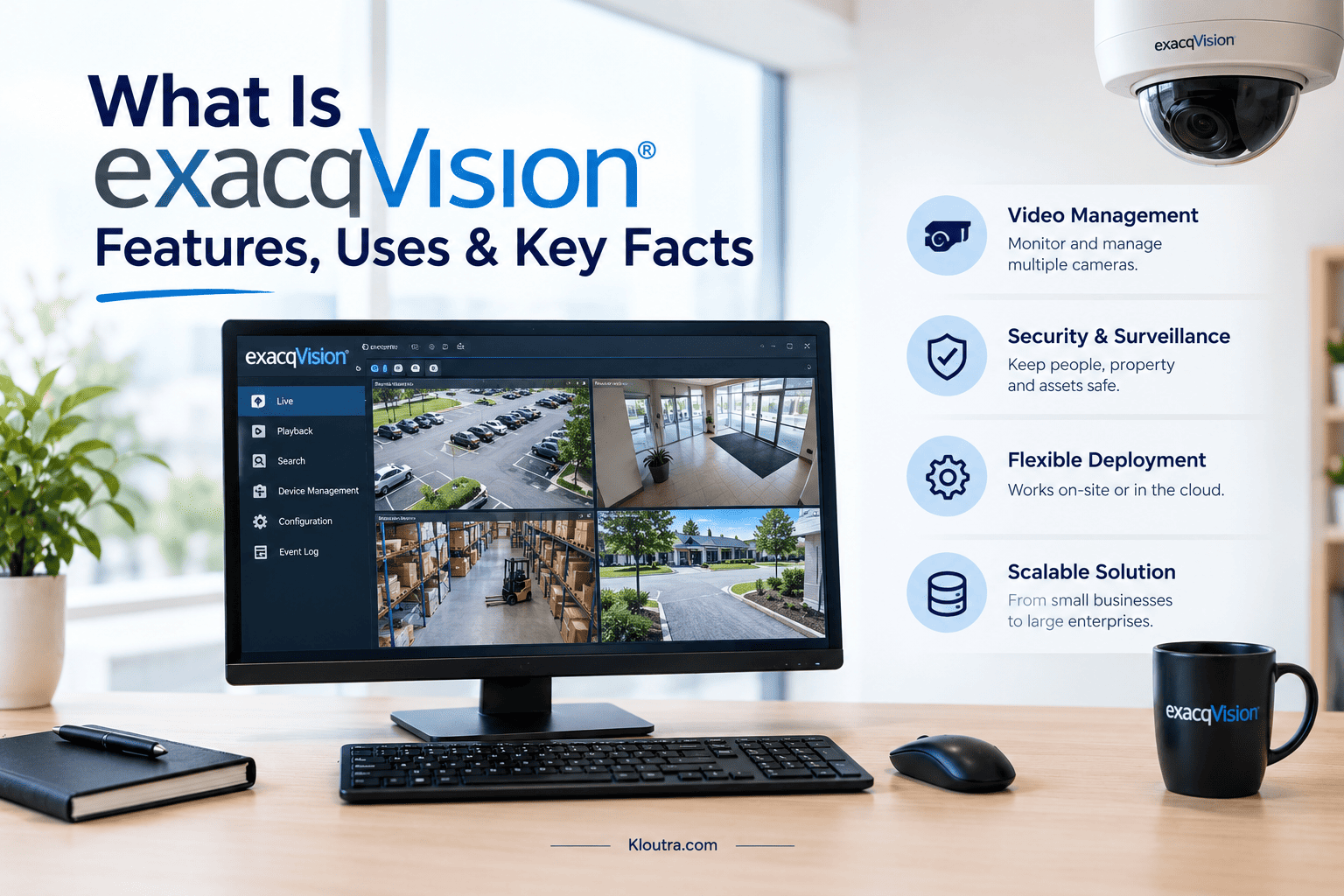
What Is exacqVision? Features, Uses & Key Facts
Introduction
exacqVision is a video management system designed for security surveillance. It helps users monitor live camera feeds and review recorded footage. Businesses can use it to manage cameras across offices, stores, schools, and other locations. The software includes tools for searching video, exporting clips, and viewing footage through supported devices. Different software options support different surveillance needs.
However, features and compatibility depend on the system configuration. This guide explains what exacqVision is, how it works, and its main features. You will also learn about its common uses, software types, benefits, and system requirements before choosing a suitable setup.
What Is exacqVision?
exacqVision is a video management system (VMS) used for security surveillance. It helps users monitor live camera feeds and review recorded footage. The software works with compatible IP cameras and supported recording systems. Businesses can use it to manage video from one or multiple locations. It also offers tools for searching and exporting recorded footage. Available features depend on the software version and system setup.
How Does exacqVision Work?
exacqVision connects compatible cameras to a video management system. The system records video and lets users view live feeds. Users can search recorded footage to find specific events. They can also export clips for later review. Supported clients, web browsers, and mobile devices provide viewing options. Setup depends on the cameras, hardware, and software selected.
Key Features of exacqVision
exacqVision offers tools for managing security camera footage. Users can monitor live video and review recorded events. They can also search footage and export clips when needed. Available features depend on the software version and system setup.
| Feature | Purpose |
|---|---|
| Live Video Monitoring | View live feeds from connected cameras. |
| Video Recording | Record footage from supported cameras. |
| Video Search | Find specific events in recorded footage. |
| Remote Viewing | View video remotely through supported devices and clients. |
| Video Export | Export recorded footage for review or sharing. |
These features help businesses manage surveillance footage in one system. Compatibility and access options may vary by configuration.
What Is exacqVision Used For?
exacqVision helps organizations manage video surveillance across different locations. It lets authorized users monitor cameras and review recorded footage. Common uses include business security, retail monitoring, and school safety.
Business and Office Security
Businesses use exacqVision to monitor offices, entrances, and other areas. Security staff can view live feeds and review recorded footage. This helps them check incidents and investigate security concerns. Exported footage may also be reviewed as digital evidence by a certified computer examiner.
Retail Stores and Commercial Buildings
Retail stores can monitor entrances, checkout areas, and stockrooms. Building managers can review footage when security incidents occur. Camera coverage depends on the system’s setup and placement.
Schools and Institutions
Schools can use exacqVision to monitor entrances, hallways, and shared spaces. Authorized staff can review footage when incidents need investigation. Proper camera placement helps support security across school grounds.
Types of exacqVision Software
exacqVision offers different software options for video surveillance systems. Each option supports different installation needs. The right choice depends on the system size and recording setup.
| Software | Main Purpose |
|---|---|
| exacqVision Professional | Supports video surveillance for many standard installations. |
| exacqVision Enterprise | Adds multi-server management for larger surveillance systems. |
| exacqVision Edge | Runs directly on compatible cameras or edge devices, storing video locally. |
Professional suits many common setups, while Enterprise supports centralized management across multiple servers. Edge can record video to a compatible camera’s SD card.
Benefits of Using exacqVision
exacqVision helps businesses manage security cameras through one video management system. Users can monitor live feeds and review recorded footage. This makes it easier to check incidents and find important video clips.
Key benefits include:
- Centralized Monitoring: View camera feeds through a single interface.
- Easy Video Search: Find recorded footage when investigating an incident.
- Remote Access: View video through supported clients and devices.
- Flexible Setup: Choose a suitable system for different surveillance needs.
- Video Export: Save footage for review or sharing with authorized people.
Available features depend on the software version and system configuration.
exacqVision Compatibility and System Requirements
exacqVision supports selected operating systems, cameras, and hardware. Requirements vary by software version and installation size. Check compatibility before installing or upgrading the system.
Consider these requirements:
- Operating System: Check the official list of supported Windows or Linux versions.
- Computer Hardware: Ensure the processor, memory, and graphics meet requirements.
- Camera Compatibility: Confirm that your cameras work with the selected system.
- Storage Space: Allow enough storage for recorded video.
- Network Connection: Ensure your network can handle the camera video streams.
- Remote Access: Enable the required web service for supported remote viewing.
For example, official documentation lists Windows 11 and Ubuntu versions for supported client and server setups. macOS support depends on the software component.
Final Thoughts
exacqVision helps businesses manage security cameras and recorded video. It offers tools for live monitoring, video searches, and footage exports. Professional, Enterprise, and Edge support different surveillance setups. The right option depends on your cameras, hardware, and security needs. If you are unsure which setup fits, a technology solutions professional can help match the system to your requirements. Check the official compatibility requirements before choosing or installing the software.
Frequently Asked Questions About exacqVision
Who owns exacqVision?
exacqVision is a video management product from Exacq Technologies. Exacq is part of Johnson Controls, a company specializing in building and security technologies.
Is exacqVision an NVR?
No, exacqVision is primarily video management software (VMS). However, Exacq also sells network video recorders (NVRs) with exacqVision software installed.
How to install exacqVision Client?
Download the client installer from the official exacqVision downloads page. Choose the installer that matches your operating system. Run the installer and follow the setup instructions. After installation, open the client and connect to your exacqVision server.
What is the current version of exacqVision?
As of October 24, 2026, the latest announced release is exacqVision 26.2. Johnson Controls announced it in September 2026, but stated it would become available later that year. Check the official exacqVision downloads page for available downloads.
Disclaimer: This article is for informational purposes only. Features, compatibility, and software versions may change. Always check the official exacqVision website for the latest information before making decisions.

Related Posts

Certified Computer Examiner: Role, Skills & Certification
RCA Tablet Serial Number: How to Find It