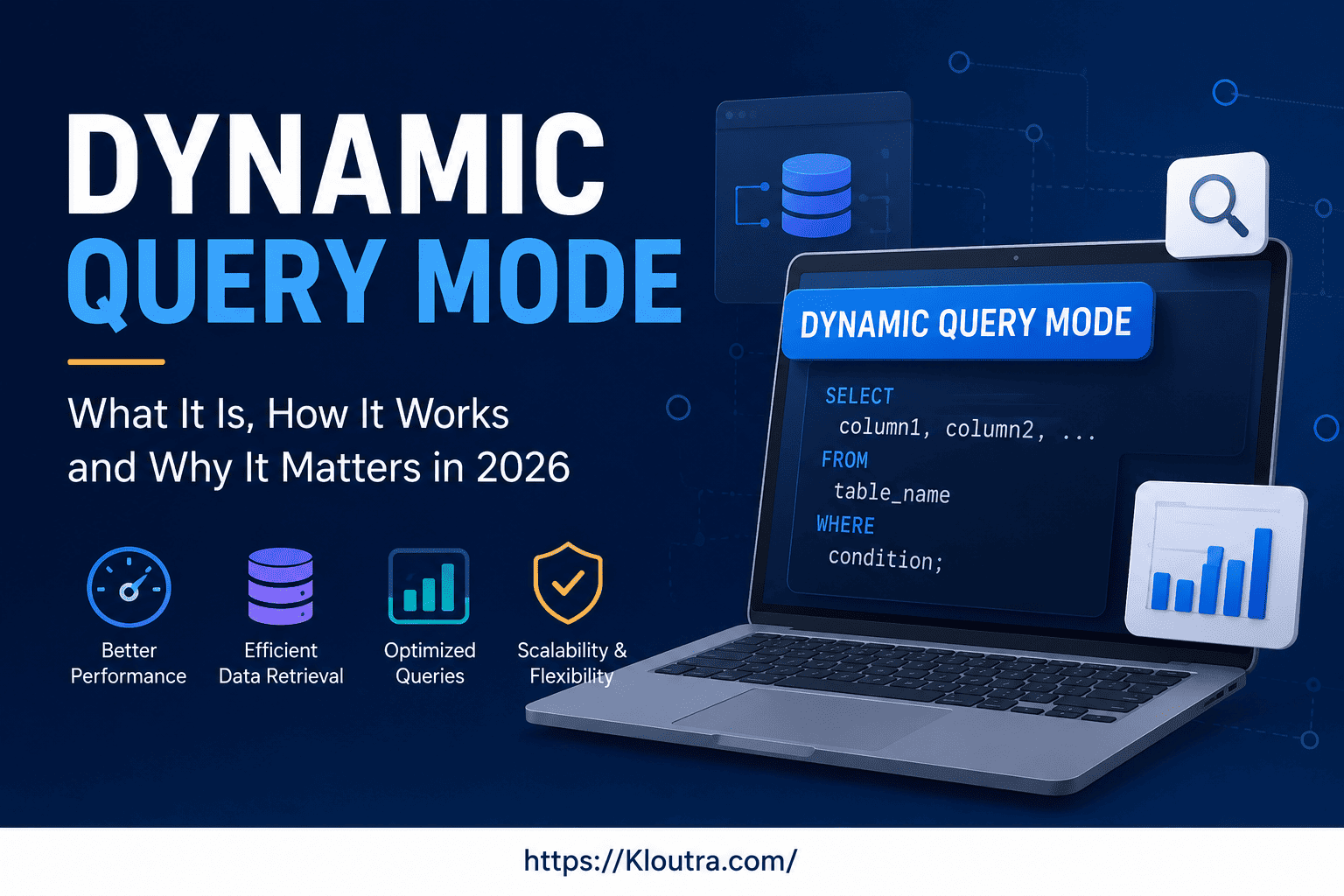
What Is Dynamic Query Mode? Complete Guide for 2026
Introduction
Ever run a report and wait… and wait… and wonder why it’s taking so long? That’s usually a dynamic query mode problem, not a “your computer is slow” problem.
If you work with IBM Cognos Analytics, you’ve probably seen this term pop up in settings or error messages. It sounds technical, but it’s actually a simple idea once you break it down.
In short, dynamic query mode is a query engine that decides how your reporting tool talks to your data source and pulls back results. IBM built it to be faster, more flexible, and better suited to how businesses use data today. This guide explains what it is, how it works, its advantages and disadvantages, and why it matters, in plain English.
What Is Dynamic Query Mode? A Quick & Simple Explanation
Dynamic query mode (often shortened to DQM) is a 64-bit query engine used in IBM Cognos Analytics. Think of it as the “engine under the hood” that takes a report request, turns it into a database query, runs it, and hands back the results.
IBM introduced DQM in Cognos 10 as a newer, more capable option alongside the older query engine, and according to IBM’s own Cognos Analytics documentation, it addresses query complexity, large data volumes, and timeliness expectations through improved query execution techniques. Since Cognos 10.2.x, it has been the default choice for new projects.
Why the Word “Dynamic” Matters
The word “dynamic” points to flexibility. This engine can pull data from multiple packages or subject areas in a single report. For example, it can combine sales data and inventory data in one query, even if they live in separate models. That’s a big deal for teams who need a full picture, not just pieces of one — a challenge that comes up constantly in enterprise business software more broadly, not just in Cognos.
Where It Fits in the Bigger Picture
Dynamic query mode isn’t a separate product. Instead, it’s a setting inside Cognos Analytics that you choose when you build a project or package. Once you set it, every report built on that package runs through this engine.
Dynamic Query Mode Explained: How It Actually Works
Here’s a helpful analogy. Imagine two translators helping you talk to someone who speaks a different language.
One translator (the older engine) is thorough but slow, and needs a full phrasebook installed before they can help. The other (DQM) is quicker, works with a lighter setup, and can juggle multiple conversations at once.
The Technical Side, Simplified
DQM uses JDBC drivers to connect to databases. JDBC is a standard way for software to “speak” to a database without needing a heavy, fully installed database client on every machine. That alone makes setup and maintenance easier for IT teams.
Query Execution Steps
At a basic level, here’s what happens when a report runs under this engine:
- The report sends a request to the query engine.
- The engine checks the data model and figures out the most efficient path to the data.
- It builds an optimized query for the data source.
- It runs the query and returns results to the report.
- Finally, it applies formatting and calculations for display.
This process cuts out unnecessary work, which is where a lot of the speed gains come from. In practice, teams managing large datasets often see the same principle at play as in techniques like single instance storage — avoiding redundant work is where the real performance wins hide.
Advantages of Dynamic Query Mode
Let’s get into why so many teams choose it, or switch to it from the older option.
Faster Report Performance
Because it’s a 64-bit engine, DQM can use more memory and handle larger, more complex queries without choking. Reports that used to time out or lag often run noticeably smoother.
Works Across Multiple Data Sources
As mentioned earlier, this engine can combine data from more than one package in a single report. That means less manual data-blending work for report authors.
Better Diagnostic Tools
DQM comes with a tool called Dynamic Query Analyzer. It lets administrators see how a query is structured and where time is being spent, which makes troubleshooting slow reports far less of a guessing game.
Built for Newer Features
Modern Cognos Analytics features, like data modules and interactive dashboards, rely on this engine by design. Some of these features either don’t work, or only partially work, with the older compatible query mode.
Easier Long-Term Maintenance
Because it relies on JDBC instead of a full thick-client database driver installed everywhere, IT teams generally find it simpler to manage and update over time.
Disadvantages of Dynamic Query Mode
DQM isn’t without trade-offs. Before you migrate, it’s worth weighing these honestly.
Migration Effort for Older Reports
Existing reports built under compatible query mode don’t always move over cleanly. Custom SQL, calculations, and comment formatting often need manual rework to satisfy DQM’s stricter syntax rules.
Not Every Data Source Is Supported the Same Way
Some legacy relational databases and OLAP cubes behave differently — or aren’t supported at all — under DQM. Teams with older or niche data sources may need to check compatibility carefully before switching.
Learning Curve for Administrators
Because DQM enforces different rules and ships with its own diagnostic tool (Dynamic Query Analyzer), administrators used to the old engine need time to learn new troubleshooting workflows.
Performance Isn’t Automatic
Moving to DQM doesn’t fix a poorly designed data model on its own. Teams sometimes expect instant speed gains and are disappointed when badly structured packages still run slowly.
Testing Overhead
Because query behavior can differ between the two modes, a full switch usually means re-testing every important report rather than assuming it will just work.
Dynamic Query Mode Features
To make this concrete, here’s a quick rundown of what this engine actually offers.
64-Bit Query Execution This allows it to process larger datasets and more complex joins without running into the memory limits that older 32-bit engines face.
JDBC-Based Connectivity Rather than installing a full database client on every server, it connects through JDBC drivers, which are lighter and easier to standardize.
Cross-Package Reporting It supports pulling data from multiple subject areas or packages into one report, something the older engine cannot do.
Dynamic Query Analyzer A built-in tool for reviewing query structure, execution time, and potential bottlenecks. This is genuinely useful for anyone responsible for report performance.
Stricter Syntax Enforcement This mode enforces cleaner query syntax than the older engine. For example, comment formatting in custom SQL and calculations needs to follow stricter rules. That can mean some extra cleanup work during a migration, but it usually results in more stable, predictable reports afterward.
Dynamic Query Mode Performance: What to Expect
Performance is the number one reason teams move to DQM. However, it’s worth being honest about what “better performance” really means here.
Where Performance Gains Show Up Most
You’ll typically notice the biggest improvement on reports that:
- Pull from large tables or complex joins
- Combine multiple data sources
- Run frequently, with many users at once
It’s Not Automatic Magic
Switching engines doesn’t guarantee every report gets faster overnight. Poorly designed data models or inefficient calculations can still slow things down, no matter which engine runs them. Performance tuning is still part of the job.
Monitoring Performance
This is where the Dynamic Query Analyzer earns its keep. Instead of guessing why a report is slow, administrators can look directly at how the query was built and where time was spent, then adjust the model accordingly.
Dynamic Query Mode Settings
If you’re setting this up yourself, here’s what the process generally looks like at a high level.
Setting the Query Mode at the Project Level
In IBM Cognos Framework Manager, you can set the project’s query mode property to either dynamic or compatible. This choice applies to the package you publish from that project.
Data Source Compatibility
Not every data source works the same way under both modes. Before switching, check whether your specific data sources (relational databases, OLAP cubes, and so on) support this engine, using IBM’s current documentation as your reference point.
Testing Before You Fully Switch
Because this mode enforces stricter syntax and handles some query types differently, it’s smart to test existing reports after a migration rather than assume everything will behave identically. Some reports may need small adjustments to custom SQL, filters, or calculations.
Dynamic Query Mode vs Compatible Query Mode
This comparison comes up constantly, so let’s lay it out clearly.
Origins
Compatible query mode (CQM) is the older engine. Its roots go back to Cognos Series 7, and early versions like Cognos ReportNet and Cognos 8 offered it as the only option. DQM came later, arriving in Cognos 10 as a modern replacement.
Architecture
CQM is a 32-bit engine, which limits how much memory it can use for processing. DQM is 64-bit, giving it more headroom for larger, more demanding queries.
Data Source Connections
CQM generally relies on a full, thick database client installed on the server. DQM uses JDBC drivers, which are lighter to install and maintain.
Multi-Package Support
This is one of the clearest differences. DQM can pull from multiple packages or subject areas in one report. CQM doesn’t offer that flexibility.
Feature Compatibility
IBM builds newer Cognos Analytics features, like data modules, around DQM. Some of them simply don’t work under CQM, or require workarounds to simulate DQM behavior.
Which One Should You Use?
If you’re building anything new, DQM is the sensible default. If you have an older Cognos environment still running fine on compatible query mode, there’s no fire-drill urgency to switch, but planning a migration is worth doing sooner rather than later, since newer features increasingly assume DQM is in place. Teams evaluating other SaaS and business software tools as part of a broader BI stack should factor this migration timeline into their planning too.
Frequently Asked Questions
What is dynamic query mode used for? IBM Cognos Analytics uses dynamic query mode to process report queries against one or more data sources. It’s the engine that turns your report design into an actual database query and returns the results.
Is dynamic query mode faster than compatible query mode? Generally, yes. Its 64-bit architecture and more efficient query building tend to produce faster results, especially for large or complex reports. That said, actual speed also depends on how well the underlying data model is designed.
Can I switch from compatible query mode to dynamic query mode anytime? You can switch, but you should plan it rather than rush it. Because DQM enforces stricter syntax rules, some existing reports, especially ones with custom SQL or calculations, may need small fixes after the switch.
Does dynamic query mode support all data sources? No engine supports every single data source type identically. Before switching, check IBM’s current documentation for your specific relational or OLAP data sources, since supported source lists can change with new Cognos releases.
Do I need Dynamic Query Analyzer to use dynamic query mode? No, running reports doesn’t require it. Still, it’s a genuinely useful tool for administrators who want to understand and troubleshoot query performance, so it’s worth learning if you manage a Cognos environment.
Conclusion
Dynamic query mode isn’t just a technical checkbox hidden in Cognos settings. It’s the engine that decides how fast your reports run, how many data sources you can combine, and how well your setup will support newer features going forward — though, as covered above, it comes with real migration and compatibility trade-offs too.
To sum it up: this engine offers a faster, more flexible way to query your data compared to the older compatible query mode, with stronger support behind it, at the cost of some upfront migration work. If you’re starting a new Cognos project, it’s the clear starting point. If you’re still on the older engine, put a migration plan on your roadmap.
If you’re currently deciding between the two, take stock of your data sources, test your key reports, and lean on tools like Dynamic Query Analyzer to keep an eye on performance as you go.
Disclaimer: This guide is for general informational purposes only and isn’t official IBM documentation. Always confirm settings and compatibility against IBM’s official Cognos Analytics docs before making changes to a production environment.