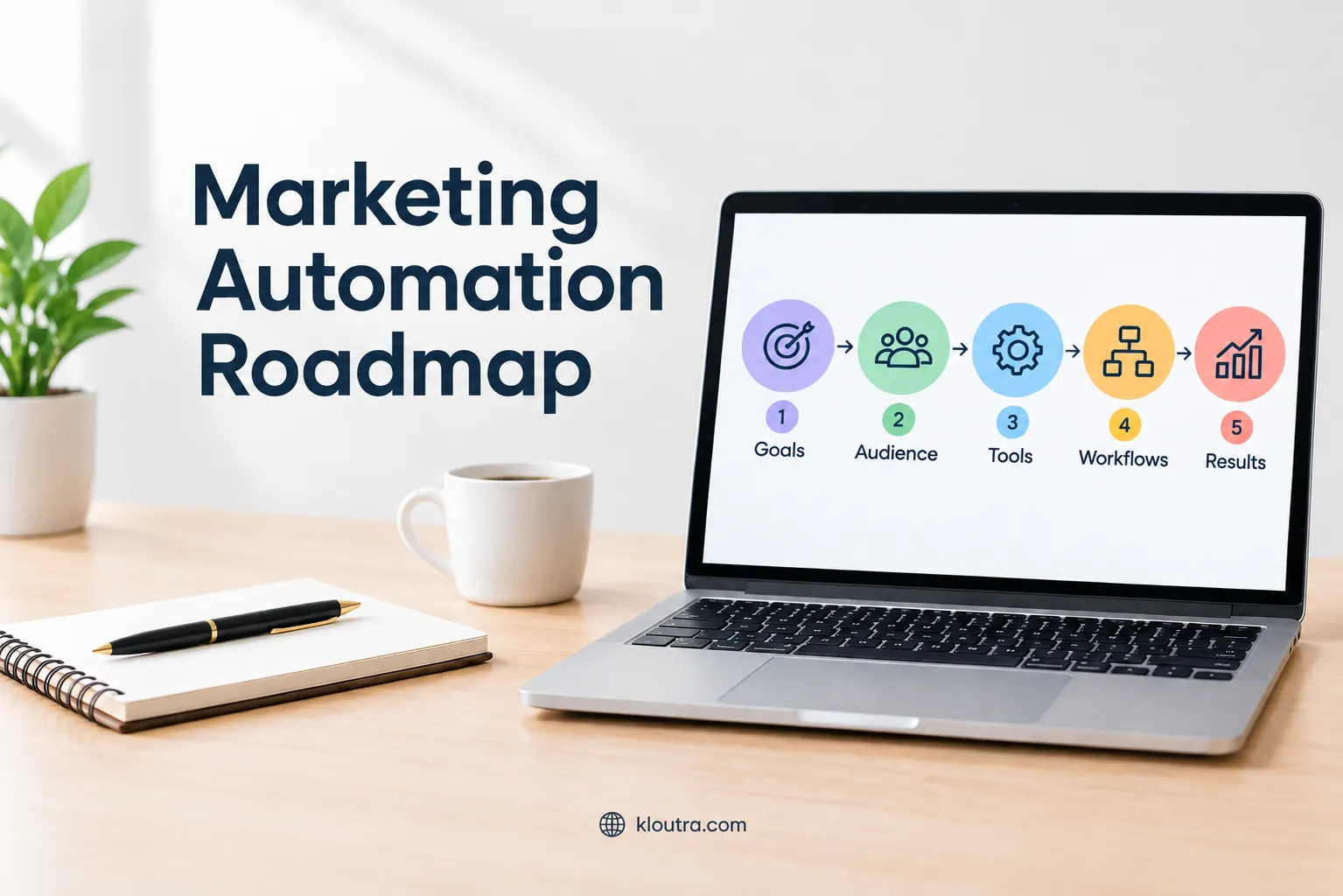
Marketing Automation Roadmap: A Step-by-Step Guide
What Is a Marketing Automation Roadmap?
A marketing automation roadmap is a plan for improving marketing with automation. It shows what to automate, when to automate it, and how to measure results.
Instead of automating random tasks, teams follow a clear process. The roadmap connects marketing goals, customer journeys, workflows, tools, and performance tracking. A good roadmap helps teams prioritize repetitive tasks first. These tasks can include lead capture, email follow-ups, lead nurturing, and customer segmentation.
The goal is not to automate everything. It is to save time while keeping customer interactions useful and relevant.
How Marketing Automation Works
Marketing automation uses software to complete tasks based on specific triggers and rules. These rules create workflows that can run without constant manual effort.
For example, someone may submit a form on your website. The system can add that person to an audience and send a relevant follow-up email.
Automation can also respond to customer actions and preferences. It can segment contacts, nurture leads, update customer records, or notify sales teams. Most workflows follow a simple process: trigger, condition, and action. The trigger starts the workflow, conditions determine what happens, and actions complete the task.
Why a Roadmap Matters
A roadmap gives your marketing automation efforts a clear direction. It helps teams decide which processes should be automated first.
Without a plan, businesses can create disconnected or unnecessary workflows. This may lead to duplicate messages, poor timing, or inconsistent customer experiences. A roadmap also helps marketing and sales teams coordinate their processes. It can connect automation workflows with CRM data and lead management.
tep 1: Identify Processes to Automate
Start by finding repetitive marketing tasks that follow clear rules. These tasks often offer the best opportunities for automation. Focus on processes that save time without reducing customer experience.
Lead Capture and Qualification
Automate the first steps after someone becomes a new lead. Forms can collect contact details and relevant business information. The system can then organize leads based on predefined criteria. It can also identify leads that show stronger buying interest.
For example, a high-intent action can trigger a sales notification. Other leads can enter a suitable nurturing workflow instead. Clear qualification rules help prevent unsuitable leads from reaching sales teams. They also make follow-up more consistent and timely.
Email and Lead Nurturing
Automated emails can guide leads through different stages of their decision process. These messages should match the lead’s interests and current stage.
You can trigger emails after forms, content downloads, or specific website actions. Workflows can also change based on how contacts respond.
Good nurture workflows provide useful information instead of sending constant promotions. They should also include exit rules when leads convert or unsubscribe.
Customer Onboarding and Retention
Automation can help customers complete important steps after signup or purchase. Welcome messages can explain what happens next and provide useful resources. You can also trigger messages when customers reach specific milestones. These messages can encourage product use and help customers gain value.
Retention workflows can respond to reduced activity or other engagement changes. They can offer helpful guidance before customers become completely inactive.
tep 2: Choose the Right Marketing Automation Tools
Choose a marketing automation platform based on your actual business needs. Consider your workflows, customer data, team size, and marketing channels. The right platform should support your current strategy without creating unnecessary complexity.
Essential Features to Consider
Look for tools that support workflow automation, audience segmentation, lead scoring, and email campaigns. Your platform should let you create triggers and actions based on customer behavior. Good reporting also matters because you need to measure engagement, conversions, and campaign performance.
Consider how easily your team can build and manage workflows. A complicated platform can make simple automation harder to maintain. Also check pricing, contact limits, user permissions, and available support before choosing your software.
CRM and Platform Integrations
Also check which systems the platform can connect with. These may include your website, CRM, analytics tools, advertising platforms, and customer service software. Native integrations can simplify setup, while APIs can support more customized connections.
AI-Powered Automation Features
AI is becoming more common across modern marketing automation platforms. Useful features can help with lead scoring, content creation, customer segmentation, and workflow recommendations. Some platforms also use AI to analyze customer behavior and suggest the next action.
However, do not choose software only because it includes AI. Check whether its AI features solve real problems for your team.
Step 3: Build Your Automation Workflows
Once you know what to automate, turn those processes into clear workflows. Each workflow should have one specific goal and a defined audience.
Define Triggers and Actions
Every workflow needs a trigger that tells it when to start. A trigger can be a form submission, purchase, customer action, or data change. Some platforms also support scheduled triggers and events from connected systems.
After choosing the trigger, define the actions that should follow. These actions can send emails, update customer records, create tasks, or notify sales teams. You can also add delays between actions when timing matters.
Create Audience Segments
Audience segments help you send different messages to different groups. You can create segments using customer details, interests, lifecycle stages, or recent behavior. This makes your automation more relevant and helps avoid sending the same message to everyone.
For example, new leads may need educational content before receiving sales messages. Existing customers may need product updates, onboarding help, or retention messages instead. Keep your segments focused on differences that actually affect your marketing.
Add Personalization and Conditions
Personalization helps automated messages match the customer’s situation. You can use information such as interests, previous actions, purchases, or lifecycle stage.
Conditions can send customers through different paths based on their data or behavior. For example, an engaged lead can receive another offer while an inactive lead receives helpful content first. Add clear exit rules so customers leave the workflow when they complete the required action.
Step 4: Connect Marketing With Sales
Marketing automation works better when marketing and sales share the same customer data. A connected CRM helps both teams understand each lead’s current stage. It also makes follow-ups faster and reduces gaps between marketing and sales.
Sync Data With Your CRM
Connect your marketing automation platform with your CRM whenever possible. This lets both systems share important customer and lead information. Common data includes contact details, lifecycle stages, engagement activity, and lead scores.
Keep the data consistent across both systems. Define which fields each system should update and which team owns them. Also avoid syncing unnecessary data that can create duplicates or reduce system performance.
Define Marketing-to-Sales Handoff
Set clear rules for when marketing should pass a lead to sales. These rules can use lead score, customer actions, lifecycle stage, or other qualification criteria. Clear stages help both teams understand when a lead is ready for sales contact.
Give sales enough context when a lead is handed over. Include relevant engagement history, important actions, and the reason for the handoff. Then define who owns the lead and what should happen next. This creates a clearer process and reduces missed opportunities.
Step 5: Test and Launch Your Workflows
Test every workflow before you activate it for real customers. Check the triggers, conditions, actions, timing, and message content. Testing helps catch errors before they affect your customers or sales process.
Test Automation Logic and Timing
Test different customer scenarios before launching your workflow. Check whether each trigger starts the correct workflow path. Also test conditions, delays, emails, notifications, and other actions.
Use test records whenever your platform supports them. Avoid testing automation with real customers whenever possible. Check that every path produces the expected result before activation.
Start With a Small Audience
Launch your workflow with a smaller audience when possible. This limits the impact if something needs correction after launch. A gradual rollout also gives your team time to review early results.
Choose an audience that matches your workflow’s intended customer group. Avoid including contacts who should not receive those messages. Once the workflow performs correctly, expand it to a larger audience.
Monitor Initial Results
Watch the workflow closely after you activate it. Check enrollments, completed actions, errors, engagement, and conversions. Look for unexpected behavior that testing may not have revealed.
Review performance against the goal you set for the workflow. If results are weak, identify where customers stop engaging. Then adjust the workflow, timing, audience, or content based on those results.
Step 6: Measure and Optimize Performance
Marketing automation needs regular measurement after workflows go live. Track results against the goal you set for each workflow. Use the data to find weak points and improve performance over time.
Track Key Marketing Automation Metrics
Choose metrics that match the main goal of each workflow. Useful metrics include engagement, conversions, lead progression, and revenue. Email workflows can also track clicks, delivery, and other campaign results.
Do not focus only on activity numbers. A high email engagement rate may not produce more customers. Connect marketing metrics with business outcomes whenever your data supports it.
Identify Workflow Bottlenecks
Look for points where customers stop progressing through your workflow. A drop in engagement may show that content or timing needs improvement. Workflow errors can also prevent customers from reaching later actions.
Review each workflow step instead of checking only overall results. Some platforms show enrollments, branch performance, conversion rates, and workflow errors. This helps you identify exactly where problems occur.
Improve Campaigns Based on Data
Use your performance data to make focused changes to your workflows. You may need to change content, timing, audience rules, or workflow conditions. Avoid changing everything at once because results become harder to compare.
Test meaningful changes and compare their results against your previous performance. Keep changes that improve the workflow’s main goal.
Common Marketing Automation Mistakes to Avoid
Marketing automation can create problems when teams build workflows without enough planning. Poor data, weak targeting, and outdated workflows can reduce campaign performance. Avoid these mistakes by keeping automation simple, relevant, and regularly reviewed.
Automating Too Much Too Soon
Do not automate every marketing process at the beginning. Start with a few repetitive tasks that have clear business value. This makes workflows easier to test, manage, and improve.
Choose processes with clear rules and predictable outcomes first. Keep human involvement where decisions need judgment or personal communication. Expand automation after your first workflows show reliable results.
Using Poor-Quality Customer Data
Automation depends on accurate customer data. Duplicate, outdated, or incomplete records can trigger incorrect messages. They can also affect segmentation, lead scoring, and customer reporting.
Clean your customer data before scaling your automation efforts. Check important fields, remove duplicates, and manage outdated records regularly. Also make sure your workflows use reliable data from connected systems.
Ignoring Personalization
Sending identical messages to every contact can make automation feel irrelevant. Use customer information and behavior to create more relevant experiences. Segment contacts when their needs or interests differ. Personalization should improve the message rather than simply add a name.
Marketing Automation Roadmap Example
A marketing automation roadmap can look different across business models. The workflow should match the customer journey and business goals. The following examples show how simple automation can support different customer stages.
E-commerce Customer Workflow
An e-commerce workflow can begin when someone joins your email list. A welcome sequence can introduce the store and guide new subscribers. The workflow can then respond to actions such as browsing or cart abandonment.
After a completed purchase, the workflow can send useful post-purchase messages. These may include product guidance, review requests, or relevant recommendations. The exact timing should match the product and customer journey.
A separate win-back workflow can target customers who stop purchasing. It can use previous purchase behavior to identify inactive customers. Each workflow should include exit rules when customers purchase again or unsubscribe.
Final Checklist for Building a Marketing Automation Roadmap
Before launching your roadmap, make sure these key areas are ready:
- Improve workflows using performance data.
- Set clear marketing goals.
- Identify tasks that need automation.
- Choose suitable automation tools.
- Connect your CRM and marketing systems.
- Create clear triggers and workflow conditions.
- Keep customer data accurate.
Disclaimer:
This article provides general information about marketing automation roadmaps and workflows. Marketing needs vary by business, so results may differ based on your goals, tools, audience, and processes.