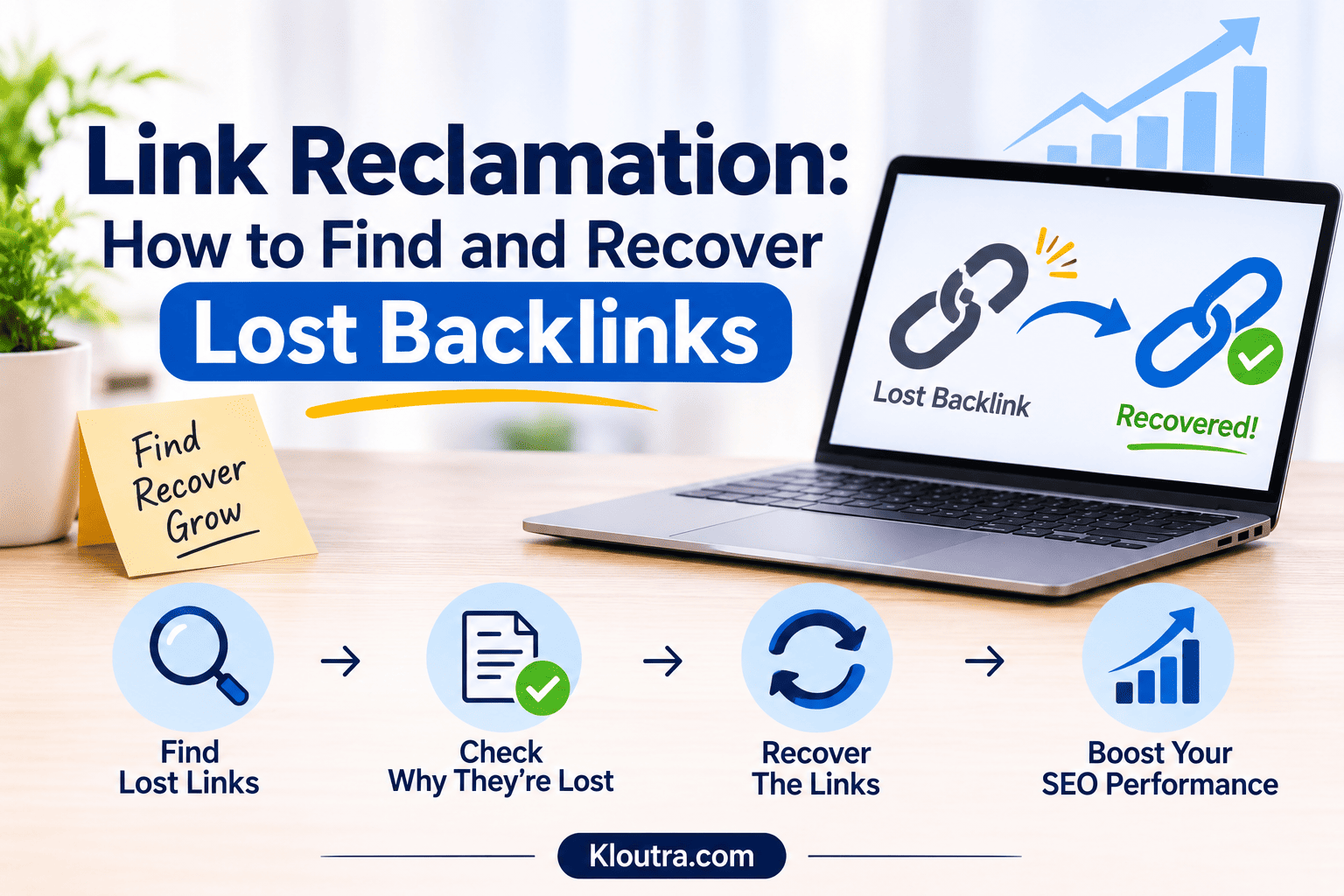
Link Reclamation: How to Find and Recover Lost Backlinks
Websites often receive backlinks from other websites. However, some links get removed or stop working over time. Link reclamation helps website owners find and fix these problems. It also helps recover links from websites that mention their brands.
This guide explains link reclamation, its benefits, and common types. It also shows you how to find and recover lost backlinks. You’ll learn about useful tools and simple ways to track and manage recovered links.
What Is Link Reclamation?
Link reclamation is an SEO process that helps recover lost or broken backlinks. It also helps websites get links from existing brand mentions. Sometimes, other websites remove links to your pages. Links may also stop working after URL changes. Link reclamation helps website owners find and fix these problems.
For example, another website may mention your brand without linking to it. You can contact its owner and request a link. This helps visitors find your website easily.
Why Is Link Reclamation Important for SEO?
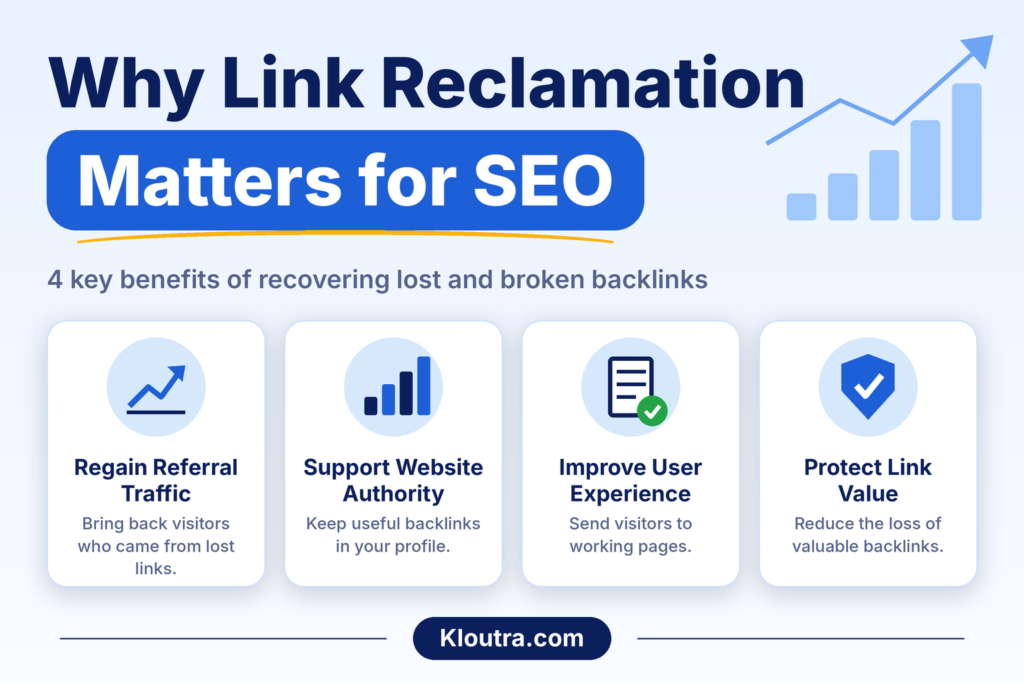
Link reclamation helps website owners maintain their existing backlinks. It can also help them recover useful links. Here are its main benefits.
Regaining Referral Traffic
Some backlinks send real visitors to your website. When a link disappears, you lose that traffic. Link reclamation helps bring those visitors back.
Improving Website Authority
Backlinks from relevant websites can support your SEO efforts. Reclaiming useful links helps maintain your backlink profile. However, not every backlink improves rankings. Link quality and relevance also matter.
Improving User Experience
Visitors may click a backlink and land on an error page. They often leave right away. Fixing these links helps them reach the right content instead.
Protecting Existing Link Value
Existing backlinks can help search engines discover your pages. Link reclamation helps maintain these useful connections and reduces the loss of valuable backlink opportunities.
Types of Link Reclamation
Link reclamation covers different types of backlink problems. Website owners can use it to find and fix these issues. The four common types include the following.
Lost Backlinks
Lost backlinks are links that other websites have removed. This can happen when website owners update their pages. Sometimes, they remove links during content changes. You can contact them and request link restoration.
Broken Backlinks
Broken backlinks point to pages that no longer work. This often happens after URL changes or page deletions. Visitors may see an error instead of your content. You can fix this by restoring the page or adding a 301 redirect to a relevant page. A 301 redirect tells search engines that the page has moved permanently.
Unlinked Brand Mentions
Unlinked brand mentions happen when websites mention your brand without linking. Readers can see your brand name but cannot visit your website directly. You can contact the website owner and request a relevant link.
Incorrect Website Links
Incorrect website links point to the wrong page or URL. For example, a link may contain a typing error. It may also point to an outdated page. Contact the website owner and request the correct link.
Types of Link Reclamation at a Glance
| Type | What It Means | How to Fix It |
|---|---|---|
| Lost Backlinks | Removed links from other websites | Contact website owners |
| Broken Backlinks | Links leading to unavailable pages | Restore the page or add a 301 redirect |
| Unlinked Mentions | Brand mentioned without a link | Request a relevant backlink |
| Incorrect Links | Links pointing to wrong URLs | Request a link correction |
How to Find Lost and Broken Backlinks
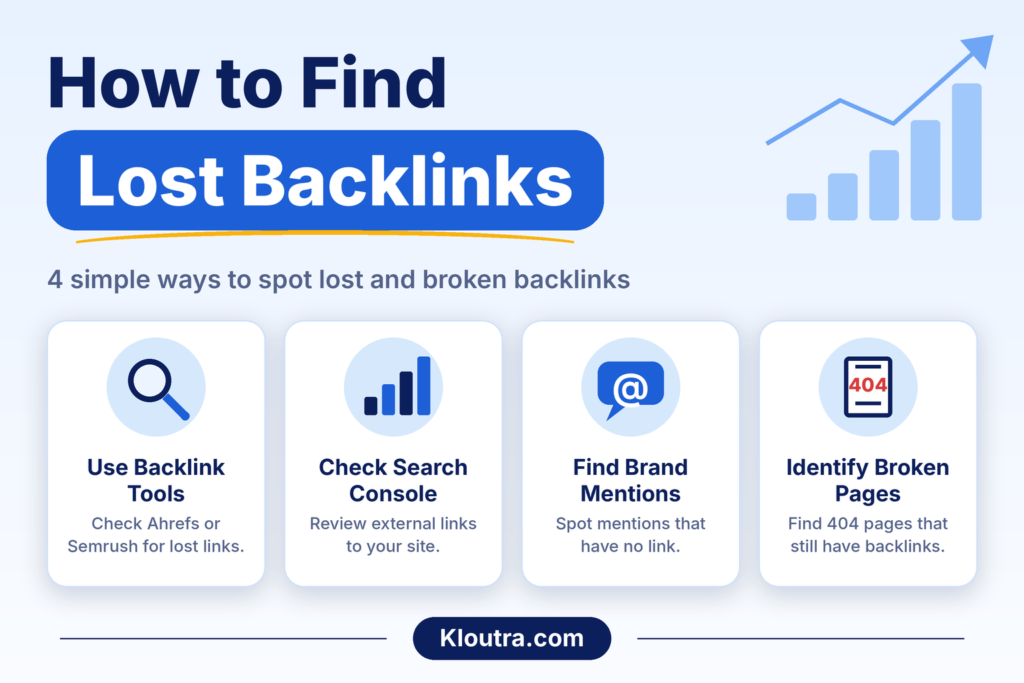
Before recovering backlinks, you need to find them first. Several tools can help you identify lost links. You can also check broken pages and unlinked brand mentions.
Use Backlink Analysis Tools
Backlink analysis tools help you check links from other websites. Tools like Ahrefs and Semrush show backlink data. They can help you find lost and broken backlinks.
You can review their reports to identify missing links. Check which pages lost backlinks and when they disappeared. Then, contact the linking website owners about possible recovery.
Check Google Search Console
Google Search Console helps you monitor your website’s search performance. Its Links report shows external links pointing to your website. You can check which websites link to your pages.
However, Google Search Console does not provide a complete backlink history. It also does not offer a dedicated lost backlink report. Use other backlink tools to investigate lost links.
Find Unlinked Brand Mentions
Sometimes, websites mention your brand without linking to it. These mentions can create useful link opportunities. Use Google Search to find mentions of your brand name. You can also use Google Alerts for new mentions. Check each result to see whether it includes a link. If not, contact the website owner with a polite request.
Identify Broken Pages
Some backlinks point to pages that no longer exist. Visitors may see a 404 error instead. This often happens after deleting or changing URLs. Use Google Search Console to check page indexing issues. You can also use website crawling tools to find broken pages. Check which broken URLs have external backlinks. Then, restore the page or use a 301 redirect to send visitors to relevant content.
How to Recover Lost Backlinks
Finding lost backlinks is only the first step. You also need to contact website owners about restoring them. Follow these steps to recover valuable backlink opportunities.
Identify the Reason for Link Loss
First, check why the backlink disappeared. The website owner may have removed the link. They may also have deleted or updated the page. Sometimes, a URL change causes the problem. Understanding the reason helps you choose the right solution.
Find the Right Website Contact
After finding the problem, look for the website owner’s contact details. Check the website’s contact page or about page. You can also look for an editor or content manager. Choose someone who manages the page containing your backlink. This makes your request more relevant.
Prepare a Link Reclamation Email
Write a short and polite email to the website owner. Explain where the original link appeared. Include the page URL and your correct destination link. Keep your message clear and friendly. Avoid sending long messages or making unnecessary requests.
Here is a simple email template you can use:
Subject: Quick request about a link on your page
Hi [Name],
I noticed that your article [Page Title] used to link to our page [Your Page Title]. The link seems to be missing now.
The page is still available here: [Your URL]. It may be useful for your readers.
Could you please restore the link? Thank you for your time.
Best regards,
[Your Name]
[Website Name]
Change the details for each website. This makes your email more personal and helpful.
Request Link Restoration
Ask the website owner to restore your missing backlink. Explain why the link is useful for their readers. Provide the correct URL to make the process easier.
If the original page has changed, suggest a relevant replacement. Always make a helpful request without demanding a link.
Monitor Recovered Backlinks
After sending your request, check the backlink status regularly. Some website owners may restore links quickly. Others may take more time or never respond.
Use backlink analysis tools to check recovered links. Visit the linking page to confirm the link works. Also, make sure it points to the correct page.
Link Reclamation Process
| Step | Action | Expected Result |
|---|---|---|
| Identify | Check why the link disappeared | Clear recovery plan |
| Find Contact | Locate the right website contact | Contact details ready |
| Prepare Email | Write a short and polite message | Email ready to send |
| Request | Ask for link restoration | Possible link recovery |
| Monitor | Track backlink status | Recovery confirmation |
Best Tools for Link Reclamation
The right tools help you find and manage backlink problems. They can also help you track lost links. Here are some useful tools for link reclamation.
Top Tools for Link Reclamation
| Tool | Main Purpose |
|---|---|
| Ahrefs | Find and analyze lost backlinks |
| Semrush | Track backlink changes |
| Google Search Console | Review external link data |
| Google Alerts | Find new brand mentions |
| Screaming Frog | Find broken URLs on websites |
Each tool serves a different purpose. Choose tools based on your website’s needs and budget. Google Search Console and Google Alerts are free. Ahrefs and Semrush are paid tools. If you want expert help reviewing your backlink and search performance, you can also explore AI-powered search visibility audit services offered by agencies.
Link Reclamation vs. Link Building
Both link reclamation and link building support SEO. However, they work in different ways. The first focuses on recovering existing link opportunities. In contrast, link building focuses on gaining new backlinks.
Link Reclamation vs. Link Building: Key Differences
| Difference | Link Reclamation | Link Building |
|---|---|---|
| Main Goal | Recover lost or missing links | Gain new backlinks |
| Approach | Fix existing link opportunities | Create new link opportunities |
| Common Method | Contact websites about removed links | Guest posting and outreach |
| Starting Point | Existing backlinks or brand mentions | New websites and content |
| Main Benefit | Recover useful existing links | Build a wider backlink profile |
Both methods can support a website’s backlink strategy. Website owners can use them together for better link management.
Common Link Reclamation Mistakes to Avoid
Link reclamation requires careful checking and clear communication. Some common mistakes can reduce your chances of success.
Ignoring Link History: Check when and why a backlink disappeared. This helps you understand the problem.
Sending Generic Emails: Write personalized emails for each website. Mention the exact page and missing link.
Requesting Irrelevant Backlinks: Contact websites with relevant content. Avoid requesting links that offer little value.
Ignoring Broken Destination Pages: Check your target URLs before requesting link restoration. Make sure the pages work correctly.
Not Monitoring Recovered Links: Check restored backlinks regularly. Make sure they remain active and point correctly.
Best Practices for Successful Link Reclamation
Follow these simple practices to improve your link reclamation process.
Focus on Relevant Links: Prioritize backlinks from websites related to your topic.
Check Link Quality: Review the linking website before requesting restoration.
Use Personalized Emails: Address website owners politely and explain your request.
Provide Correct URLs: Share working links that lead to relevant pages.
Follow Up Politely: Send one polite follow-up if you receive no response.
Track Your Progress: Keep records of requests and recovered backlinks.
These practices help you manage backlink opportunities more effectively. They also keep your outreach organized and professional.
Conclusion
Link reclamation helps you recover lost and broken backlinks. It also turns unlinked brand mentions into link opportunities. Start by checking your backlink profile regularly. Find missing links and contact relevant website owners. Use polite emails and provide the correct URLs. Track your requests to check which links return. These simple steps help protect your existing backlinks and support your SEO efforts. For more guides, explore digital marketing resources on Kloutra.
Frequently Asked Questions
What Is the Main Purpose of Link Reclamation?
The main purpose is to recover lost or broken backlinks. It also helps turn unlinked brand mentions into backlinks.
Is Link Reclamation Good for SEO?
Yes, link reclamation can support your SEO efforts. It helps recover useful backlinks and fix broken links. However, recovered links do not guarantee higher search rankings.
How Do You Find Lost Backlinks?
You can use tools like Ahrefs and Semrush. These tools help identify lost backlinks. You can also check Google Search Console for external link data.
Which Tools Are Best for Link Reclamation?
Ahrefs and Semrush help analyze backlink data. Google Search Console shows external links to your website. Google Alerts helps find brand mentions. Screaming Frog helps identify broken URLs.
Is Link Reclamation Different from Link Building?
Yes, both methods have different goals. Link reclamation focuses on recovering existing link opportunities. Link building focuses on gaining new backlinks from other websites.
Disclaimer: This article is for informational purposes only. SEO tools and backlink data may vary. Link reclamation does not guarantee backlink recovery or higher search rankings. Always review each backlink before requesting its restoration.