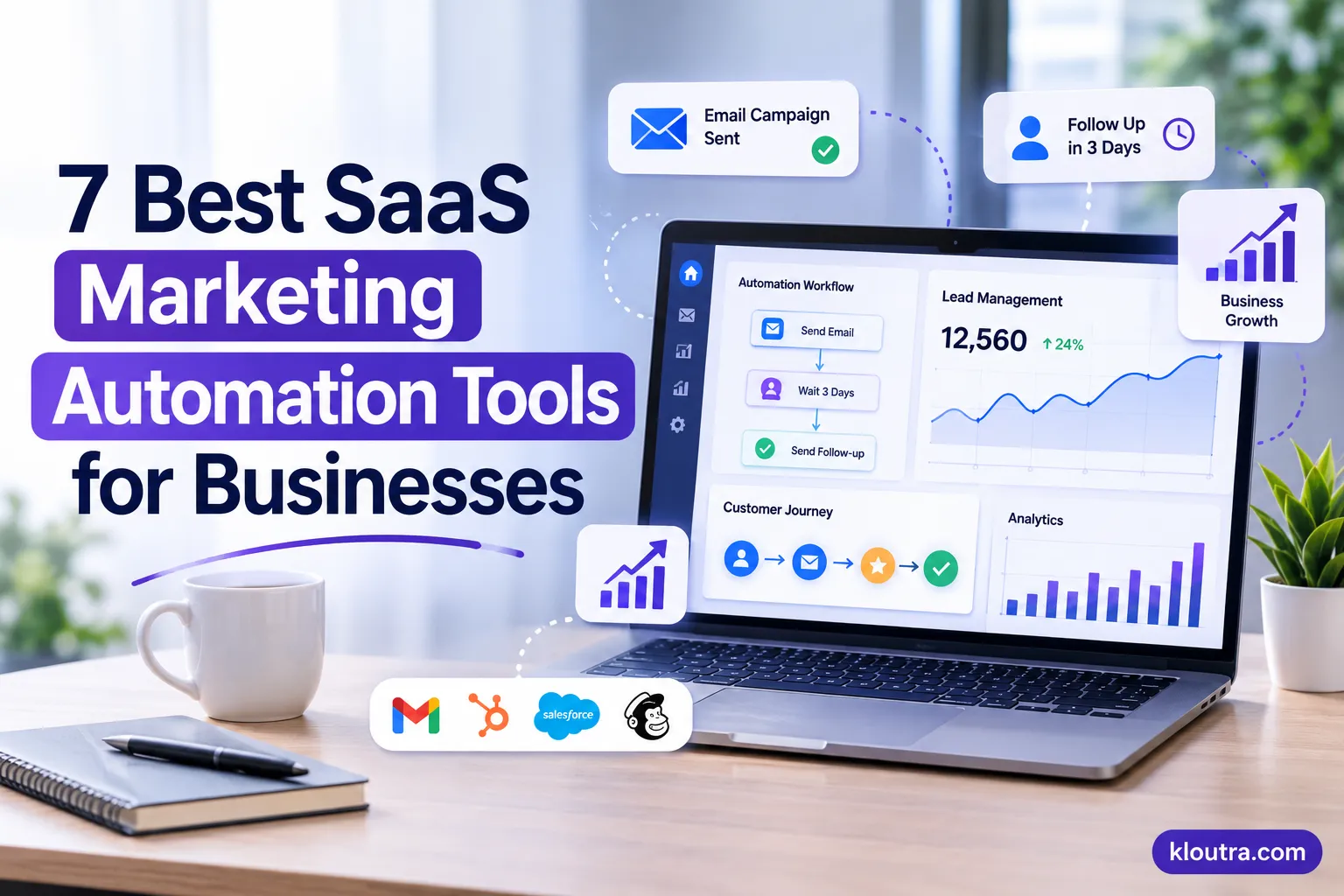
7 Best SaaS Marketing Automation Tools for Businesses
Introduction
Managing leads, sending welcome emails and following up with customers manually takes a lot of time. SaaS marketing automation tools can handle these tasks for you. This gives your team more time to focus on business growth. In this guide, we compare 7 popular tools, including HubSpot, ActiveCampaign and Customer.io. You all learn what each tool offers, who should use it and its main drawbacks. This will help you choose the right tool for your business.
1. HubSpot Marketing Hub
HubSpot Marketing Hub is an all-in-one marketing platform that connects automation with customer relationship management. It helps businesses manage leads, create email campaigns, build landing pages and track customer interactions. Its workflow automation allows marketers to create actions based on customer behavior.
For example:
A business can automatically send a welcome email after someone fills out a signup form. HubSpot also connects marketing activities with sales data, making it easier for teams to manage leads throughout the buying process.
Key features:
- Email marketing automation
- CRM and contact management
- Lead capture forms and landing pages
- Workflow automation
- Marketing analytics
Best for: Small and growing businesses that want marketing and CRM features in one platform.
Limitation: Advanced automation and reporting features may require higher-priced plans.
2. ActiveCampaign
ActiveCampaign is a strong option for businesses that need detailed marketing workflows. Its visual automation builder allows teams to create campaigns based on customer actions, interests and engagement.
For example:
A SaaS company can send an onboarding email after registration and follow up with users who have not completed their account setup. The platform also includes email marketing, contact segmentation, lead scoring and CRM features. These tools help businesses manage communication across different stages of the customer journey.
Key features:
- Visual automation workflows
- Email marketing and segmentation
- Lead scoring
- CRM and sales automation
- Customer behavior tracking
Best for: B2B companies, service providers and growing businesses with multiple marketing campaigns.
Limitation: Advanced workflows can take time to set up and manage.
3. Customer.io
Customer.io is built for businesses that want to send messages based on how customers use their products. It is particularly useful for subscription-based software companies. Its Journeys feature lets teams create workflows triggered by customer events, such as account registration, subscription changes or product activity. Businesses can use these triggers to send onboarding emails, product updates and reminders.
Key features:
- Event-based automation
- Email and SMS messaging
- Push notifications and in-app messages
- Customer segmentation
- Workflow branching and A/B testing
Best for: SaaS startups and product-led businesses that need behavior-based customer communication.
4. Brevo
Brevo combines email marketing, SMS campaigns and customer management in one platform. It is a practical option for small businesses that want to manage customer communication without using several separate services. Its automation workflows can send welcome emails, follow-up messages and other communications based on customer actions. Businesses can also manage transactional emails for account notifications and order updates. Brevo offers a free plan, making it worth considering for businesses with limited marketing budgets.
Key features:
- Email marketing automation
- SMS and WhatsApp campaigns
- Customer contact management
- Automated workflows
- Transactional emails
Best for: Startups and small businesses that need affordable multi-channel marketing.
5. Klaviyo
Klaviyo helps online stores create personalized marketing campaigns using customer and purchase data. It is especially useful for businesses that want to improve customer retention and encourage repeat purchases. Its automation features support abandoned cart reminders, post-purchase emails, product recommendations and customer re-engagement campaigns.
Klaviyo also provides email and SMS marketing, allowing ecommerce brands to manage customer communication across both channels.
Key features:
- Email and SMS automation
- Purchase-based segmentation
- Abandoned cart workflows
- Product recommendations
- Ecommerce integrations
Best for: US ecommerce brands, online retailers and Shopify businesses.
6. Mailchimp
Mailchimp is a popular option for businesses that want to manage email marketing without dealing with complicated workflows. Its automation features help businesses send welcome messages, follow-up emails and promotional campaigns. Marketers can organize contacts into audience segments and use campaign reports to understand engagement. Mailchimp also offers integrations with ecommerce platforms and other business applications. This makes it useful for companies that want to connect their email campaigns with existing marketing activities.
Key features:
- Automated email campaigns
- Customer journey builder
- Audience segmentation
- Email templates
- Campaign reporting
Best for: Small businesses, startups and teams focused on email marketing.
7. Adobe Marketo Engage
Adobe Marketo Engage is designed for businesses with large marketing operations and complex sales processes. It helps enterprise teams manage lead generation, customer segmentation and long-term marketing campaigns. Its lead management features allow businesses to track prospect engagement and identify potential customers. Marketing teams can also build automated campaigns that support different stages of the buying journey.
Key features:
- Lead generation and nurturing
- Automated email campaigns
- Lead scoring
- Customer segmentation
- Marketing campaign analytics
Best for: Large B2B companies and enterprise marketing teams.
Comparison of the 7 Best SaaS Marketing Automation Tools
| Tool | Best use | Main strength |
|---|---|---|
| HubSpot | All-in-one marketing | CRM integration |
| ActiveCampaign | Advanced automation | Visual workflows |
| Customer.io | SaaS businesses | Event-based messaging |
| Brevo | Small businesses | Multi-channel campaigns |
| Klaviyo | Ecommerce | Purchase-based automation |
| Mailchimp | Email marketing | Simple campaigns |
| Adobe Marketo | Enterprise B2B | Lead management |
How to Choose the Right Marketing Automation Tool
Before choosing a platform, consider what your business actually needs.
- Automation features: Check whether the platform supports the workflows you need, such as onboarding, lead nurturing and customer follow-ups.
- Integrations: Make sure it connects with your CRM, website and other business software.
- Pricing: Review contact limits, email allowances and additional charges before subscribing.
- Reporting: Choose software that helps you track campaign engagement and customer activity.
The best platform is not necessarily the one with the most features. It is the one that solves your marketing problems without adding unnecessary complexity.
Frequently Asked Questions
What is SaaS marketing automation?
SaaS marketing automation uses cloud-based software to automate marketing activities such as email campaigns, lead nurturing, customer segmentation and follow-ups.
Which marketing automation tool is best for SaaS companies?
Customer.io is a strong choice for SaaS companies that need event-based messaging. HubSpot is another good option for businesses that want marketing automation and CRM features together.
Are marketing automation tools worth it for small businesses?
Yes. They help small businesses automate repetitive tasks, manage leads and maintain customer communication without handling every campaign manually.
Can marketing automation tools improve lead generation?
Yes. Features such as landing pages, signup forms, lead scoring and automated follow-ups help businesses collect and manage potential customer information.
Conclusion
The right SaaS marketing automation tool can make it easier to manage campaigns, nurture leads and maintain customer relationships. Compare their features, integrations and pricing before making a decision. Choose a platform that fits your current business needs and can support your future growth.
is artciel ka acah sa disclaimer
Disclaimer: This article is for informational purposes only. The SaaS tools and features mentioned may change over time. Their pricing, availability, and performance can also vary depending on the provider and subscription plan.