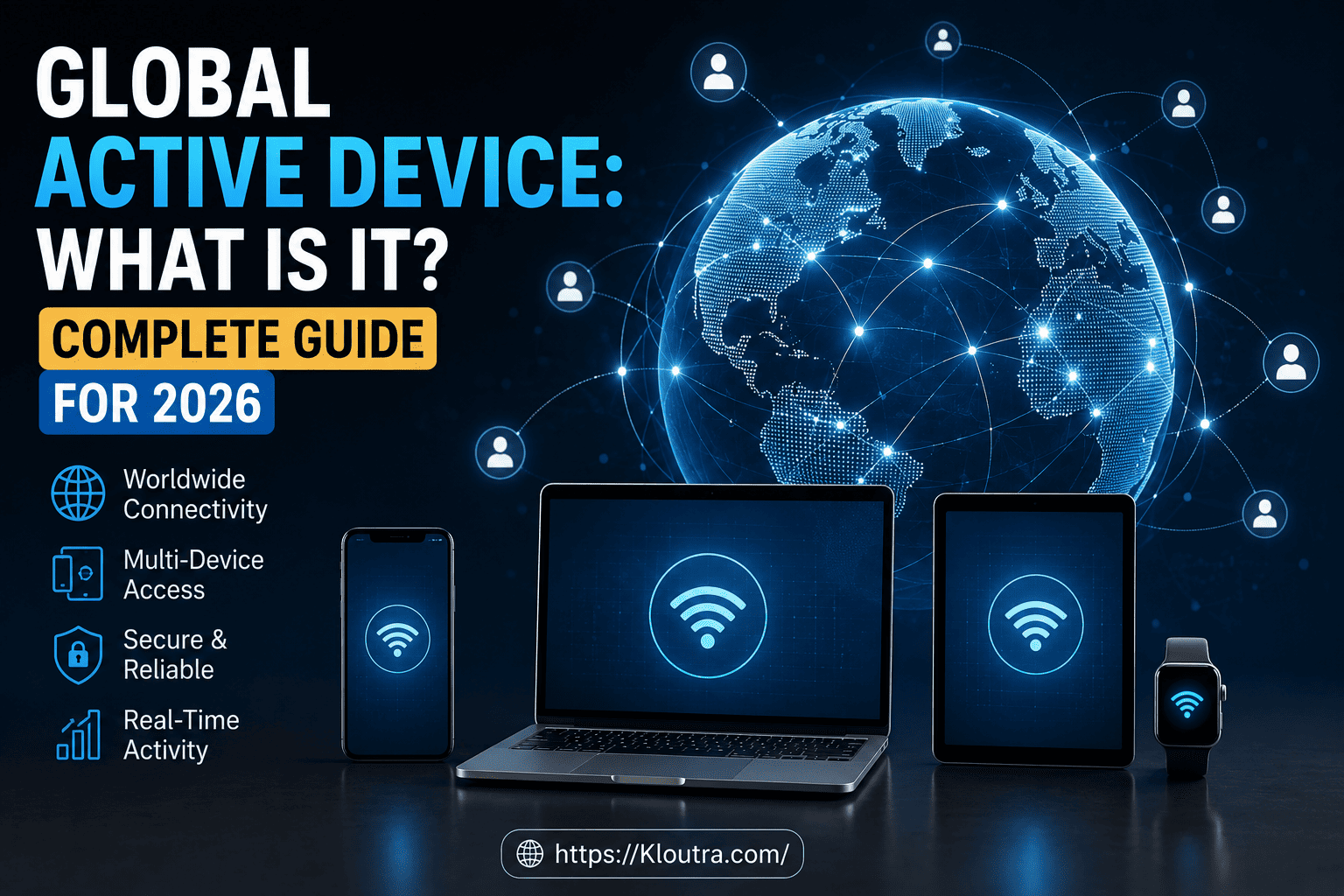
Global Active Device: What Is It? Complete Guide for 2026
Ever heard IT teams talk about “zero downtime” during a server outage and wondered how that’s even possible? A global active device is one of the technologies that makes it happen.
If a company’s data center goes down but customers never notice a thing, this technology is often working behind the scenes. In this guide, we’ll break down what it is, how it works, its advantages and disadvantages, and why businesses rely on it. No jargon overload — just a clear, simple explanation.
This guide was researched and fact-checked using official vendor documentation, current as of 2026. Storage technology specs (like supported distances) can change with new product versions, so always confirm exact numbers with your storage vendor before making a purchasing decision.
What Is a Global Active Device? (Meaning Explained)
A global active device, often shortened to GAD, is a storage technology that lets two separate storage systems act as one. These systems can sit in different buildings, even different cities, yet they hold the exact same data at the exact same time.
Here’s a simple way to picture it. Imagine two filing cabinets in two different offices. Every time someone adds a paper to one cabinet, a copy instantly appears in the other. If one office loses power, the other cabinet still has everything. That’s the basic idea behind GAD.
This term was popularized by Hitachi Vantara, a major enterprise storage company, as part of its storage virtualization software. According to Hitachi’s own datasheet, global-active device can support synchronous replication over distances of up to 500 kilometers between sites. However, the general concept — keeping active copies of data synced across locations — is used in similar forms by other storage vendors too.
Global Active Device Meaning in Simple Terms
At its core, the meaning comes down to one word: availability. It’s built so that applications and data stay accessible, even if hardware fails, a network link drops, or an entire site goes offline.
Unlike a simple backup, which you’d only use after something breaks, GAD keeps both sides live and ready at all times. Both storage systems accept “read” and “write” requests simultaneously, which is why it’s called active-active, not just backup and restore.
How Global Active Device Technology Works
Understanding how this technology works doesn’t require an engineering degree. It comes down to three main pieces working together.
1. Two Storage Systems, One Virtual Volume
The technology creates a single virtual volume that spans two physical storage arrays. To the server or application using it, this looks like one normal drive. Behind the scenes, though, it’s actually two drives constantly mirroring each other.
2. A Quorum Disk Keeps Watch
A small third component, called a quorum disk, acts like a referee. It checks in with both storage systems regularly, almost like a heartbeat monitor. If one system suddenly goes quiet, the quorum disk helps the other system figure out what happened and take over safely.
This step matters because, without a referee, both systems might assume the other one failed and try to take control at the same time. That confusion, known as a “split-brain” scenario, can corrupt data. The quorum disk prevents that mess.
3. Automatic Failover
If one storage system fails, goes offline, or loses its network connection, the other one takes over instantly. Applications keep running, and in most cases, users never even notice the switch happened. This is often called near-zero downtime, since the goal is to avoid any noticeable interruption.
Global Active Device Uses and Real-World Applications
So who actually uses this, and why? GAD shows up mostly in large organizations that cannot afford downtime.
- Banks and financial institutions: Even a few minutes of downtime can mean failed transactions and unhappy customers.
- Hospitals and healthcare systems: Patient records and monitoring systems need to stay online around the clock.
- E-commerce platforms: A shopping site that goes down during a sale event can lose real revenue every second.
- Data centers running virtual machines: IT teams use it to move virtual machines between sites without shutting anything down, often for maintenance or load balancing.
In short, any business where “the system must always be on” is a strong candidate for this kind of setup.
Global Active Device Features Worth Knowing
Here are the standout features that make it useful for enterprise IT teams.
Active-Active Data Access
Both storage locations can be written to and read from at the same time. This is different from older replication methods, where one site was just a passive backup sitting idle.
Metro-Distance Support
The two storage systems don’t need to be in the same room. They can be located kilometers apart — Hitachi’s current published spec allows up to 500 km of separation for synchronous replication, depending on network latency.
Synchronous Data Copying
Data is copied in real time, not on a delay. This means both sides always match, so there’s no risk of losing recent changes if a failure happens.
Non-Disruptive Operations
Maintenance, upgrades, and hardware swaps can often happen on one system while the other keeps serving requests. IT teams don’t need to schedule downtime windows for routine work.
Advantages and Disadvantages of Global Active Device
No technology is perfect for every situation. Here’s an honest look at where GAD helps and where it adds complexity.
Advantages
- Near-zero downtime: Applications keep running even during a hardware failure or full site outage.
- True active-active use: Both sites do real, productive work instead of one sitting idle as a passive backup.
- Workload mobility: Teams can shift or balance workloads between sites without interrupting users.
- Strong disaster recovery support: A regional event, like a power cut or flood, doesn’t have to take the whole business offline.
- Simplified maintenance: Upgrades and hardware swaps can often happen without scheduled downtime windows.
Disadvantages
- High cost: It requires enterprise-grade storage hardware on both sites, which is a significant investment.
- Network dependency: Performance and safety depend heavily on a reliable, low-latency link between sites. A weak connection can affect data consistency checks.
- Setup complexity: Configuring quorum disks, virtual volumes, and multipathing correctly takes skilled, trained staff.
- Not built for small businesses: The cost and complexity generally only make sense for large organizations with strict uptime requirements.
- Distance limits: While metro distances are supported, there are still real limits (currently up to around 500 km per Hitachi’s specs) — it’s not designed for continent-spanning replication.
Global Active Device Benefits for Businesses
Why would a company invest in this kind of setup? The benefits generally fall into four categories.
- Continuous availability – Applications stay online even during hardware failures or planned maintenance.
- Disaster recovery support – If one site is affected by a power outage, flood, or other local event, the other site keeps operating.
- Simplified workload balancing – IT teams can shift traffic between sites as needed, without complex manual steps.
- Reduced business risk – Fewer outages mean fewer lost sales, fewer support tickets, and more customer trust.
Of course, this technology isn’t free or simple to set up. It requires enterprise-grade storage hardware, reliable network links between sites, and skilled staff to configure and monitor it. It’s generally built for large organizations rather than small businesses or personal use.
Types of Global Active Device Configurations
There isn’t just one way to set this up. Broadly speaking, the types differ based on distance and purpose.
Campus Configuration
Both storage systems sit close together, often within the same building or nearby buildings connected by a fast, low-latency link. This setup usually offers the best performance.
Metro Configuration
The two systems are spread across a wider area, such as different parts of a city. This adds a small amount of network delay but provides stronger protection against local outages, like a building fire or regional power cut.
Combined with Remote Replication
Some organizations pair this setup with an additional remote copy in a third, more distant location, often using asynchronous replication tools alongside GAD. This adds an extra layer of protection for extreme scenarios, such as a natural disaster affecting an entire region.
Active Device Tracking and Management
Setting up the technology is only half the job. Ongoing active device management is just as important.
IT teams typically monitor things like:
- Data path health between the two storage systems
- Quorum disk connectivity
- Storage capacity and performance on both sides
- Alerts for any communication delays or failures
Modern management tools often include dashboards that simplify active device tracking, so administrators can spot problems before they turn into outages. Vendors also provide software consoles that let teams configure, monitor, and troubleshoot these systems without needing to touch low-level hardware settings directly.
Global Active Device vs. Traditional Backup
It’s worth clearing up a common mix-up. A global active device is not the same as a traditional backup.
A backup captures data at a specific point in time and stores it safely. You can use the backup when something goes wrong. GAD, on the other hand, keeps two live, active copies running at all times. Think of a backup as a spare key hidden under a doormat, while GAD is like having two working front doors that both open the same house at once.
Most enterprise IT strategies use both together. The GAD setup handles day-to-day availability, while regular backups protect against issues like accidental data deletion or corruption that could affect both live copies at once.
FAQ: Common Questions About Global Active Device
What is a global active device used for?
A global active device is used to keep critical applications and data available even when hardware fails or a site goes offline. It’s common in banking, healthcare, and e-commerce, where downtime is costly.
Is a global active device the same as cloud storage?
No. It typically refers to enterprise storage hardware replication technology, often used in on-premises data centers. Some vendors do offer cloud-based components, such as a cloud-hosted quorum disk, but the core technology is different from general cloud storage services.
How is a global active device different from a regular backup?
A backup is a stored copy you restore after a failure, while GAD keeps two systems live and synced in real time. Both are useful, but they solve different problems.
Do small businesses need a global active device?
Usually not. This technology is ideal for large enterprises that need strict uptime and can afford enterprise storage systems. Small businesses often get similar benefits from simpler cloud backup or redundancy tools.
Can it fail?
Yes, although the system aims to reduce that risk. If both storage systems and the network link between them fail at once, or if the quorum disk becomes unreachable, the system may become unavailable. This is why proper active device management and monitoring matter.
Conclusion
A global active device is essentially a way to keep two storage systems working as one, so applications stay online even when something breaks. It relies on real-time data syncing, a quorum disk to prevent confusion, and automatic failover to keep things running smoothly. Like any enterprise technology, it comes with real trade-offs — strong uptime benefits, balanced against cost and setup complexity.
For large businesses that can’t afford downtime, GAD offers real peace of mind. If you’re evaluating storage solutions for your organization in 2026, it’s worth asking your IT provider whether this kind of setup fits your availability needs — and how it would work alongside your existing backup strategy.
Disclaimer: This article is for general informational purposes only and isn’t a substitute for professional IT or vendor advice. Specs and features may change — verify current details with your storage vendor before making decisions.

Related Posts

Mobile App Development Tips for Beginners

Best Spotify Alternatives for Music Streaming