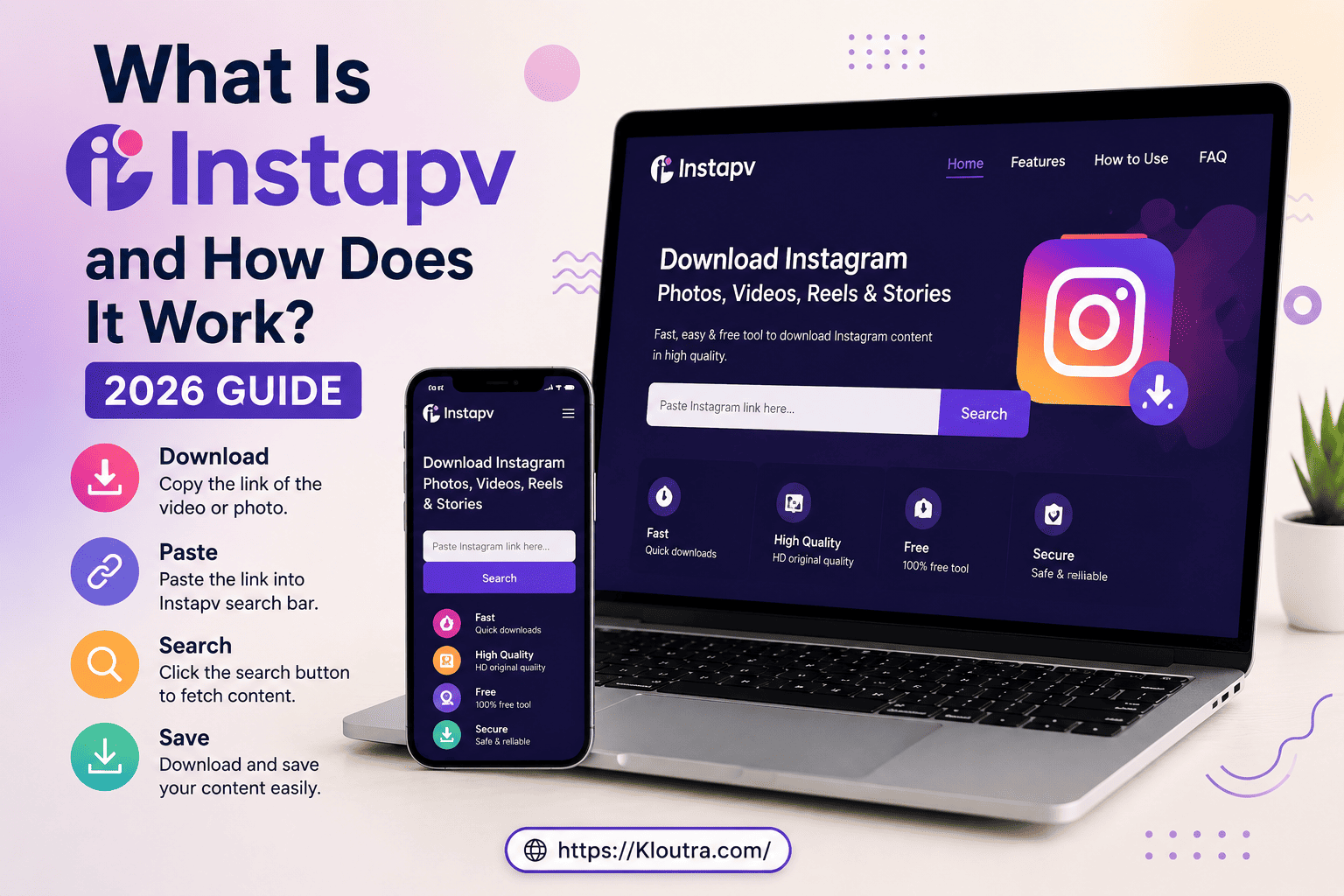
What Is InstaPV and How Does It Work? 2026 Guide
Have you seen the name “InstaPV” popping up while searching for ways to view Instagram content anonymously? You are not alone. Thousands of people search for it every month, hoping to find a simple way to check profiles or stories without logging in.
But what is InstaPV, really? And does it actually work the way it claims?
In this guide, we will explain what InstaPV is, how it works, what features it offers, and whether it is safe to use in 2026. By the end, you will know exactly what to expect before you try it.
Before jumping in, it helps to know how Instagram’s own privacy settings normally work, since that is where the anonymity question actually starts.
Quick note: this is an independent guide. We are not affiliated with InstaPV, Instagram, or Meta. It is written to help you make an informed choice, not to promote or discourage the tool.
What Is InstaPV?
InstaPV is a third-party, browser-based Instagram viewer. It claims to let users browse public Instagram content, such as stories, profiles, posts, reels, and highlights, without logging into an Instagram account.
In simple words, it works like a window into public Instagram pages. Instead of opening the Instagram app, you type in a username on a site like this, and it tries to pull up that account’s public content.
Is It an Official Instagram Tool?
No. It has no official partnership with Instagram or its parent company, Meta. It is an independent website that pulls publicly visible data and displays it on its own page.
This matters because it is not built on Instagram’s official infrastructure. It depends on outside methods to fetch data, which is one reason it does not always work smoothly.
Why Do People Search for This Tool?
Most people look for it for one of these reasons:
- To view Instagram stories without appearing in the viewer list
- To check a public profile quickly, without opening the app
- To research competitors or influencers
- To browse Instagram content out of simple curiosity
For casual browsing, this sounds convenient. However, it is worth understanding the full picture before typing in someone’s username. If you recognize yourself in the “check without engaging” habit, our related piece on social media silent scroller traits breaks down that behavior in more depth.
How Does InstaPV Work?
It works through a proxy-style system. Instead of connecting you directly to Instagram, it sits in between your browser and Instagram’s public pages.
Here is the basic process:
- You open the website.
- You enter the Instagram username you want to check.
- The tool sends a request to Instagram’s public data endpoints.
- Instagram returns whatever information is publicly visible.
- The site displays that content in a simplified layout.
No Login Required
One thing worth noting is that this tool does not ask you to log into your own Instagram account to browse. This means it does not create an Instagram session tied to your identity, and it does not use your Instagram cookies.
That said, “no login” does not automatically mean “fully anonymous” or “fully safe.” We will cover that shortly.
Why It Sometimes Stops Working
Instagram regularly updates how it allows outside access to its data. When Instagram tightens these rules or blocks scraper-style traffic, viewer tools like this one can go offline or throw errors.
This is why many users search for phrases like “not working” or “server error” next to its name. It is a recurring pattern, not a one-time glitch.
InstaPV Features Explained
It is built for simple viewing, not deep analytics. Here is a breakdown of what it typically offers.
Story Viewing
It lets users view public Instagram stories from a browser. Some versions claim this can be done without appearing in the account owner’s story viewer list, which appeals to people who value privacy while browsing.
Public Profile Browsing
You can search a username and see basic profile details, such as bio, follower count, and visible posts. This works only for accounts that are set to public.
Reels and Post Viewing
Some versions of the tool allow browsing of reels and posts connected to a public profile, similar to scrolling through a profile page on Instagram itself.
Follower-Related Information
The tool may show public follower or following counts. However, the exact data source and method behind these numbers are usually not disclosed, so treat any follower statistics as unverified rather than official.
What It Cannot Do
It is just as important to know the limits:
- It cannot unlock private accounts.
- It does not offer posting, messaging, or commenting features.
- It has no built-in analytics dashboard for tracking growth over time.
- It cannot bypass a user’s privacy settings in any legitimate way.
If a website claims it can show private stories or private posts without approval, treat that as a warning sign, not a feature.
InstaPV Advantages and Disadvantages
Weighing both sides makes it easier to decide if this tool actually fits what you need.
Advantages
- No login required. You never hand over your Instagram username or password.
- Free to use. There is no subscription or paywall for the core viewing function.
- Simple interface. A search box and a results screen, with little else to learn.
- No account needed. You can browse public content without creating an Instagram profile.
- Works across devices. Most versions run fine on a phone or desktop browser.
Disadvantages
- No single verified website. Multiple domains claim to be the real one, which makes it hard to know which to trust.
- Inconsistent uptime. Instagram’s backend changes regularly, so downtime and errors are common.
- Limited transparency. Data handling, storage, and analytics methodology are rarely disclosed.
- Ad-heavy experience. Many versions rely on third-party ad networks, which can mean pop-ups and tracking scripts.
- No private account access. It only works on public profiles, so its usefulness is limited for deeper research.
- No official support. If something goes wrong, there is no verified company or customer service to contact.
Taken together, InstaPV is best suited for quick, casual, one-off checks, not something to depend on for anything time-sensitive or important.
Is InstaPV Safe to Use?
This is the question most people actually want answered. The honest answer is: it depends on how you use it, and which version of the website you land on.
Account Safety
Since it does not ask for your Instagram username or password, it cannot directly access or take over your Instagram account. In that narrow sense, it is safer than tools that demand your login details.
Website and Privacy Safety
The bigger risks are not about your Instagram account. They are about the website itself.
- No single official website. Multiple domains claim to be the real one, which makes it hard to know which is trustworthy.
- Mirror and clone sites. Because there is no verified official domain, copycat sites can use the same name and design, sometimes to collect data or push unsafe ads.
- Third-party ads and tracking. Many sites in this space rely on ad networks that may use cookies or tracking scripts to monitor browsing behavior.
- No published privacy policy. Most versions do not clearly explain how they store or use the data you search for.
Still, you can always check and adjust your own account’s visibility directly through Instagram’s official privacy settings, which is the one control no third-party viewer can override.
Is It Legit?
This tool is not a scam in the sense of stealing your password, since it does not ask for one. However, “legit” also means transparent and reliable, and it struggles on both fronts. There is no confirmed ownership, no consistent domain, and no independent safety certification.
In short, treat it as an unofficial tool with real limitations, not a fully verified or endorsed product.
How to Use InstaPV Safely
If you still want to try a viewer tool like this, a few precautions can lower your risk.
Step-by-Step Basics
- Search for the exact domain you intend to use, and double-check the spelling.
- Never enter your Instagram password or two-factor code on the site.
- Enter only the public username you want to look up.
- Avoid clicking pop-up ads or unexpected download prompts.
- Close the tab once you are done browsing.
Extra Safety Tips
- Use an ad blocker to reduce exposure to tracking scripts and pop-ups.
- Consider a VPN if you want an extra layer of privacy while browsing.
- Avoid using it on a work device or for anything sensitive.
- Never use it to try to view a private account without permission. This crosses from casual browsing into privacy violation.
InstaPV Alternatives
If this tool feels too unreliable or uncertain for your needs, a few alternatives are worth considering.
| Tool | Best For | Login Required |
|---|---|---|
| Instagram Insights | Official analytics for your own business account | Yes (your own account) |
| InstaNavigation | Public story and profile browsing | No |
| StoriesIG | Quick, lightweight story viewing | No |
| Meta Business Suite | Managing and analyzing a business profile | Yes |
For anyone doing serious research, such as marketers vetting influencers, official tools like Instagram Insights or Meta Business Suite offer more reliable and transparent data than any unofficial viewer. If you want to compare notes on a similar tool, our independent Insnoop review covers another free, browser-based story viewer with the same public-content-only limits.
Frequently Asked Questions
What is InstaPV?
It is a third-party, browser-based tool that lets users view public Instagram content, such as stories and profiles, without logging into Instagram. It is not an official Instagram or Meta product.
How does InstaPV work?
It works by fetching publicly available Instagram data through a proxy-style system and displaying it on its own website. You simply enter a public username to search for available content.
Is InstaPV safe?
It is relatively safe for your Instagram account since it does not ask for your password. However, the websites themselves carry medium risk from ads, tracking scripts, and unofficial clone sites.
Can InstaPV view private Instagram accounts?
No. It only works with publicly visible content. Any site claiming to unlock private profiles without approval should not be trusted.
Is InstaPV legit or a scam?
It is not designed to steal passwords, so it is not a typical phishing scam. However, it lacks a single verified website, transparent ownership, and a clear privacy policy, so “legit” is a strong word for it.
Conclusion
So, what is InstaPV in simple terms? It is an unofficial Instagram viewer that lets people browse public content without logging in. It can be convenient for quick profile checks or casual story viewing, but it comes with real gaps in reliability and privacy transparency.
Before you try it, keep your expectations realistic. Avoid entering any personal login details, stick to public content only, and consider official tools like Instagram Insights when you need dependable data. A little caution goes a long way when you are using any third-party viewer in 2026.
For more reviews like this one, check out Instagram’s own Help Center for official privacy guidance straight from the source.
Disclaimer: Independent review only, not affiliated with InstaPV or Instagram/Meta. Details can change, so verify anything important directly with the source before you rely on it.