Why Your Tree Service Business Needs a Professional Website
Introduction
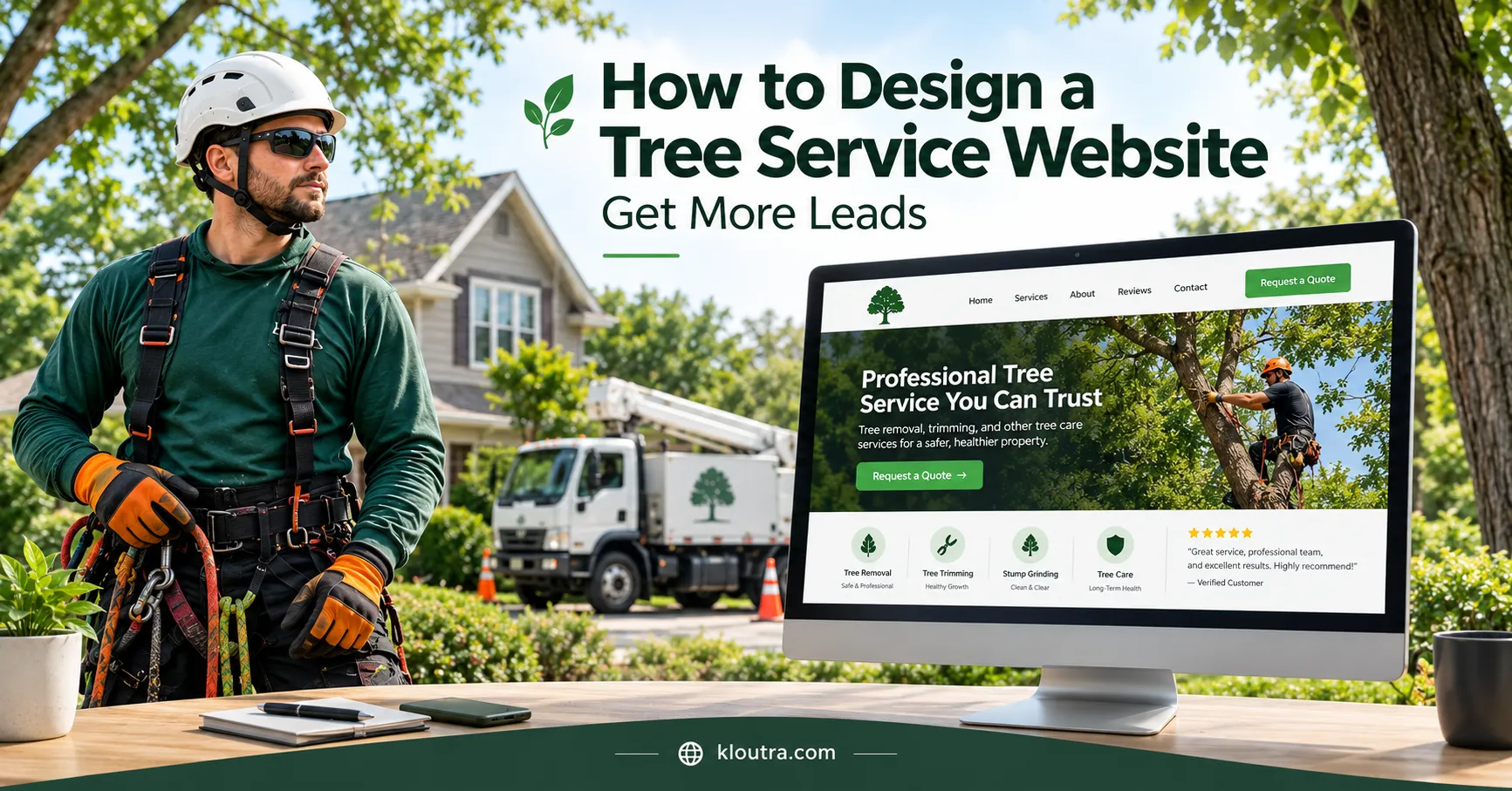
A professional tree service website helps customers find your services and request a quote. It also shows why they should trust your business. A confusing website can make potential customers choose another company. Good design makes your services, contact details, and service areas easy to find. In this guide, you’ll learn how to design a tree service website that attracts local customers and helps generate more leads.
1. Make Your Services Easy to Understand
List your main tree services clearly on your website. Help visitors find the right service without confusion.
Create Separate Pages for Each Service
Create individual pages for major services, such as tree removal, tree trimming, stump grinding, and emergency tree work. Give each page a clear title and explain the service. This helps customers find relevant details and helps search engines understand each page.
Explain What Each Service Includes
Explain what the job involves, when customers may need it, and what affects the cost. Mention cleanup, site access, and possible extra charges when relevant. Keep the information specific to your actual services. Clear details help customers understand what to expect before requesting a quote.
2. Design a Mobile-Friendly Website
Many customers search for tree services on their phones. Your website should work well on small screens. Use readable text, clear menus, and buttons that visitors can tap easily. Keep important details, such as your phone number and quote form, easy to find.
Avoid layouts that force visitors to zoom or scroll sideways. Test your website on different screen sizes before publishing changes.
3. Add Clear Calls to Action
Use clear calls to action (CTAs) to guide visitors toward contacting your business. Add buttons with simple text, such as “Request a Quote” or “Call Now.” Place them where visitors can easily find them, especially on service pages.
Display Your Phone Number Clearly
Place your business phone number in the website header and contact section. Make it clickable so mobile visitors can call with one tap. Use a clear “Call Now” button where it fits naturally. Check that the number is correct and reaches your business. A visible phone number helps customers contact you without searching through several pages.
4. Build Trust With Real Photos and Customer Reviews
Before hiring a tree service, customers want to know what to expect. Show real work, clear service details, and genuine customer experiences.
Show Your Completed Tree Service Projects
Add before-and-after photos of actual tree removal, trimming, and stump grinding jobs. Show the finished result and the surrounding work area. Include short captions explaining the service and problem solved. Get permission before publishing identifiable customer property photos. Never present stock images as your own completed projects.
Display Genuine Customer Feedback
Feature genuine reviews that describe the service, communication, punctuality, or cleanup. With permission, include the customer’s name or first name and review date. Link reviews to their original source when practical. Ask all customers for honest feedback, not just happy ones. Never buy reviews, offer rewards for positive ratings, or write fake testimonials. These practices violate Google’s review policies.
5. Improve Local SEO to Reach Nearby Customers
Help people find your tree service business when they search locally. Keep your website details accurate and your service areas clear. Focus on the towns and cities your business actually serves.
Use Location-Specific Keywords Naturally
Include your service area in relevant page titles and headings. For example, use “Tree Removal in Austin, Texas” if you serve Austin. Mention nearby areas only when you genuinely provide services there. Create useful pages for different locations only when each page offers specific information. Avoid repeating city names unnaturally or creating near-identical pages for every town.
Create or Optimize Your Google Business Profile
Create a Google Business Profile for your eligible tree service business. Choose the most accurate business category and add your services, phone number, and website. Keep your business hours and contact details up to date.
If you travel to customers, set your actual service areas. Hide your home address if customers cannot visit your business there. Add genuine photos of your team, equipment, and completed jobs. Keep your business name accurate and avoid adding extra keywords. These details help customers understand your business on Google Search and Maps.
6. Create a Simple Quote Request Form
Make it easy for visitors to request a quote from your business. Keep the form short and ask only for useful details. Include fields for the customer’s name, phone number, email, and service address. Let visitors select a service, such as tree removal or trimming. Add an optional message field for extra details about the job.
Use clear labels and mark required fields properly. Make the form easy to complete on mobile devices. Add a simple “Request a Quote” button to submit the form. After submission, show a confirmation message so visitors know their request went through. Explain when customers can expect a response, if your business can provide that timeframe.
7. Show Your Credentials and Safety Practices
Customers want to know their property is in safe hands. Show relevant licenses, insurance details, and professional credentials your business actually holds. Requirements vary by location, so check your local rules before making claims.
Explain how your team handles safety during tree removal and trimming. Mention staff training, protective equipment, and safe work practices where applicable. If your team holds industry certifications, display their names accurately. Never claim certifications or qualifications your business does not have.
You can also explain how your team protects nearby buildings, gardens, and driveways. Clear details help customers understand your approach before requesting a quote.
8. Make Your Website Fast and Easy to Navigate
Customers should find your tree services without wasting time. Keep your website simple, fast, and easy to use.
Use a clear menu with links to your main service pages. Avoid unnecessary pop-ups, large animations, and cluttered layouts. Large images can slow down your website. Compress photos before uploading them and use modern image formats, such as WebP. Remove unused plugins and scripts that add unnecessary loading time. Use Google PageSpeed Insights to identify speed issues and performance improvements.
9. Create Helpful Content That Answers Customer Questions
Help customers understand tree problems before they contact your business. Explain common issues, available services, and when professional help may be needed. Keep your advice practical and specific to the services you offer.
Explain Common Tree Problems and Solutions
Cover common problems such as dead branches, storm damage, leaning trees, and overgrown limbs. Explain which services may help with each problem. For example, trimming can remove selected branches, while tree removal eliminates the entire tree.
Tell readers when they should contact a qualified tree professional. Warn them not to approach fallen trees near power lines. Leave hazardous work to trained professionals with suitable equipment.
Add FAQs About Pricing and Services
Answer questions customers often ask before booking a tree service. Include questions about pricing, estimates, cleanup, permits, and emergency callouts.
- How much does tree removal cost? Explain that price depends on tree size, location, access, and job risks.
- Do you provide free estimates? State your actual estimate policy clearly.
- Do you remove the branches and debris? Explain what your cleanup service includes.
- Do I need permission to remove a tree? Tell customers to check local rules and protected-tree requirements.
- Do you offer emergency tree services? Describe your availability and any limits honestly.
Keep answers short and accurate. Update them whenever your services, prices, or policies change.
Common Tree Service Website Design Mistakes to Avoid
Avoid these common mistakes that can make customers leave your website without contacting you.
- Using outdated information: Keep phone numbers, opening hours, service areas, and business details accurate.
- Ignoring website security: Keep your website software updated and use HTTPS to protect data sent through forms.
Review your website regularly. Fix broken links, test forms, and check contact details. These simple checks help customers find information and reach your business.
Final Thoughts
A good tree service website makes your services easy to understand and contact. Keep it simple, fast, accurate, and updated.
Disclaimer: This article provides general guidance on tree service website design. Results may vary based on your location, competition, website quality, and marketing efforts. Always verify local licensing, insurance, and tree removal requirements before advertising your services.