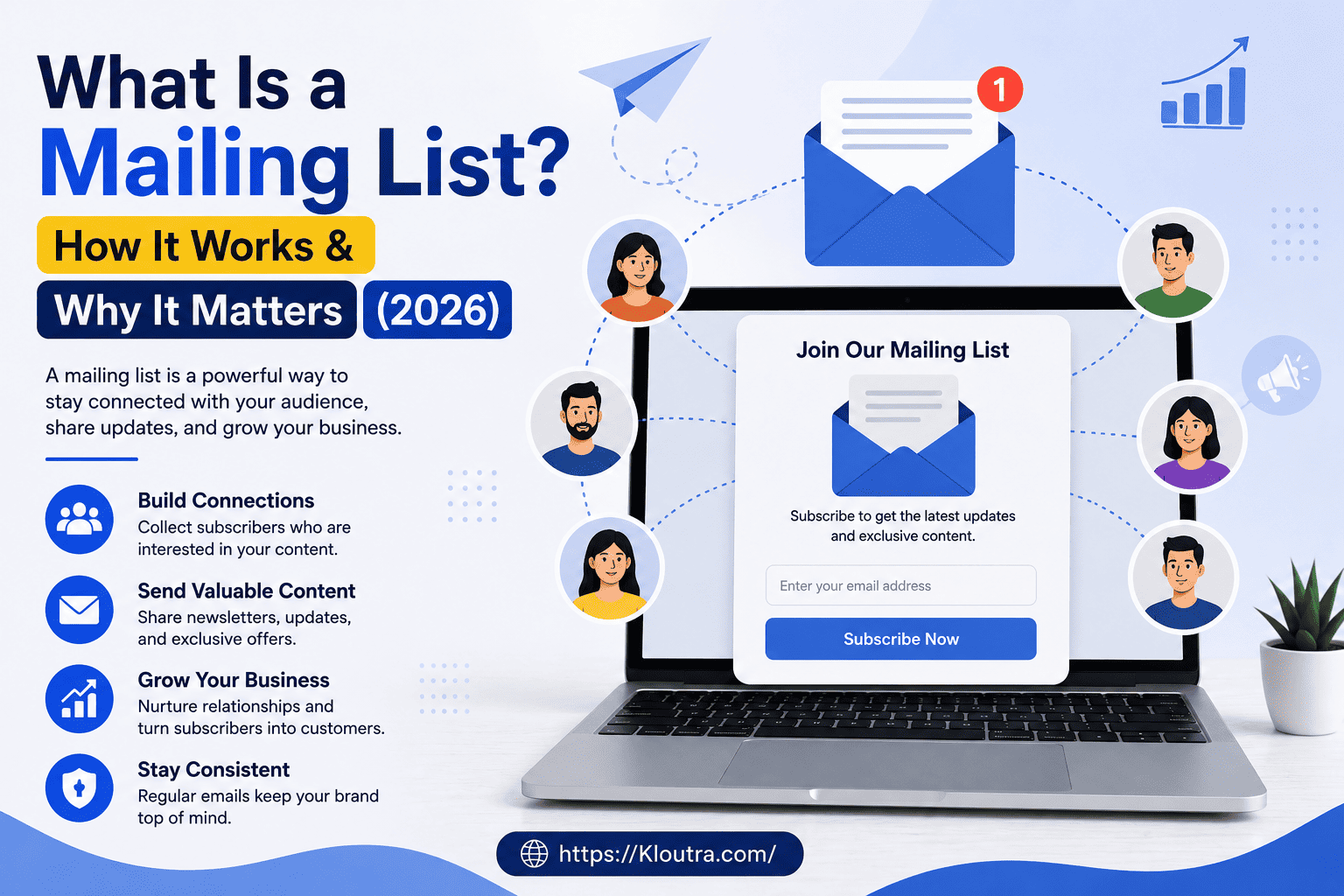
What Is a Mailing List? How It Works & Why It Matters
Have you ever signed up for a discount code and started getting emails from that store every week? That store didn’t guess your email address out of thin air. It added you to a mailing list.
So, what is a mailing list, exactly? In simple terms, it’s a collection of email addresses that a person or business uses to send the same message to many people at once. Instead of typing out one email at a time, you write it once and send it to everyone on the list.
Mailing lists are one of the oldest tools in marketing, yet they still work better than most modern tactics. In this guide, we’ll break down the mailing list meaning, how mailing lists work, the different types you can build, and how to start one of your own in 2026.
What Is a Mailing List in Email Marketing?
In email marketing, a mailing list is a group of people who have agreed to receive emails from a business. That word “agreed” matters a lot. Nobody should end up on your list without choosing to be there.
Think of it like a guest list for a party. Only the people who RSVP get an invite to the next one. A mailing list works the same way — only people who opt in get your emails.
This is different from simply grabbing random addresses from the internet. Instead, a real mailing list is built with permission. As a result, it can help keep your emails out of spam folders and, at the same time, help you follow laws such as the CAN-SPAM Act
Mailing List Meaning: The Simple Version
A mailing list is simply a group of email addresses stored together. It may be used for newsletters, VIP customers, weekly deals, or other email updates.
When you want to reach that group, you can send one email to the whole list instead of typing each address one by one. In this way, the tool you use, such as Gmail, Outlook, or an email marketing platform, handles the delivery to everyone on the list.
How Does a Mailing List Work?
Here’s where a lot of people get curious. How does a mailing list work behind the scenes, without someone manually sending hundreds of emails?
It follows a simple, repeatable process:
- A visitor sees a signup form on a website or social media page.
- They enter their email and agree to join the list.
- Their address gets added to the mailing list automatically.
- The business writes one email and sends it through their email platform.
- The platform delivers that same email to every subscriber on the list.
That’s it. Whether the list has 50 people or 50,000, the steps stay exactly the same.
The Technology Behind It
Most of the heavy lifting happens through email marketing software or a mailing list server. These tools track who opened your email, who clicked a link, and who unsubscribed.
They also clean up bad addresses automatically. If an email bounces repeatedly, the tool flags it so your list stays healthy. You don’t have to manage any of this by hand. If you’re exploring platforms that automate this kind of work, our marketing automation coverage looks at tools built for exactly this job.
How Do Mailing Lists Work for Discussion Groups?
Not every mailing list is built for one-way announcements. Some are made for discussion, where anyone on the list can reply and that reply goes out to the whole group.
These are common in hobby communities, academic groups, and professional circles. A tech company, for example, might run one for developers to discuss updates and share fixes with each other.
What Is a Mailing List Used For?
People assume mailing lists are only for sending sales offers. That’s just one small piece of it. Here’s what a mailing list is used for in the real world:
- Newsletters — regular updates about a company, industry, or topic
- Promotions — discounts, sales, and limited-time offers
- Product updates — letting customers know about new features or launches
- Event invites — webinars, workshops, or in-person events
- Order confirmations — receipts and shipping updates
- Community building — keeping members connected around a shared interest
In short, if a business needs to talk directly to a group of people, a mailing list makes it possible without relying on social media algorithms.
Types of Mailing Lists
Not all mailing lists work the same way. Picking the right type depends on what you’re trying to achieve.
1. Broadcast (One-Way) Lists
This is the most common type. The business sends a message, and subscribers read it — no reply expected. Newsletters and promotional emails almost always use this format.
2. Discussion (Two-Way) Lists
Here, subscribers can reply, and that reply goes to the entire group, not just the sender. These work well for communities, forums, or internal teams.
3. Moderated Lists
A moderator reviews every message before it reaches subscribers. This keeps spam, arguments, or off-topic posts from flooding the group.
4. Segmented Lists
These are smaller groups pulled from a bigger list, based on behavior or interest. For example, a clothing store might have separate segments for people interested in menswear versus womenswear.
5. Third-Party Lists (Avoid These)
These are bought or rented lists of addresses. The people on them never agreed to hear from your specific business, which usually leads to poor results and spam complaints. Most reputable email tools don’t allow you to use them.
Mailing List vs Email List: What’s the Difference?
This question comes up a lot, and honestly, the answer is simple: there isn’t much difference anymore.
“Mailing list” is the older term, with roots in physical postal mail. Businesses used to keep paper lists of customer addresses long before the internet existed. “Email list” is the newer, digital-only version of the same idea.
Today, marketers use both terms to mean the same thing — a permission-based group of subscribers you email. You’ll see “email mailing list” used often too, which just combines both terms.
Why Is a Mailing List Important?
You might be wondering if mailing lists still matter in 2026, with so many other ways to reach people online. The honest answer is yes, and here’s why.
You Own It
Social media followers belong to the platform, not you. If Instagram changes its algorithm tomorrow, your posts might reach fewer people overnight. Your mailing list doesn’t work that way — it’s yours, and no algorithm update can take it away.
It Reaches People Directly
An email lands in someone’s inbox. It doesn’t get buried in a feed between ads and other people’s posts. That direct access is one reason email consistently performs well compared to other channels.
It’s Built on Interest
People on your list chose to be there. That means they’re already somewhat interested in what you offer, which usually leads to better engagement than reaching cold audiences.
It Builds Long-Term Relationships
Regular, useful emails keep your brand in someone’s mind. Over time, this turns casual subscribers into loyal customers.
Advantages and Disadvantages of a Mailing List
Like any marketing tool, mailing lists come with real trade-offs. Weighing both sides helps you set realistic expectations before you build one.
Advantages of a Mailing List
- You own the channel. No platform can shut it down, change its algorithm, or take your subscribers away from you.
- Cost-effective. Sending an email costs far less than most paid advertising, especially once your list is set up.
- Personalization at scale. You can tailor messages to what someone bought, clicked, or browsed before.
- Measurable results. Open rates, click rates, and conversions show you exactly what’s working and what isn’t.
- Builds long-term trust. Regular, useful emails keep your brand in a subscriber’s mind and support loyalty over time.
- Direct access. Your message lands in the inbox instead of competing with ads and other posts in a feed.
Disadvantages of a Mailing List
- Takes time to grow. Building a quality, permission-based list doesn’t happen overnight. It requires ongoing effort.
- Deliverability isn’t guaranteed. Even permission-based emails can land in spam folders if your sending practices or content trigger spam filters.
- List decay. People change jobs, switch email addresses, or simply lose interest. Lists naturally shrink or go stale without regular maintenance.
- Compliance responsibility. You’re legally required to manage consent, honor opt-outs, and follow rules like GDPR or CAN-SPAM, which takes ongoing attention.
- Risk of over-emailing. Sending too often, or sending irrelevant content, can push subscribers to unsubscribe or stop engaging altogether.
- Upfront setup cost. A basic list can start for free, but scaling up usually means paying for an email marketing platform.
None of these downsides cancel out the benefits — they’re simply things to plan for, not reasons to avoid building a list.
Benefits of a Mailing List
Beyond the pros already covered above, here’s a closer look at the practical benefits of an email mailing list:
- Cost-effective — sending an email costs far less than most paid ads
- Personalization — you can tailor messages based on what someone bought or clicked before
- Measurable results — open rates, click rates, and conversions show exactly what’s working
- Stronger customer loyalty — consistent contact builds trust over time
- Higher conversions — subscribers already know your brand, so they’re more likely to buy
- Full control — no algorithm decides who sees your message
Results vary a lot by industry, list quality, and the tools you use, so it’s worth tracking your own numbers once your list is active rather than assuming a fixed return.
How to Create a Mailing List
Ready to start one yourself? Here’s how to create a mailing list step by step.
Step 1: Define Your Goal and Audience
Before collecting a single email, decide what you want this list to do. Are you sending a monthly newsletter? Promoting a store? Sharing industry tips? Your goal shapes everything else.
Step 2: Choose the Right Platform
Small lists can start in Gmail or Outlook using contact groups. But once you want automation, tracking, and segmentation, an email marketing platform like Mailchimp, HubSpot, or Omnisend makes life much easier.
Step 3: Build a Signup Form
Add a simple signup form to your website, blog, or social media. Keep it short — just an email address is often enough to start.
Step 4: Offer an Incentive
People are more likely to join if they get something in return. A discount code, free guide, or early access to a sale all work well.
Step 5: Segment Your List Early
Even a small list benefits from basic segmentation, like separating new subscribers from returning customers. This makes future emails more relevant.
Step 6: Send a Welcome Email
Your first email sets the tone. Introduce your brand, explain what subscribers can expect, and thank them for joining.
How to Grow a Mailing List
Once your list exists, growing it becomes the next challenge. Here are proven ways to collect more mailing list subscribers:
- Use pop-ups on your website, but don’t overdo it — one well-timed pop-up beats three annoying ones
- Promote signup on social media with a clear reason to join
- Offer lead magnets like free templates, checklists, or ebooks
- Collect emails at checkout with a simple opt-in checkbox
- Run giveaways that require an email signup to enter
Avoid the temptation to buy an email list. Purchased contacts haven’t agreed to hear from you, which usually means low engagement and a higher chance your emails get marked as spam. If you want more ideas on organic growth tactics, see our broader digital marketing coverage.
How to Manage a Mailing List
Building a list is only half the job. Email list management keeps it healthy and effective long after the first signup.
Keep It Clean
Remove addresses that bounce repeatedly or haven’t opened an email in months. A smaller, engaged list performs better than a large, inactive one.
Make Unsubscribing Easy
It might feel counterproductive, but a clear unsubscribe link is required by law in most places and keeps your list full of people who actually want to be there.
Follow Privacy Laws
Regulations like the GDPR require clear consent, easy opt-outs, and secure data storage. Check the rules that apply to your region before sending your first campaign.
Watch Your Metrics
Open rates and click rates tell you what’s working. If a certain type of email consistently underperforms, that’s a signal to change your approach.
Mailing List Best Practices
A few habits separate mailing lists that get results from ones that get ignored:
- Always get explicit consent before adding someone
- Send emails on a consistent schedule, not randomly
- Keep subject lines honest — don’t trick people into opening
- Make emails mobile-friendly, since most people check email on their phones
- Test different content types to see what your audience responds to best
Mailing List Examples for Businesses
To make this more concrete, here are a few mailing list examples you’ll see in the real world:
- An online clothing store sending a weekly newsletter with new arrivals
- A software company sending product update emails to existing users
- A local bakery sending a monthly list of upcoming specials
- A conference organizer sending event reminders to registered attendees
- A blogger sending a “best posts of the month” roundup to readers
Each of these uses the same basic tool — a mailing list — but for a completely different purpose.
Best Ways to Build a Mailing List in 2026
Email habits shift slightly every year, but the fundamentals of how to build an email list haven’t changed much. Focus on permission, relevance, and consistency. A smaller list of people who actually want your emails will always outperform a huge list of people who don’t.
If you’re just getting started, keep it simple: one signup form, one clear incentive, and one honest welcome email. You can always add segmentation and automation later. For more on the content side of things, our content marketing section covers how to write emails and posts people actually want to read.
FAQ
What is a mailing list in simple terms?
A mailing list is a collection of email addresses used to send the same message to many people at once. People join it by choice, usually through a signup form, which makes it different from random bulk email.
How do mailing lists work?
Someone signs up through a form, their email gets added to the list, and the list owner sends messages through an email platform. The platform delivers the email to everyone on the list automatically.
What is the difference between a mailing list and an email list?
There isn’t a big practical difference. “Mailing list” has roots in physical mail, while “email list” is the fully digital version, but marketers use both terms to mean the same thing today.
How do I start a mailing list?
Pick an email platform, add a signup form to your website or social media, and offer a reason for people to join, like a discount or free resource. From there, send a welcome email and build from a clean, permission-based list.
Can I buy a mailing list instead of building one?
You can, but it’s not a good idea. People on purchased lists never agreed to hear from you, which usually leads to low engagement and a higher risk of your emails being marked as spam.
Conclusion
A mailing list is one of the simplest tools in marketing, yet it remains one of the most effective. It gives you a direct line to people who actually want to hear from you, without depending on social media algorithms or paid ads.
Whether you’re a student running a small blog or a business owner planning your next campaign, the steps stay the same: get permission, offer value, and stay consistent. Weigh the effort of list maintenance against the payoff of direct, owned communication, and start small.
If you’re ready to send your first email, pick a platform, build a simple signup form, and invite people to join. That one small step is how every successful mailing list begins.
Disclaimer: This article is for general informational purposes only and isn’t legal advice. Laws like GDPR and CAN-SPAM change over time, so confirm current requirements with an official source or legal professional before sending marketing emails.