How to Automate NDIS Plan Management: Software and Features
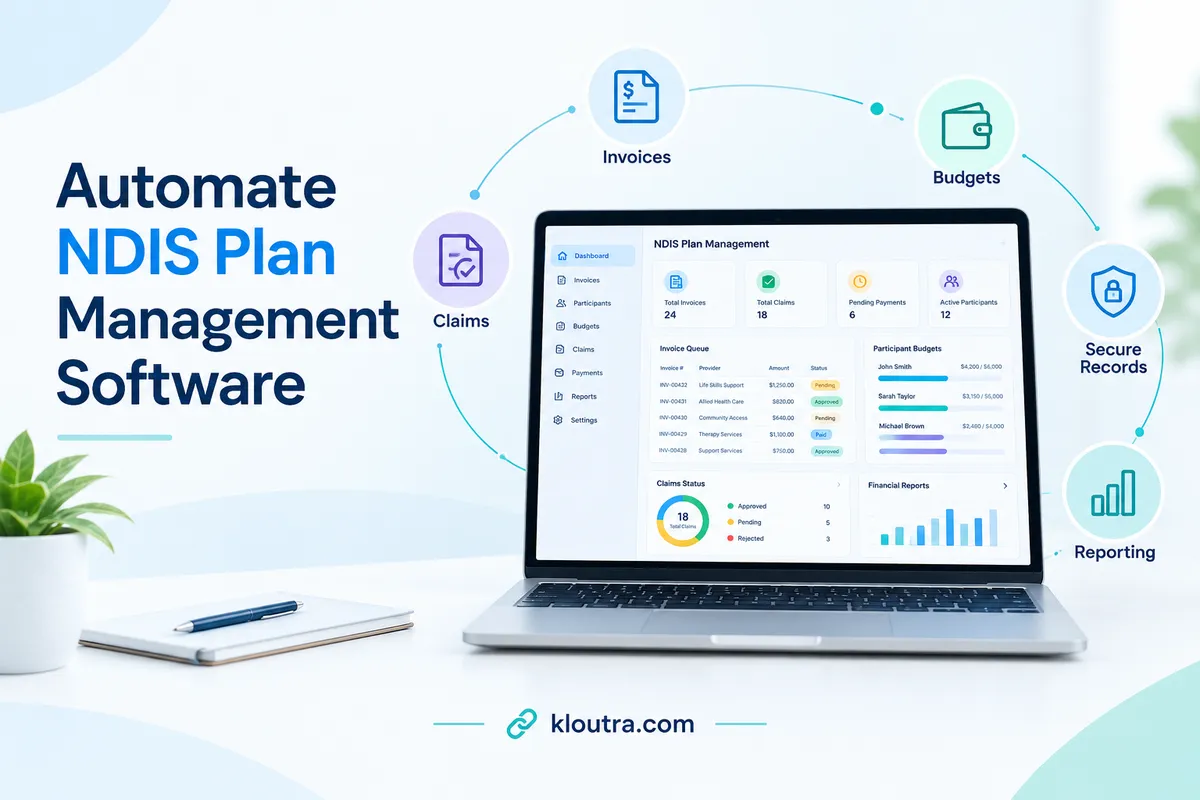
Managing NDIS plans involves handling invoices, tracking budgets, and recording payments. These tasks can take time when done manually. Automate NDIS Plan Management software helps plan managers handle these daily tasks more easily. It can reduce repeated work, organise financial records, and make budget tracking simpler.
The right software can also help teams process invoices faster and prepare clear financial reports. This guide explains how to Automate NDIS Plan Management software, its key features, benefits, costs, and how to choose the right solution for your business.
What Is NDIS Plan Management Automation?
NDIS plan management automation means using software to handle daily money tasks. It helps plan managers process invoices, track budgets, and record payments. Some tools also organise claims and create financial reports.
Without automation, staff may spend hours typing in data and checking invoices by hand. Software cuts down this repeat work and helps teams spot mistakes sooner.
Participants should still keep an eye on their own funding. Software helps plan managers keep clean records and share clearer budget updates. The right tool can make daily plan management faster and easier.
How Does NDIS Plan Management Software Work?
NDIS plan management software lets plan managers handle money tasks in one place. It can organise invoices, track budgets, record payments, and prepare financial statements. Some systems also offer automatic checks, reminders, and reports.
Here is how it usually works:
When a provider sends an invoice, staff enter or upload its details. Depending on the software, automatic checks may flag missing details or possible errors. The plan manager must still review the invoice and check the NDIS rules.
After approval, the plan manager submits a claim through the NDIA’s myplace provider portal. Once the NDIA pays the claim, the plan manager pays the provider. The software then helps update records and track the funds left.
Features vary between providers, so not every task happens automatically. Plan managers must get the right approval from participants and keep accurate financial records. They must also protect personal information and follow current NDIS rules.
Key Features to Look for in NDIS Plan Management Software
The right software helps plan managers handle invoices, budgets, and financial records. Look for tools that cut manual work and support accurate reports. Features vary, so check what each provider actually offers.
Automated Invoice Processing and Payment Tracking
Good software lets staff upload invoices and organise payment details. Some tools can read invoice data and flag missing information. Payment tracking helps staff follow claims and unpaid invoices. Some newer tools also use AI agents to check invoice details, so you may want to read about agentic AI for accounts payable before you choose.
Budget Monitoring and Financial Reporting
Budget tracking shows how much funding participants have spent. It also helps plan managers check the balance left and spot unusual spending. Look for reports that show spending clearly by budget category. The software should also help you prepare accurate monthly statements for participants.
NDIS Claims, Compliance, and Record-Keeping
Choose software that helps organise claims, invoices, and supporting records. Some systems may flag missing details or possible claim problems. Good record-keeping also makes it easier to answer questions later.
Integrations and Data Security
Check whether the software connects with your accounting tools or NDIS systems. Approved integrations can reduce double data entry and save time. Confirm which integrations the provider supports before you choose a product.
NDIS financial records contain sensitive personal information. Look for access controls, secure data storage, and clear backup steps. Ask how the provider protects data and handles security problems. Organisations must take reasonable steps to protect personal information under privacy laws.
How to Automate NDIS Plan Management Step by Step
Start by finding your manual tasks, then automate routine work with care. Keep claim checks, participant approvals, and accurate records in place.
Review Your Current Workflow
Check how your team receives invoices, checks claims, tracks budgets, and pays providers. Look for delays, double entries, and missing invoice details. Also review how staff watch funding balances and prepare monthly statements for participants.
Choose Software That Fits Your Business
Choose software with invoice processing, budget tracking, claim records, and reports. Check how it works with the NDIS portals. Plan managers send claims through the myplace provider portal and use the my NDIS provider portal to see plan and budget details. Ask vendors to show you how claims are sent, instead of assuming they go through automatically.
Set Up Automation Rules and Notifications
Set alerts for missing invoice details, duplicate invoices, and unpaid amounts. Track claim deadlines and flag any transaction that needs a manual check. Keep participant approvals and claim checks in your workflow.
Test the System Before Full Adoption
Test a few invoices and claims before you move all your records into the system. Compare claim details, payment amounts, and budget balances. Train staff to review flagged items and fix errors.
Plan for the New 90-Day Claim Deadline
The claim deadline is changing. From 1 December 2026, you must claim within 90 days of the day the support was delivered. The old limit was two years. The NDIA has also been doing extra checks since 15 October 2026 on claims made more than 90 days after support.
Set reminders for invoices that are close to the deadline. Try to send claims in small, regular batches instead of one big batch at the end of the month. Check the official NDIS website for the latest rules.
Benefits of Automating NDIS Plan Management
Automation helps teams handle routine money tasks more easily. It can cut manual work and make financial information easier to track. The results depend on the software and how your staff use it.
Less Manual Work and Fewer Errors
Software can organise invoices, reduce repeated typing, and flag missing details. This saves time on routine admin. Automation can help find problems, but it cannot stop every error.
Faster Invoice Processing
Digital invoice workflows help staff receive, check, and organise invoices. Automatic reminders can show unpaid invoices and pending approvals. This helps teams follow up sooner and avoid delays. It matters even more now that claims must be made within 90 days.
Better Budget Visibility and Reporting
Budget tracking tools help plan managers watch spending and funds left. Clear reports make it easier to spot unusual spending. Plan managers can use this information to talk about budgets with participants. Monthly statements also help participants understand what they spent and what they have left.
How Much Does NDIS Plan Management Software Cost?
NDIS plan management software prices vary by provider and business size. Some providers charge per staff member, while others charge per client. Some also offer custom pricing.
For example, Careview lists $780 per month for 100 client profiles. ShiftCare starts at $8 per user each month when billed annually, with a minimum of five users. Monthly billing costs a little more. Both prices exclude GST, and they are for different products with different features, so compare them carefully. You can see more details on the Careview pricing page and the ShiftCare pricing page.
Your final cost may also depend on billing terms and extra features. Ask about setup fees, training, integrations, and support before you sign up. Check whether prices include GST and whether yearly billing lowers the rate.
Before you choose a platform, compare the total cost with your business needs. A good plan should save you time without charging for features you rarely use.
How to Choose the Right Software for Your NDIS Business
Choose software that matches your business size, budget, and daily tasks.
Check these important features before you decide:
Invoice processing: Makes it easier to receive, check, and organise invoices.
Budget tracking: Helps you watch participant spending and funds left.
Claims and reports: Supports claim management and clear financial statements.
Data security: Protects participant information and controls staff access.
Pricing: Compare subscription fees, setup costs, and extra charges.
NDIS requirements: Confirm the software fits your workflow and current NDIS rules, including the 90-day claim deadline.
Ask for a demo before you buy. Check which tasks run automatically and which need staff checks. Choose software that saves time without hurting accuracy.
Common Automation Mistakes to Avoid
Automation can save time, but mistakes can cause payment delays and wrong records.
Trusting automation completely: Always check invoices and claims before you send them.
Ignoring participant approval: Make sure participants know about and approve claims before submission.
Using incorrect information: Check invoice details, support dates, amounts, and available budgets.
Leaving invoices too long: From 1 December 2026, late claims may not be paid, so process invoices quickly.
Overlooking NDIS requirements: Make sure every claim follows current NDIS rules.
Skipping staff training: Train your team to use the software the right way.
Ignoring record-keeping: Keep accurate invoices, payment records, and supporting documents.
Choosing unsuitable software: Check that the system fits your workflow and business needs.
Software can support your work, but it cannot replace proper checks. Plan managers remain responsible for accurate claims and records that follow the rules.
Is Automating NDIS Plan Management Worth It?
Yes, automation can help NDIS plan managers save time on routine tasks. It can make invoice processing, budget tracking, and reporting easier. Software can also keep records organised and flag missing information.
Automation is worth considering if it cuts manual work and saves time. Compare the software cost with the benefits it gives your business. Choose software that fits your needs and keeps your records accurate.
Frequently Asked Questions
Can I Manage My Own NDIS Plan?
Yes, you can manage your own NDIS funding if you choose self-management. You pay providers and keep your own financial records. This gives you more control over your spending. You must still follow your plan and the NDIS funding rules.
What Is the Best NDIS Plan Management Software for Providers?
The best software depends on your business size and daily workload. Look for automated invoice processing, budget tracking, and payment records. Check reports, accounting integrations, and data security before you choose. Compare the total cost and try a demo first.
What Are the Three Types of NDIS Management?
The NDIS offers three ways to manage your funding:
Self-managed: You manage payments and financial records yourself.
Plan-managed: A registered plan manager handles payments and financial records.
NDIA-managed: The NDIA manages payments and financial records for you.
You can use different options for different parts of your plan.
What Is an NDIS Plan?
An NDIS plan records your goals, support needs, and approved funding. It explains which supports your funding can cover. You use the plan to guide spending on eligible disability supports. Check your available funding before you book services.
What Is the NDIS Claim Deadline in 2026?
From 1 December 2026, claims must be made within 90 days of the day the support was delivered. The old limit was two years. Plan managers should process invoices quickly and set reminders in their software.
Conclusion
Automating NDIS plan management can save time and make daily tasks easier. The right software helps organise invoices, track participant budgets, and prepare financial reports. However, automation cannot replace staff checks or your NDIS responsibilities.
Before you choose software, compare features, pricing, and data security. Pick a system that fits your business and workflow. With the right setup, automation can cut manual work, help you meet the new 90-day claim deadline, and improve record-keeping.
Disclaimer: This article provides general information about how to automate NDIS plan management using software. Features, pricing, and capabilities vary by provider. Always check current NDIS rules and confirm software suitability before making business decisions. This article does not replace official NDIS guidance or professional advice.