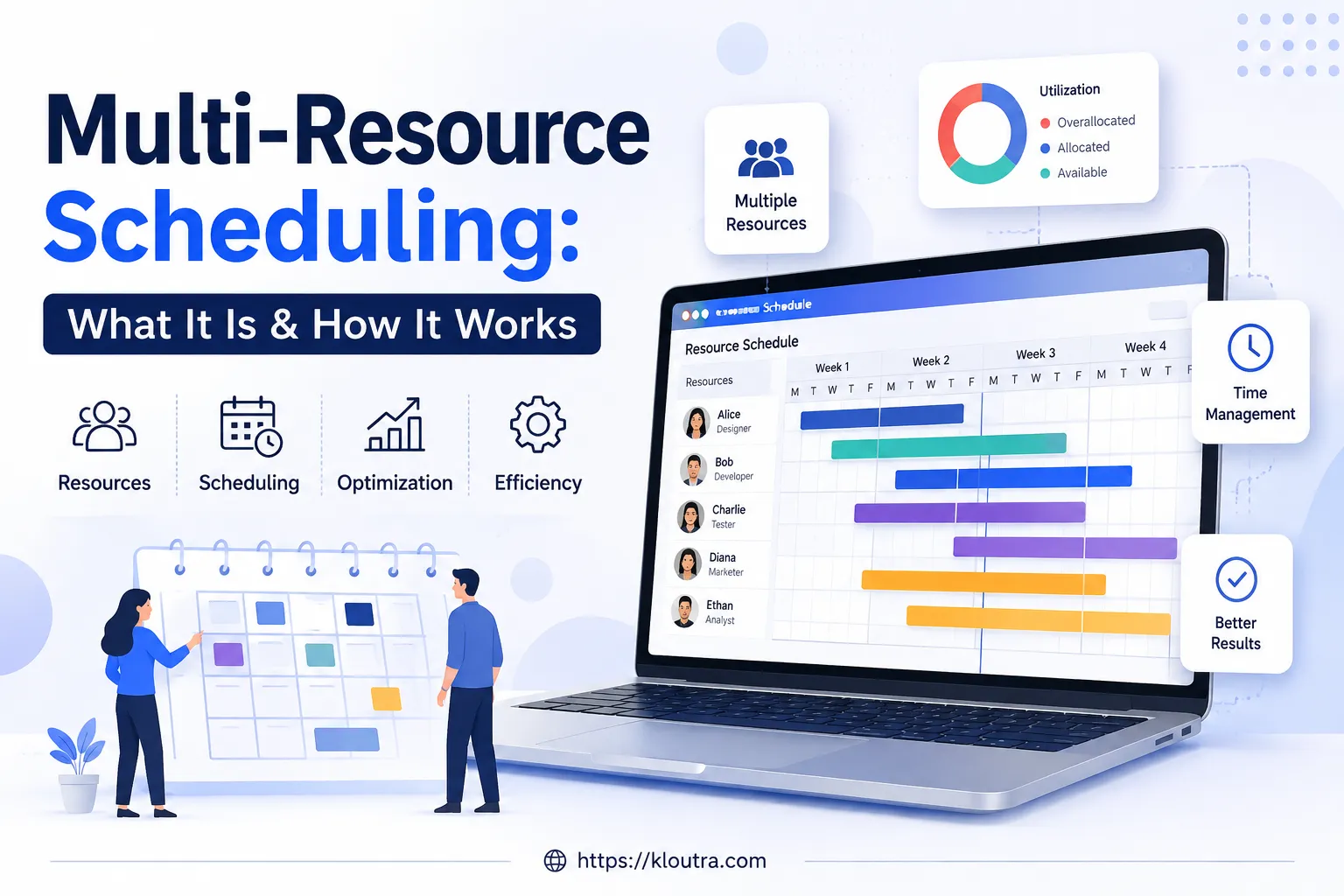
Multi-Resource Scheduling: What It Is & How It Works
Most guides on multi-resource scheduling stop at the basics: assign people, assign equipment, avoid double-booking. That’s true, but it’s only half the picture.
This guide goes further. It covers the two different ways teams actually use multi-resource scheduling, the strategic thinking behind it (not just the software features), the real challenges that trip up growing teams, and how enterprise-grade systems handle it at scale. The explanations below are grounded in published project-management research and documented scheduling practices, with sources linked throughout so you can verify the claims yourself. If you’ve already read a basic explainer, this is the part that fills in what was missing.
Two Different Meanings of “Multi-Resource Scheduling”
Here’s something most articles blur together. “Multi-resource scheduling” actually describes two related but different setups.
Meaning 1: One Task Needs Several Resource Types
This is the version most people think of. A single task needs a person, a piece of equipment, and maybe a room, all pulled together at once.
For example, a surgery needs a surgeon, a nurse, and an operating room, all matched for the same time slot. The software’s job is to find a combination where everyone and everything is free at once.
Meaning 2: One Task Is Shared Across Several Resources
This is the piece most beginner guides skip. Instead of needing different types of resources, sometimes you need the same task assigned to several people or assets at the same time, without creating duplicate entries.
Think of a team meeting. Instead of creating ten separate calendar entries for ten attendees, you create one task and attach every attendee (and the meeting room) to it. Edit the task once, and it updates for everyone automatically. This is also where the meeting tool itself matters — if attendees are dialing into a video call rather than a physical room, it’s worth checking how safe and reliable the conferencing platform is before you build recurring scheduling around it.
This “shared task” approach is common in:
- Meetings and training sessions with multiple attendees
- Driver-and-vehicle pairings, where a driver and their van move together
- Project teams, where a designer, writer, and developer all work the same task
- Audits, where two inspectors are sent to the same site together
- Studio bookings, where a band and a recording room are reserved as one unit
Good resource scheduling tools support both meanings. If a tool only handles one, you’ll end up working around it with spreadsheets anyway.
Primary Resources vs. Required Resources
Here’s a distinction that matters more than most people realize once a team scales past a handful of staff: not every resource on a task carries the same weight.
In more advanced scheduling systems, one resource is usually treated as the primary resource. This is the person whose skills must match the job — for example, the actual technician or surgeon performing the work. The system checks their qualifications, their location, and their open time slots.
Every other resource attached to the same task is a required resource. These are checked for availability and location, but their specific skill set isn’t the deciding factor — think of the assisting nurse or the second technician who just needs to be free and nearby.
Why does this matter for you? Because it changes how you set up rules in your scheduling tool. If you treat every resource as equally important, the system either becomes too strict (nothing ever matches) or too loose (it approves bad pairings). Defining one clear “anchor” resource per task, the way enterprise scheduling systems do, keeps the logic simple and accurate.
Resource-Driven vs. Task-Driven Scheduling
There’s also a bigger-picture distinction worth understanding: whether your scheduling approach is driven by tasks or by resources.
| Task-Driven Scheduling | Resource-Driven (Multi-Resource) Scheduling | |
|---|---|---|
| Main focus | What needs to get done | Who and what is actually available |
| Guiding rule | Task dependencies and deadlines | Resource capacity |
| Planning style | Fixed and prescriptive | Adjusts to avoid conflicts before they happen |
Traditional project scheduling often plans around task order first and worries about who’s free later. This works fine on paper but tends to create bottlenecks in real life, because it doesn’t account for the fact that people and equipment have limited capacity.
Multi-resource scheduling flips that order. It treats resource capacity as the main constraint and builds the schedule around what’s realistically available. Most teams manage this through a dedicated scheduling tool, though the same resource-first thinking shows up across cloud-based productivity apps more broadly, since calendars, task boards, and resource views increasingly live in one connected system. This is a more proactive way to avoid last-minute conflicts, rather than reacting to them after they’ve already caused a delay.
Advantages and Disadvantages of Multi-Resource Scheduling
Before adopting any tool, it helps to weigh what multi-resource scheduling actually delivers against what it demands from your team.
Advantages:
- Cuts down on double-booking, since people, equipment, and rooms are checked together instead of on separate calendars
- Gives managers real visibility into who and what is available, which makes bottlenecks easier to spot before they cause delays
- Handles both meanings of multi-resource scheduling (multiple resource types on one task, and one task shared across several resources) without forcing teams back onto spreadsheets
- Supports leveling and smoothing techniques that protect teams from burnout during heavy workload periods
- Scales from a lightweight tool for a small team up to an enterprise ERP setup, without changing the underlying logic
Disadvantages:
- Setup takes real effort — defining primary versus required resources and writing matching rules isn’t a five-minute task
- The output is only as good as the input; incomplete or outdated availability data leads to bad matches no matter how advanced the software is
- More advanced systems come with a learning curve for schedulers and managers alike
- Enterprise-grade platforms often need integration work with HR or CRM systems before they’re genuinely useful
- Overly strict rule sets can reject valid pairings, while overly loose ones approve bad ones — tuning that balance takes ongoing attention
Resource Leveling vs. Resource Smoothing
If you look into resource optimization, you’ll run into these two terms. They sound similar, but they solve different problems — and the distinction is formally defined in the Project Management Body of Knowledge as separate resource optimization techniques.
Resource Leveling
Resource leveling adjusts your project timeline to fit your available resources. If a task would overload your team, the leveling approach pushes the deadline out rather than burning people out.
Use this when protecting your team from overload matters more than hitting a fixed date.
Resource Smoothing
Resource smoothing does the opposite. It keeps the deadline fixed and adjusts how resources are distributed within that timeframe instead.
Use this when the deadline genuinely can’t move, and you need to find a way to make the current resource pool work around it.
Knowing which one your project actually needs — a flexible deadline or a flexible team — saves a lot of back-and-forth once a schedule starts running into conflicts.
Time-Bound vs. Resource-Bound Projects
Along the same lines, it helps to know which type of project you’re managing before you start scheduling.
- Time-bound projects have a fixed deadline. The manager has to adjust staffing, overtime, or outside help to hit that date.
- Resource-bound projects have a fixed team or budget. The manager has to adjust the timeline to match what that team can realistically deliver.
Most real projects are a mix of both, but naming which pressure is bigger helps you decide where to compromise when conflicts come up.
The Real Challenges Teams Run Into (Beyond Double-Booking)
Most beginner content stops at “avoid scheduling conflicts.” In practice, teams that scale up their scheduling run into deeper problems.
Bad or Incomplete Data
Scheduling software is only as good as the data behind it. If time isn’t logged accurately, if some projects never get entered into the system, or if resource availability isn’t updated, the software will suggest bad matches no matter how advanced it is. This is the same weak point that shows up in other workforce systems — HR platforms like Humi run into the same issue when employee records go stale, which is a useful reminder that scheduling accuracy is really a data-hygiene problem first.
Complexity Across Multiple Projects
Once a team runs several projects at once, dependencies start overlapping. A delay in one project can quietly ripple into three others. Poor visibility across projects makes this worse, since managers can’t fix what they can’t see.
Reacting Instead of Planning Ahead
Many teams only notice a scheduling conflict once it’s already a problem, then scramble to fix it. This reactive style causes stress and forces people to switch tasks abruptly, which usually hurts the quality of their work.
The fix is forecasting demand ahead of time — sometimes weeks or months out — so conflicts are visible before they actually happen, not after.
Bottlenecks
A bottleneck happens when one overloaded resource holds up several other tasks or projects at once, because everything else is waiting on that one person or machine. A single bottlenecked resource can slow down an entire portfolio of work, not just their own task list.
Resistance to Data-Driven Changes
In larger teams, not everyone agrees on what should be prioritized. Scheduling decisions based on data sometimes clash with what stakeholders assumed or preferred. There’s no software fix for this — it usually comes down to sharing clear data and communicating the reasoning behind decisions.
Why Getting This Right Actually Pays Off
It’s worth being specific about why multi-resource scheduling is worth the setup effort, beyond “it saves time.”
It protects your team from burnout. Constant overload leads to disengagement, and replacing an employee is expensive — research from the Center for American Progress has estimated that replacing a worker costs roughly a fifth of their annual salary, once training and lost productivity are factored in. Balanced scheduling is one of the more overlooked ways to avoid that cost.
It reduces the ripple effect of delays. Fixing bottlenecks before they form keeps one late task from quietly delaying several others.
It gives managers something to point to. Instead of scheduling decisions based on gut feeling, data on resource capacity gives everyone — including skeptical stakeholders — a clearer reason for why a decision was made.
How AI Is Changing Multi-Resource Scheduling
This is a newer development worth knowing about, since it’s changing fast. AI-based scheduling tools can scan workload data across multiple projects and resources, spot overlaps automatically, and suggest (or directly make) scheduling adjustments without a manager manually cross-checking every calendar.
This doesn’t replace human judgment on priorities, but it does cut down the manual analysis work significantly, especially for teams juggling dozens of resources across many active projects. Since AI features in this space are evolving quickly, it’s worth checking a tool’s current capabilities directly rather than relying on older reviews.
How Enterprise Systems Handle Multi-Resource Scheduling
Small teams often manage with a simple visual scheduling tool. But at a larger, enterprise scale, multi-resource scheduling usually plugs into a bigger system.
Enterprise resource planning (ERP) platforms typically extend multi-resource scheduling to cover employees, materials, and tools together, matching them against demand from different departments, like project work, service calls, and maintenance orders, all inside one connected system.
These systems often support both short-term scheduling (this week’s assignments) and long-term planning (project or installation timelines spanning months), and they usually offer more than one interface: a detailed planning view for schedulers, and a simpler dashboard for managers who just need a status check.
The tradeoff is complexity. Enterprise scheduling systems are powerful, but they usually need proper setup, defined organizational structures, and integration work with HR or CRM systems before they’re useful. For smaller teams, a lighter dedicated scheduling tool is usually a better starting point.
A Quick Checklist Before You Pick a Tool
Pulling this together, here’s what to actually check before choosing multi-resource scheduling software:
- Does it support both meanings of multi-resource scheduling (multiple resource types per task, and one task shared across resources)?
- Can you set a clear primary resource so skill-matching stays accurate?
- Does it show resource capacity, not just individual calendars?
- Can it flag bottlenecks before they cause delays, not just after?
- Does it support both leveling (protect the team) and smoothing (protect the deadline)?
- Is there real reporting on utilization, so you can catch overload trends early?
FAQ
What’s the difference between multi-resource scheduling and regular resource scheduling?
Regular resource scheduling typically manages one resource type at a time, usually people. Multi-resource scheduling manages several resource types together, or the same task shared across several resources, checking conflicts across all of them at once.
Should I use resource leveling or resource smoothing?
Use leveling when protecting your team from overload matters most and the deadline has some flexibility. Use smoothing when the deadline is fixed and you need to fit your available resources around it.
Is multi-resource scheduling only useful for large enterprises?
No. The core idea — checking multiple resources against one schedule to avoid conflicts — helps small teams too. Enterprise-grade systems just add scale, deeper integrations, and more complex reporting on top of the same basic idea.
Can AI fully automate multi-resource scheduling?
Not fully. AI can detect overlaps and suggest or apply adjustments quickly, which saves significant manual work. But priority calls and judgment on people’s preferences still need a human manager.
What causes most multi-resource scheduling failures?
Bad or incomplete data is the most common root cause. If resource availability, skills, or project details aren’t accurately tracked, even the best scheduling software will produce poor matches.
Conclusion
Multi-resource scheduling is bigger than “avoid double-booking.” It covers two distinct setups — multiple resource types on one task, and one task shared across resources — plus a strategic layer most guides skip: primary versus required resources, leveling versus smoothing, and planning around resource capacity instead of just task order.
Get the basics right first, but don’t stop there. Once your team understands the advantages and disadvantages of multi-resource scheduling, bottlenecks, resource-driven planning, and how AI is starting to handle the manual matching work, you’ll get a lot more out of whatever scheduling tool you choose.
Disclaimer: This guide is written for general informational and educational purposes. It is not professional consulting advice, and it is not tied to any single software vendor. Specific features, pricing, and capabilities vary by provider and change over time, so always confirm current details directly with a vendor before making a purchasing decision.