What Is a Messaging Security Agent? Complete Guide (2026)
What Is a Messaging Security Agent?
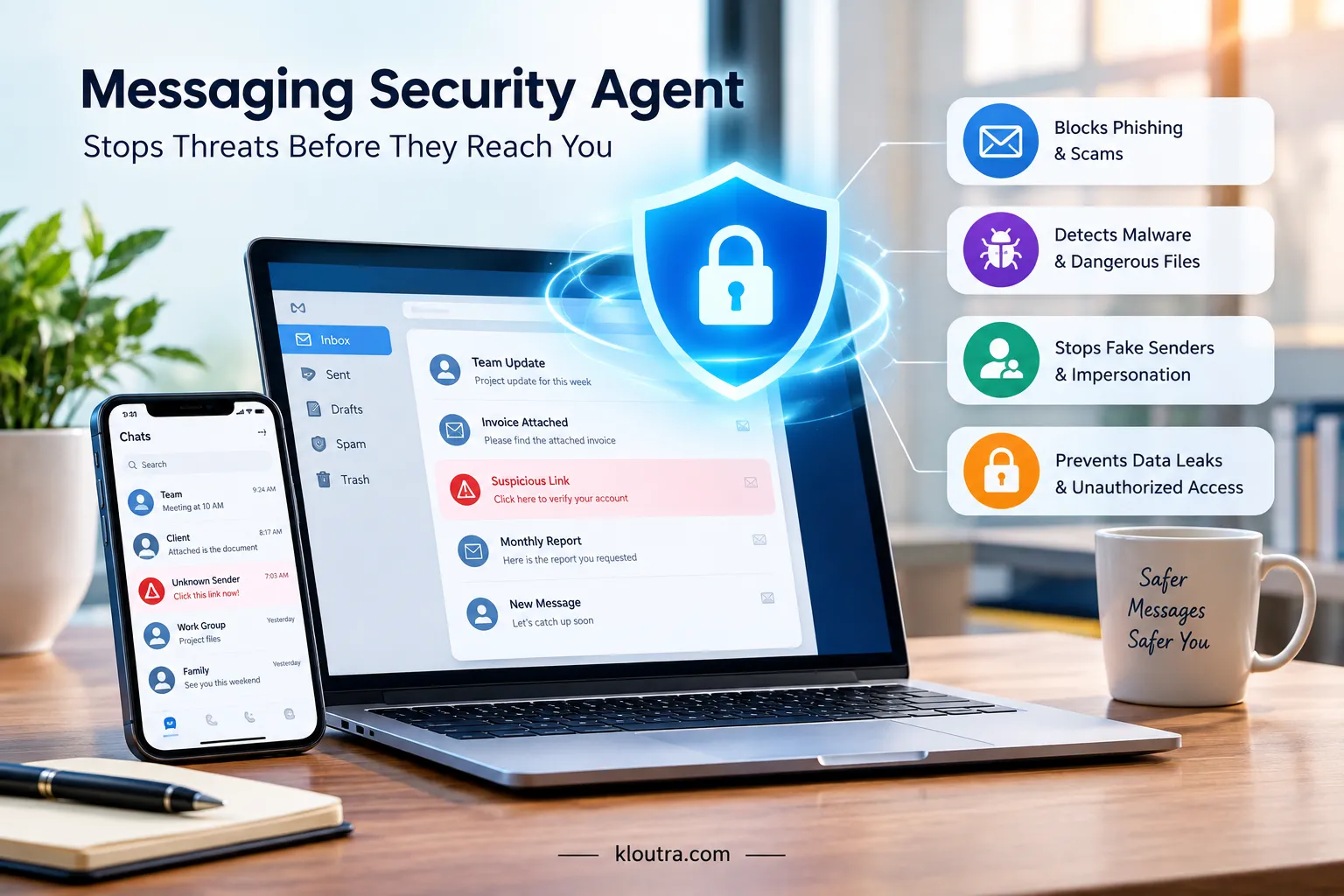
A messaging security agent is a tool that protects your messages. It watches your email, chat, and SMS in real time, checking each one before it reaches you.
It looks for phishing links, scams, and malware hidden inside messages. Think of it as a guard for your inbox, working quietly in the background without getting in your way.
They don’t just block spam either. They also catch fake senders and dangerous attachments, which is why businesses use them for email, Slack, and Teams, while regular users use them to protect personal accounts. The main goal stays simple: stop threats before they cause harm.
Common Myths About Messaging Security Agents (Busted)
Myth: It’s just a spam filter.
That’s not true. Spam filters only block junk mail. A messaging security agent does much more.
Myth: Only big companies need one.
Small businesses get targeted too. Scammers don’t care about company size.
Myth: It reads and stores your private conversations.
Most agents scan for threats, not content.
Myth: Antivirus software is enough.
Antivirus checks files on your device. It doesn’t monitor live messages the same way.
How Does a Messaging Security Agent Work?
A messaging security agent follows three main steps. Each step happens fast, often in real time.
Real-Time Message Scanning
Every message gets scanned the moment it arrives, whether it’s an email, a chat message, or an attachment. The agent checks links before you click them, and it also scans files for hidden malware, all before anything shows up in your inbox.
This means you only see a message after it has already passed a safety check. If something looks risky, the agent holds it back instead of letting it through right away.
Threat Pattern Detection (AI/Behavioral Analysis)
The agent uses AI to spot suspicious patterns, and it looks at sender behavior, not just keywords. For example, it notices if a sender suddenly changes their writing style, or if a message uses urgent, pressure-filled language to rush you into acting.
This method helps it catch new threats too, since it doesn’t rely only on known scam lists. Scammers change their tactics often, so this kind of behavior-based detection catches threats that older, rule-based filters would miss.
Automated Response & Blocking
Once a threat is found, the agent acts fast and blocks the message or link automatically. Some agents also warn you directly, showing an alert before you open anything risky, so you know exactly why a message was flagged.
In serious cases, the agent quarantines the message, keeping it away from your main inbox until it’s reviewed. This gives you, or your IT team, a chance to double-check before deciding what to do with it.
What Threats Does It Protect Against?
A messaging security agent guards against several common online threats, and each one puts you or your business at risk in a different way.
Phishing & Impersonation Scams
Phishing messages try to trick you into clicking a fake link or sharing personal details. They often pretend to be from a bank, a boss, or a trusted company.
A messaging security agent checks sender details and message content for these tricks. It flags messages that impersonate real people or brands before you fall for them.
Malware & Malicious Attachments
Some messages carry hidden malware inside files or links. Opening these files can install harmful software on your device.
The agent scans every attachment before it reaches you. It blocks infected files and warns you about dangerous downloads.
Data Leaks & Unauthorized Access
Sensitive data can leak through messages, either by mistake or through a hacked account. This puts private information at risk of exposure.
The agent watches for unusual activity, like a login from a strange location. It can flag or block actions that look like unauthorized access.
Real-World Example: How a Messaging Security Agent Stopped an Attack
Here’s a common scenario that plays out in many offices. An employee gets an email that looks like it’s from their CEO. The message asks for an urgent wire transfer.
It sounds normal, and it uses the right name and title.But something is off. The email address is almost identical to the real one, just one letter different. A messaging security agent catches this right away.
It flags the mismatch between the sender’s name and their actual email address. It also notices the urgent, pressure-filled language. This is a common trick used in scams like this.
The agent blocks the email before it reaches the employee’s inbox. It sends an alert to the IT team instead.
This type of scam is called CEO fraud, or business email compromise. Without a messaging security agent, many employees fall for this trick.
The email looks convincing, and the request feels real. This example shows why real-time scanning matters. It catches small details that a busy employee might miss.
Why Businesses Need One in 2026
More people work remotely now, and that means more messages flow through email, chat, and other apps every day. Each of these tools is a possible way in for scammers, and most businesses use several of them at once, not just email.
A single click on a bad link can lead to stolen data or a locked-up system. This is why a messaging security agent matters so much right now.
For a business, that means fewer gaps for an attacker to slip through, and less time spent cleaning up after an attack instead of preventing it.
Messaging Security Agent vs Traditional Email Filters
Traditional email filters work off a fixed list of rules. They block known spam words, blacklisted senders, and files that match old virus patterns. This works fine for threats we’ve already seen, but it struggles with anything new.
A messaging security agent takes a different approach. Instead of just matching a list, it looks at behavior, like odd sender details or urgent language. This lets it catch scams that don’t match any known pattern yet, including ones built with AI.
There’s also a coverage difference. Traditional filters usually protect email only. A messaging security agent often covers chat apps too, like Slack or Teams, so threats can’t slip in through a different channel.
Can a Messaging Security Agent Be Bypassed? (Limitations to Know)
No security tool is perfect, and a messaging security agent is no exception. Skilled attackers keep changing their methods, and sometimes a new trick slips through before the system learns to catch it.
Some scams also rely on human error more than technology. If an employee ignores a warning and clicks a flagged link anyway, the agent can’t stop that choice. It can only alert and block, not force someone to act safely.
Encrypted messages can be another blind spot. Some apps encrypt content end-to-end, which limits how much a security agent can actually scan. This is why most experts recommend pairing it with basic training, not using it as the only line of defense. A solid data backup policy adds another safety net, so you can recover your data even if a threat slips through.
Key Features to Look For
Not all messaging security agents work the same way, so it helps to know what to check before choosing one. A few key features make the biggest difference in how well it actually protects you.
Speed matters a lot. The agent should scan messages in real time, without slowing down your inbox or chat apps. Accuracy matters just as much, since too many false alarms will make people start ignoring the warnings.
Look for wide platform support too, covering email, Slack, Teams, and other apps you actually use. Good integration with your existing tools, like Microsoft Exchange or Google Workspace, makes setup much easier.
Finally, check if it offers clear alerts and easy-to-read reports. This helps your IT team understand what got blocked and why, instead of just seeing a vague warning.
Messaging Security Agent for Small Business vs Enterprise
Small businesses and large enterprises don’t have the same needs, so their messaging security setup usually looks different too. A small business often just needs basic protection across email and one or two chat apps, without a lot of extra setup.
Enterprises usually need more. They often have thousands of employees, multiple offices, and several messaging platforms running at once.
This means they need an agent that can scale easily and handle a much higher volume of messages every day. Cost and support also differ. Small businesses often go for simpler, lower-cost plans with basic dashboards.
Enterprises usually invest in advanced plans with dedicated support, deeper reporting, and tighter integration with their existing security systems.
Messaging Security Agent Pricing: What to Expect
Pricing for a messaging security agent depends a lot on the vendor and the size of your business. Most providers charge per user, per month, so your total cost grows as your team grows.
Basic plans for small businesses often sit in a lower price range, covering just email protection and standard threat detection. These plans usually work fine for a small team with simple needs.
Enterprise plans cost more, and for good reason. They include extra features like multi-platform coverage, advanced reporting, and dedicated support, which all add to the price.
Many providers also offer a free trial or a free tier with limited features. This is a good way to test the tool before paying for a full plan. Since pricing changes often, it’s worth checking a provider’s website directly for current rates.
Setup Time: How Long Does It Take to Deploy One?
Setup time depends on how big your business is and which tools you’re already using. For a small business with one email platform, setup can often be done in a few hours.
Most providers offer simple, guided setup steps. You usually just connect your email or chat platform through an admin panel, and the agent starts scanning right away.
Larger businesses take longer, since there’s more to connect. With multiple offices, several platforms, and custom security rules, setup can take a few days to a couple of weeks.
Either way, most of the setup work happens on the backend. Employees usually don’t need to install anything or change how they use their email and chat apps.
How to Choose the Right Messaging Security Agent
Start by looking at your own needs first. Think about how many employees you have, and which apps your team actually uses every day.
Check which platforms the agent supports. Make sure it covers your email provider, plus any chat apps like Slack or Teams that your team relies on.
Look at how it handles false alarms too. A tool that blocks too many safe messages will frustrate your team and slow down real work.
Compare pricing plans carefully, and check if they match your business size. A small team doesn’t need to pay for enterprise-level features it won’t use.
Finally, read reviews from other businesses like yours. Real feedback often reveals how well a tool works in daily use, not just on paper.
Frequently Asked Questions
Is a messaging security agent the same as antivirus?
No, they’re different tools. Antivirus scans files already on your device for known viruses. A messaging security agent checks incoming messages before they even reach you, looking for phishing, scams, and suspicious links in real time.
Does it work on WhatsApp, Slack, or only email?
It depends on the provider. Many messaging security agents cover email, Slack, and Microsoft Teams. Support for WhatsApp is less common, since it uses end-to-end encryption that limits what outside tools can scan.
Is it GDPR/compliance-friendly?
Many providers do offer GDPR-friendly options, built to meet data protection rules. Still, this varies by vendor, so it’s worth checking a provider’s compliance details directly before choosing one for your business.
Final Thoughts
A messaging security agent isn’t just another IT tool. It’s a simple way to catch threats before they reach you or your team.
You don’t need to be a large company to benefit either. Small businesses face the same risks, often with fewer resources to recover from an attack.
If you handle sensitive data, money transfers, or client communication, this kind of protection is worth the investment. It’s easier to prevent an attack than to clean up after one.
Disclaimer: This article is for general informational purposes only. It does not constitute professional cybersecurity, legal, or IT advice. Messaging security agents and their features vary by provider, and pricing, capabilities, and compliance support may change over time. Always check with the specific vendor and consult a qualified IT or security professional before making decisions for your business.