Why Application Portfolio Management Matters in 2026
Introduction
Your company probably has more software than you think, and that’s exactly the problem application portfolio management is built to solve. Not ten apps. Not fifty. Often hundreds — and nobody has the full list.
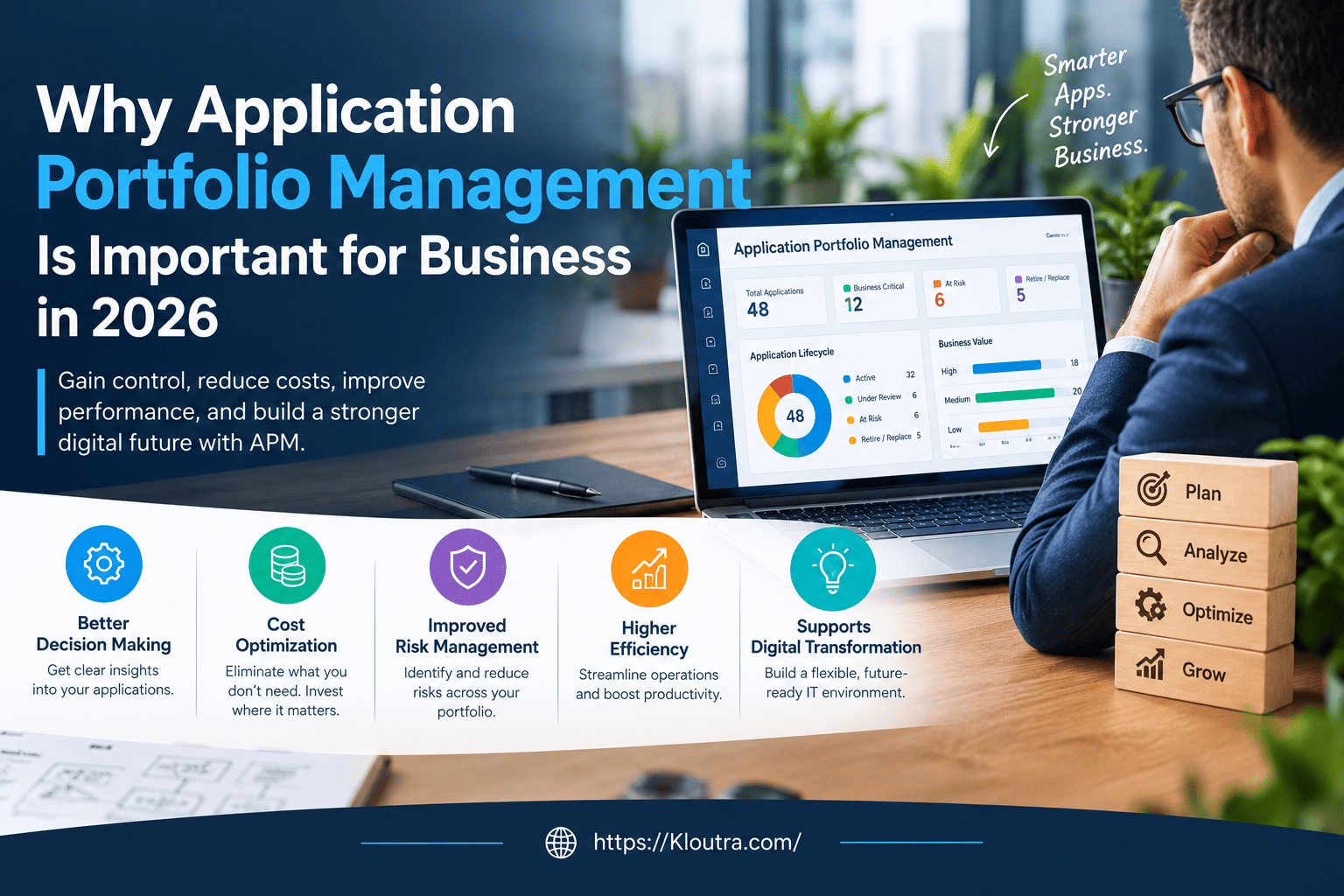
Application portfolio management is the practice of tracking every application your company uses, checking if each one still earns its place, and deciding what to keep, fix, or remove. Without it, companies pay for tools nobody uses, run outdated software that creates security risks, and waste IT budgets that could go toward growth instead.
In this article, we’ll break down what application portfolio management actually does, why it matters right now, its advantages and disadvantages, and how you can start doing it the right way.
What Is Application Portfolio Management?
Application portfolio management (APM) is the process of listing, evaluating, and managing all the software applications a business owns. Think of it as an inventory check, but for technology instead of warehouse stock.
Every app gets scored on things like cost, usage, security, and business value. Based on that score, IT leaders decide whether to keep an app, upgrade it, merge it with another tool, or shut it down completely. According to IBM’s overview of application portfolio management, APM helps CIOs and CTOs make more strategic investments by giving them a clearer picture of total cost of ownership across the tech stack.
Why Businesses Confuse APM With IT Asset Management
People often mix up application portfolio management with general IT asset management. They’re related, but not the same thing.
IT asset management tracks hardware and software licenses. APM goes deeper — it looks at how each application performs, how much value it delivers, and whether it still fits the business strategy. In short, IT asset management tells you what you own. APM tells you whether you should still own it.
Application Portfolio Management Importance in 2026
The importance of application portfolio management has grown fast, and there’s a simple reason why: companies are drowning in software.
According to Zylo’s 2026 SaaS Management Index, the average company now manages around 305 applications, spending roughly $55.7 million a year on SaaS tools alone. A large chunk of that spending happens outside IT’s direct control, because business teams buy their own tools without asking permission first.
That’s a problem. When nobody owns the full picture, companies end up paying for apps twice, running unsupported software, and missing security gaps until something breaks.
The Cost of Ignoring Your Application Portfolio
Older research and industry studies have long shown that a large share of IT budgets — often estimated around 70–80% — goes toward simply running and maintaining existing applications, leaving little room for new investment or innovation.
On top of that, it’s common for organizations to find that a meaningful share of their licensed applications are barely used, sometimes reported in the 20–50% range depending on the source and industry. Every one of those unused apps is still costing money every month.
Why 2026 Is Different
AI-powered tools are being adopted faster than ever, often without any formal approval process. Employees can sign up for a new AI app with a company card and start using it the same day.
This makes application portfolio management more urgent, not less. Businesses need a real-time, accurate view of their software landscape, not a spreadsheet from two years ago.
Advantages and Disadvantages of Application Portfolio Management
Like any business practice, APM has real upsides — and a few trade-offs worth knowing before you start.
Advantages
- Lower costs. Removing duplicate and unused apps frees up budget for tools that actually matter.
- Better security. Outdated, unsupported applications get flagged before they become a weak point.
- Clearer decisions. Leadership gets real data instead of guesswork when planning IT spending.
- Stronger alignment. IT and business teams work from the same picture instead of separate assumptions.
- More agility. A clean, well-documented portfolio makes it easier to adapt when the business changes direction.
Disadvantages
- Time and effort. Building a full, accurate inventory takes real work, especially in large organizations with years of shadow IT.
- Upfront cost. Discovery tools, APM software, or consulting support all cost money before any savings show up.
- Resistance from teams. Employees who rely on an unapproved tool may push back when it gets flagged for removal.
- Risk of rushed decisions. Retiring an app without checking its dependencies first can cause outages instead of preventing them.
- Needs ongoing maintenance. A one-time cleanup doesn’t last. Without regular reviews, the same problems creep back within months.
None of these disadvantages are a reason to skip APM. They’re simply reasons to plan the process carefully instead of rushing it.
Key Application Portfolio Management Benefits
Let’s look at the practical benefits companies get when they take APM seriously.
1. Lower IT Costs
This is the benefit most executives care about first. By spotting duplicate tools, unused licenses, and outdated systems, companies can redirect that wasted spending elsewhere.
Gartner has reported that software license optimization can cut related software costs by around 30% in many organizations, though actual savings vary by company and how mature their optimization process is.
2. Reduced Security and Compliance Risk
Old, unsupported applications are easy targets for cyberattacks. When an app reaches end-of-life and stops getting security updates, it becomes a weak point in your entire system. This is closely tied to application security planning — for a deeper look at how teams build this out, see this guide on how an application security manager builds an AppSec program.
APM helps flag these risks early, so security teams aren’t caught off guard.
3. Better Decision-Making for Leadership
CIOs and CTOs can’t make smart calls with incomplete information. A clear application portfolio gives leadership real data — not guesses — about where money is going and what’s actually delivering value.
4. Improved Business and IT Alignment
Sometimes IT builds systems that don’t match what the business teams actually need. APM forces both sides to talk, compare notes, and agree on what technology should support.
5. Increased Agility
When your application list is clean and well-organized, it’s much easier to adapt. Need to launch a new product line or enter a new market? A tidy application portfolio means fewer surprises along the way.
Application Portfolio Management Process: Step by Step
Here’s a simple breakdown of the application portfolio management process most companies follow.
Step 1: Build a Complete Application Inventory
You can’t manage what you can’t see. Start by listing every application in use — not just the ones IT approved, but the ones bought quietly by other departments too.
Relying only on self-reported lists rarely works well, since teams often forget tools they signed up for months ago. Automated discovery tools tend to give a more accurate picture than emailed spreadsheets.
Step 2: Classify Each Application
Once you have the list, score each app on two things: business value and technical health.
- Business value looks at how many people use it, and what would break without it.
- Technical health looks at vendor support, security, and maintenance cost.
This step is where application portfolio analysis really happens — turning a raw list into a decision-ready dataset.
Step 3: Map Application Dependencies
This step gets skipped a lot, and it shouldn’t. Before removing any app, check what else depends on it.
An app might look unused on the surface, but if it shares a database with three other critical systems, shutting it down without warning can cause a major outage.
Step 4: Rationalize the Portfolio
Now comes the actual decision-making. This is called application rationalization — sorting apps into four buckets: keep, modernize, consolidate, or retire.
This step is often the biggest source of quick savings, since it directly removes waste from the budget.
Step 5: Set Up Ongoing Governance
APM isn’t a one-time cleanup project. Without a governance process, shadow IT creeps back in within months.
Set clear rules for how new apps get approved, and give employees an easy way to request tools instead of buying them secretly.
Step 6: Review on a Regular Schedule
A quarterly review works well for most companies. Check upcoming renewals, flag low-usage apps, and reassess anything that’s changed since the last review.
Application Portfolio Management Strategy and Framework
A good application portfolio management strategy isn’t just about cutting costs. It should tie back to where the business is headed.
Building Your Application Portfolio Assessment Framework
A basic application portfolio assessment framework usually scores each app across four areas:
- Cost — licensing, hosting, and support expenses
- Usage — how often people actually open and use it
- Technical health — vendor support, integration complexity, and outdated code
- Business criticality — what happens if the app disappears tomorrow
Combining these scores into one framework removes the guesswork. Instead of debating opinions in a meeting room, teams can point to actual data.
Application Portfolio Optimization in Practice
Application portfolio optimization means constantly fine-tuning the mix of apps you keep. It’s not about deleting everything old — some legacy systems are still critical and simply need better support.
The goal is balance: fewer redundant tools, stronger security, and a tech stack that actually supports where the business wants to go.
Application Modernization Strategy
Not every outdated app needs to be thrown out. Some just need an application modernization strategy — updating the technology underneath while keeping the features people rely on.
This is often cheaper than replacing a system entirely, and it avoids the disruption of retraining staff on brand-new software.
Application Portfolio Management Best Practices
Here are practical best practices that separate a successful APM program from one that stalls out after month one.
Use Discovery Tools, Not Just Surveys
Asking department heads to list their tools rarely produces a complete inventory. People forget. Some don’t want to admit they bought something without approval.
Automated discovery — scanning networks, endpoints, and cloud accounts — gives a far more honest picture.
Don’t Ignore Shadow IT
Shadow IT refers to apps bought or used without IT’s knowledge. Gartner has estimated that shadow IT can account for a significant share of total IT spending in large organizations, and the trend has grown further with AI tools being adopted directly by individual employees.
Blocking everything usually backfires — people just get better at hiding it. A smoother approval process works better than strict lockdowns.
Track Real Usage, Not Just Login Counts
A tool might show daily logins while nobody actually uses its main features. Look deeper than login stats. Check whether people are completing real tasks inside the app, not just opening it out of habit.
Connect APM With ITSM and Change Management
When application data lives in a separate spreadsheet from your IT service management (ITSM) system, incident response gets slower. Connecting the two means support teams instantly see which apps are involved when something breaks.
Make Rationalization a Habit, Not a Project
Companies that treat application rationalization as a “one and done” event usually see their savings disappear within a year. New tools sneak back in, and old habits return.
Building a repeatable, quarterly cadence keeps the portfolio clean long-term.
Application Portfolio Management Tools and Software
There’s no single “best” application portfolio management software — the right pick depends on company size, budget, and existing systems.
Broadly, tools fall into a few categories:
- Enterprise architecture platforms (used for large-scale, cross-department portfolio mapping)
- SaaS management platforms (focused specifically on cloud subscription tools — browse examples in this list of SaaS tools)
- IT asset and discovery tools (used to find and track hardware and software across networks — see more business software options)
Whatever you choose, look for software that offers automated discovery, dependency mapping, and integration with your existing ITSM platform. A tool that just creates spreadsheets isn’t much better than doing it manually.
FAQ: Application Portfolio Management
What is application portfolio management in simple terms?
Application portfolio management is the process of listing every software application your company uses and deciding whether to keep, upgrade, merge, or retire each one. It helps businesses cut wasted spending and reduce security risks tied to outdated software.
How is application portfolio management different from application rationalization?
Application portfolio management is the full, ongoing process of tracking and managing all applications. Application rationalization is one specific step inside that process — the part where you actually decide which apps to remove or consolidate.
How often should a company review its application portfolio?
Most IT teams benefit from reviewing their portfolio quarterly. Industries with fast-changing SaaS adoption, like tech and finance, may need to review even more often, since new tools and renewals come up constantly.
Can small businesses use application portfolio management too?
Yes. While large enterprises manage hundreds of applications, small businesses can benefit from an even lighter version of APM — a simple spreadsheet tracking every subscription, its cost, and who uses it, reviewed every few months.
Does application portfolio management help with cybersecurity?
Yes, indirectly but significantly. By identifying outdated or unsupported applications, APM helps security teams patch vulnerabilities before they become entry points for attackers.
Conclusion
Application portfolio management isn’t just an IT chore — it’s a business decision that affects your budget, your security, and how fast your company can adapt. Businesses that skip it often end up paying for software they don’t need while missing risks hiding in plain sight.
Start small if you have to. Build a basic inventory, flag anything nobody remembers signing up for, and set a recurring date to review it. That one habit alone puts you ahead of most companies still relying on guesswork.
If your business hasn’t looked closely at its application portfolio in the past year, now’s a good time to start.
Disclaimer: This article is for general information only and isn’t professional IT or financial advice. Figures and statistics may change over time — always verify current numbers before making business decisions.