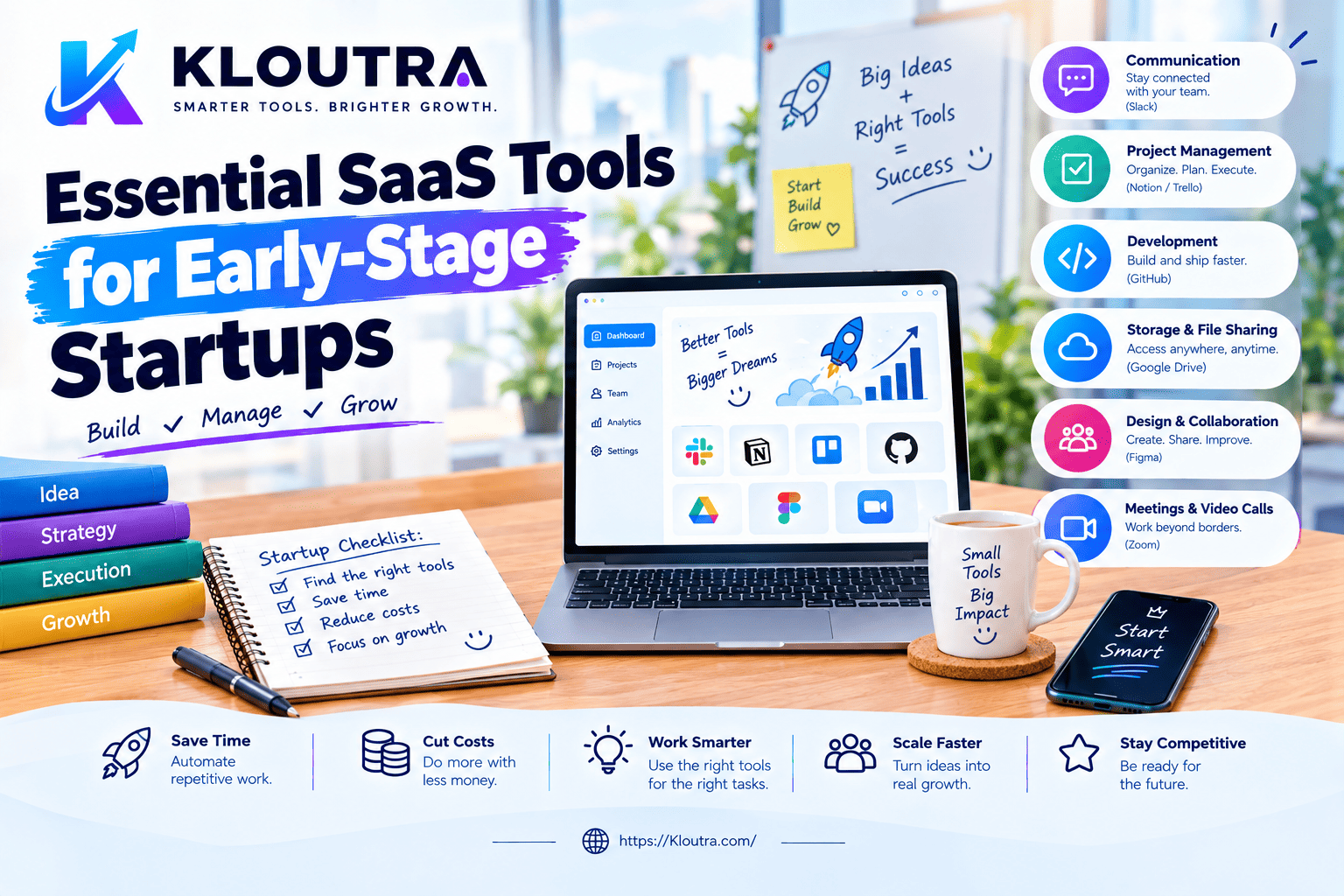
Top SaaS Tools to Improve Remote Team Productivity
Introduction
Remote teams need reliable software to stay organized and productive. SaaS tools for remote team productivity help teams manage tasks, communicate, share files, and collaborate from anywhere.
In this guide, we will explore the top SaaS tools for remote teams. You will also learn their key features and how to choose the right tools for your team.
What Are SaaS Tools for Remote Team Productivity?
SaaS tools are software applications delivered through the internet. Teams can access them without managing local software installations.
SaaS tools for remote team productivity help teams manage daily work online. They support communication, projects, file sharing, and other business tasks.
How SaaS Tools Support Remote Teams
Remote teams can access SaaS tools from different locations and devices. This makes it easier to work across locations and time zones.
Teams can share information, assign tasks, and track work online. Many tools also provide real-time updates and shared workspaces.
Key Features of Productivity SaaS Tools
Good productivity tools offer features that support everyday team workflows. Common features include task management and team communication.
File sharing, collaboration, integrations, and notifications are also common features. Many SaaS platforms also support automatic updates and flexible access.
Why Remote Teams Use SaaS Productivity Tools
Remote teams often depend on online tools to organize their work. SaaS platforms can bring different work activities into one digital environment.
They can also help teams share information and maintain visibility across projects. This makes daily collaboration easier for distributed teams.
Improve Team Communication
Communication tools help remote employees stay connected throughout the workday. Teams can use chat, video meetings, and shared channels.
These tools also keep important conversations easier to access later. Some platforms combine messages, meetings, files, and other work resources.
Manage Tasks and Projects
Project management tools help teams assign tasks and track deadlines. Team members can see responsibilities and monitor progress with multi-resource scheduling.
Shared task lists can also improve visibility across remote projects. This helps teams stay aligned on priorities and upcoming work.
Automate Repetitive Work
Automation features can handle routine tasks without manual effort. Teams can automate notifications, recurring tasks, and simple workflows.
This gives employees more time for work requiring human attention. Automation can also reduce repeated steps across common business processes.
Top SaaS Tools for Remote Team Productivity
The right tools help remote teams organize work and stay connected. Each tool serves a different purpose. Some manage projects, while others support communication or file sharing.
Project Management Tools
Project management tools help teams plan and track their work. They let users assign tasks, set deadlines, and monitor progress.
Common examples include Asana and Microsoft Planner. Both support task organization and team collaboration.
Communication and Meeting Tools
Communication tools help remote teams share updates and discuss work. They support messaging, meetings, and good virtual meeting etiquette.
Slack supports channels, messaging, and huddles. Microsoft Teams supports chat, online meetings, and file collaboration.
Time Tracking Tools
Time tracking tools help teams record time spent on work. They can support project planning and workload reviews.
Teams can use these tools to understand how they spend working hours. Features vary, so check each tool’s current plan before choosing.
File Sharing and Collaboration Tools
File sharing tools help teams store and access work documents online. They also support collaboration on shared files.
Google Drive and Microsoft OneDrive support online file storage and sharing. Teams can use them to access documents from different locations.
How SaaS Tools Improve Remote Team Collaboration
SaaS tools help remote teams work together from different locations. They keep communication, files, and tasks easier to manage.
Centralize Team Communication
SaaS platforms can bring team chats, files, and meetings together. This gives teams one place for important work conversations.
Team members can share updates without relying on long email threads. Organized channels can also keep conversations focused on specific projects.
Improve Workflow Visibility
SaaS tools can show tasks, deadlines, files, and project updates. Team members can see what needs attention and track progress.
This shared visibility helps remote teams stay aligned on daily priorities. Managers can also review progress without asking for constant updates.
Support Real-Time Collaboration
Many SaaS platforms let people work together on shared files. Team members can edit documents and see changes as they happen.
Real-time collaboration reduces the need for sending multiple file versions. It also helps remote teams work together across different locations.
How to Choose SaaS Tools for a Remote Team
The right software should match your team’s work, budget, and goals. Consider several factors before selecting a SaaS platform.
Consider Team Size and Needs
Think about how many people will use the software. Identify the tasks and workflows your team needs to manage.
Avoid paying for features that your team does not need. Choose software that fits your daily operations.
Check Integrations and Ease of Use
Look for software that connects with your existing business applications. These connections can make workflows smoother and reduce manual tasks.
The interface should also feel simple and easy to understand. Your team should not need extensive training to use it.
Compare Pricing and Scalability
Review each pricing plan and check what features it includes. Also, check how costs change when your team grows.
Choose a platform that can support more users later. This can prevent unnecessary software changes as your business expands.
Review Security Features
Check how the provider protects accounts, files, and business information. Look for features such as multi-factor authentication and access controls.
Also, review the provider’s security policies before storing sensitive data. Make sure the service meets your organization’s security requirements.
Remote SaaS Productivity Trends in 2026
SaaS platforms are adding more AI features to support everyday team tasks. AI agents and automation are also becoming more common in business software.
AI-Powered Productivity Features
AI features can help teams summarize information and organize routine work. Some tools can also assist with writing, research, and generative AI for content marketing.
AI adoption at work continues to grow across many organizations. However, productivity results can vary between teams and workflows.
Automated Team Workflows
SaaS platforms increasingly use AI to automate connected tasks and workflows. These features can move information between systems with less manual effort.
Some newer systems also use AI agents to complete multi-step tasks. Human review remains important for sensitive or complex work.
AI Team Analytics and Insights
Analytics tools can help teams understand activity, workload, and workflow patterns. AI can also summarize data and highlight information that needs attention.
These insights can support planning and resource decisions across remote teams. Teams should still review AI-generated insights before taking important actions.
Common Challenges With SaaS Productivity Tools
SaaS tools can improve workflows, but they also create some common challenges. Teams should manage these issues to keep work organized and secure.
Too Many Apps and Notifications
Using too many apps can make work harder to manage. Employees may switch between platforms throughout the day.
Frequent notifications can also interrupt focused work. Teams should limit unnecessary alerts and keep important communication organized.
Integration Problems
Different SaaS tools may not always work well together. Poor integration can create extra steps and duplicate work.
Teams should check available integrations before adding new software. This can help reduce workflow problems and unnecessary manual tasks.
Security and Privacy Concerns
SaaS platforms can store business data outside traditional company networks. This makes access controls and data protection important.
Teams should use strong authentication and limit unnecessary account permissions. They should also review how providers protect and handle business data.
Frequently Asked Questions
What are SaaS tools for remote team productivity?
SaaS tools are online software services that support remote work. They can help teams manage tasks, communicate, share files, and collaborate.
What SaaS tools do remote teams need?
Most teams need tools for communication, project management, and file sharing. Some teams also need time tracking or workflow automation tools.
The right mix depends on your team’s work and daily processes.
Can SaaS tools improve remote team collaboration?
Yes, these tools can make remote collaboration easier. They support shared workspaces, communication, file access, and project updates.
Teams should still set clear processes for using each tool.
How should businesses choose SaaS productivity tools?
Start by identifying your team’s needs and the work you want managed. Then compare features, integrations, pricing, scalability, and security.
Check user access controls and authentication options before choosing a service.
Conclusion
SaaS tools can help remote teams manage work more efficiently. They support communication, project management, file sharing, and collaboration.
The right tools should match your team’s needs and daily workflows. Choose software that remains simple, secure, and easy to manage.
A focused SaaS setup can reduce unnecessary work and improve team coordination. Review your tools regularly as your team’s needs change.
Disclaimer: The information in this article is provided for general informational purposes only. SaaS tools, features, pricing, and availability can change over time.
Every remote team has different needs and workflows. We do not guarantee that every tool will suit your specific requirements.
Always check the official website for the latest pricing, features, and security details. Review your software choices regularly as your team’s needs change.