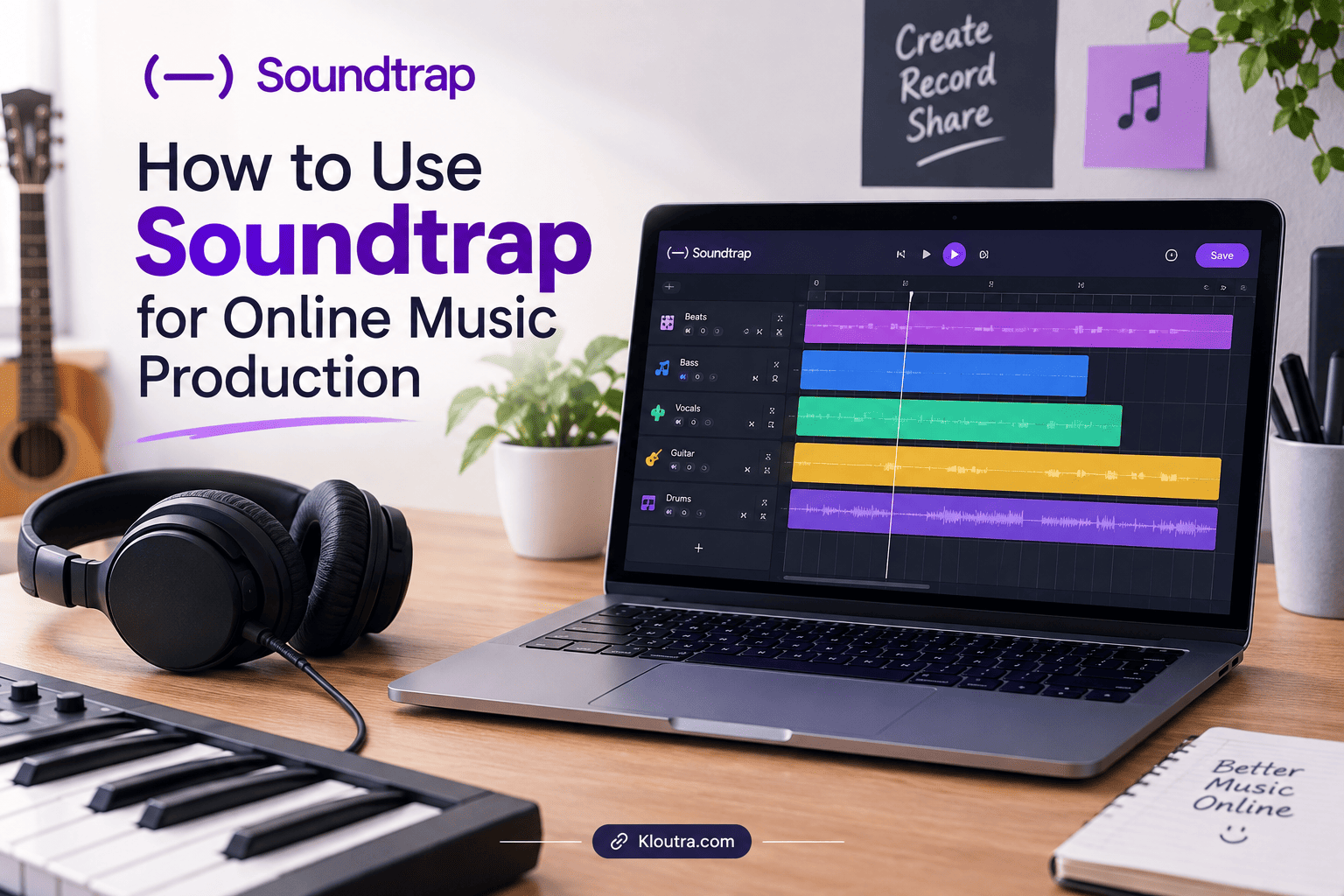
How to Use Soundtrap for Online Music Production
Introduction
Online music production has become easier with modern music creation tools. Soundtrap lets users record, edit, and create music directly online. It also supports collaboration, making it useful for musicians, podcasters, and beginners. This guide explains how to use Soundtrap for online music production.
What Is Soundtrap?
Soundtrap is an online digital audio workstation for creating music and podcasts. It works through a web browser on different devices. Users can record vocals, instruments, and other audio inside projects. They can also add loops, virtual instruments, effects, and samples.
Soundtrap also supports collaboration between multiple users. You can invite others to work on the same project. This makes it useful for musicians, producers, and beginners.
How Does Soundtrap Work?
Soundtrap works by putting music production tools inside an online studio. Users can create a new music project from their account. They can then add tracks, record audio, and arrange sounds.
Projects are saved in the cloud, so users can access their work across devices. This is similar to how cloud-based productivity apps keep information available across supported devices. Soundtrap also provides autosave for projects. This helps users continue working without manually transferring project files.
Soundtrap Online Music Studio
The Soundtrap online music studio provides tools for recording and editing audio. Users can also create and edit MIDI music. The studio includes virtual instruments, loops, samples, and audio effects.
Users can build songs by combining different tracks and sounds. They can adjust volume, add effects, and arrange sections. Soundtrap also supports live collaboration between users.
Soundtrap Cloud-Based Music Creation
Projects are stored online instead of relying only on local files. This allows users to access their work from supported devices.The platform supports web access, mobile apps, and a Mac desktop app.
Users can start an idea on one device and continue elsewhere. Their projects remain available through the same Soundtrap account. This makes online music production more flexible for different workflows.
How to Get Started With Soundtrap
Getting started with Soundtrap is simple for new users. You first need to access your Soundtrap account. Then, you can create a music project and begin exploring. Soundtrap offers both personal and education account options. For teams and businesses, SaaS tools for startups can also support online workflows and collaboration.
Creating a Soundtrap Account
Visit the Soundtrap website and choose the appropriate sign-up option. Personal users can create an individual Soundtrap account. Education users may access Soundtrap through their school or teacher.
After signing up, log into your Soundtrap account. You can then access the Studio and start creating projects. Your login method may depend on your account type.
Starting a New Music Project
Open Soundtrap and go to the project area. Choose New music project to begin creating music. Soundtrap also offers an option for creating podcast projects.
You can also choose collaboration when starting a project. This option lets you invite other users to participate.
How to Create Music in Soundtrap
Soundtrap gives you several tools for building music projects. You can record audio, add instruments, and use loops. You can also arrange different tracks inside your project.
Recording Vocals and Instruments
To record vocals, open your project and add a Voice & Mic track. Check your microphone permissions before starting the recording. Then, select the recording option and begin performing.
You can also record software instruments inside Soundtrap. Add a new track and select a software instrument. Enable recording and use the Record button.
For clearer recordings, use headphones or an external microphone. A quiet room can also help reduce unwanted background sounds.
Adding Loops and Virtual Instruments
Soundtrap includes loops, instruments, drum kits, and other music-making tools. You can browse available sounds and add them to your project. Some loops and instruments are free to use. Other sounds require a paid subscription.
You can also use virtual instruments without owning physical instruments. Select an instrument and add it to your project. Then, enable recording and play notes using your device.
How to Edit Audio in Soundtrap
Soundtrap provides simple tools for editing recorded audio and music tracks. You can cut, split, move, and arrange audio regions. These tools help you organize your project more easily.
Cutting and Arranging Audio
You can split audio regions at specific points in your project. Place the playhead where you want to make the cut. Then use the split option to divide the region.
After splitting audio, you can arrange the separate regions. You can move them to different positions on your track. Soundtrap also provides tools for copying and removing regions.
Adding Effects and Adjusting Sound
Soundtrap lets you add different effects to your audio tracks. Open the Effects menu and choose an effect for your track. Available effects can change the character of your recording.
You can also adjust track volume using automation controls. Volume automation lets you change levels during different parts. Other automation options include panning and certain effects.
How to Use Soundtrap for Collaboration
Soundtrap allows users to work together on music projects in real time. You can invite other people directly to your project. This makes shared music production easier for different creators.
Inviting Collaborators
You can invite collaborators from your Soundtrap project. Open the Collaborators tab and select the Invite option. You can also invite people from your project page.
Soundtrap lets you share an invitation link with collaborators. You can also add their email address directly. People without accounts must sign up before accessing the project.
Working on Music Projects Together
Collaborators can work on the same Soundtrap project together. Soundtrap supports real-time collaboration for shared projects. Changes can be saved automatically while users work. These features can also support workflows that use remote team productivity tools for managing online projects.
Each person can contribute to the project using available tools. You can record, edit, and arrange different parts together. This workflow can help teams develop music more efficiently.
100% accurate and up-to-date.
How to Use Soundtrap for Podcasting
Soundtrap also supports podcast recording and editing. You can create a new podcast project from Soundtrap’s home page. The Studio lets you record and edit different voice tracks.
Recording Podcast Episodes
Start by creating a new podcast project in Soundtrap. Add a voice track and select your microphone. Make sure Soundtrap has microphone permission on your device. Then, enable recording and start your episode.
You can add separate tracks for different speakers. This setup helps you manage each voice during editing. Soundtrap also supports recording with collaborators in shared projects.
For better recordings, use headphones or an external microphone. A quiet room can also reduce unwanted noise and room reflections.
Editing Podcast Audio
Soundtrap provides several tools for editing podcast recordings. You can split regions and remove unwanted parts from recordings. You can also adjust track levels and add audio effects.
Soundtrap also offers podcast transcription and text-based editing features. You can transcribe selected voice tracks inside the Studio. Then, you can delete or move words and sentences. These transcript edits also change the recorded audio.
After editing, you can prepare your finished episode for publishing. Soundtrap currently supports direct podcast publishing to Spotify.
What Are the Benefits of Soundtrap?
Soundtrap makes online music production easier for different types of creators. You can record, edit, arrange, and mix music online. It also supports collaboration, so multiple users can work together. Projects use cloud storage and autosave for easier access.
Soundtrap also offers a free plan for basic music creation. Paid plans provide additional sounds and production features. This gives users different options based on their needs.
What Features Does Soundtrap Offer?
Soundtrap includes tools for music production, recording, editing, and mixing. It also provides loops, virtual instruments, effects, and MIDI tools. Some advanced features depend on the Soundtrap plan you choose.
Music Production Tools
Soundtrap offers many virtual instruments for creating different types of music. These include synths, organs, guitars, bass sounds, and drum kits. Its Piano Roll lets you create and edit MIDI notes.
You can also use loops and samples to build tracks faster. Soundtrap provides a large library of loops and sounds. Some content is available only with paid subscriptions.
Soundtrap also includes a Patterns Beatmaker for creating drum patterns. Its effects help users shape and mix their tracks. Available effects include EQ, compression, reverb, and automation.
Audio Recording and Editing Tools
Soundtrap lets you record vocals and instruments directly inside Studio. You can also import audio files into your projects. The platform supports editing audio and MIDI tracks within Studio.
You can split, trim, copy, paste, and loop audio regions. Soundtrap also provides effects for improving and shaping recordings. These tools help users create more polished music projects.
Is Soundtrap Good for Beginners?
Yes, Soundtrap can be a useful choice for beginners. Its studio is designed for both beginners and experienced creators.
The interface provides simple tools for recording and creating music. Beginners can use loops, instruments, and templates to start quickly.
The free plan also lets users create and save music projects. It includes selected loops, instruments, drum kits, and studio tools.
Beginners can start with basic features before exploring advanced tools. Paid plans provide additional sounds and production features.
Conclusion
Soundtrap makes online music production simple for beginners and experienced creators. You can record vocals, add instruments, and edit tracks online. You can also use loops, effects, and MIDI tools for production. Soundtrap supports real-time collaboration with other creators on shared projects. Your projects can stay saved in the cloud for easy access.
You can start with basic tools and learn more as you practice. Soundtrap also offers free and paid plans for different production needs.
Disclaimer: This article is for informational purposes only. Soundtrap features, plans, and pricing may change over time. Please check the official Soundtrap website for the latest information.